Comparison · Design Templates
StoryboardCanvas vs. Canva
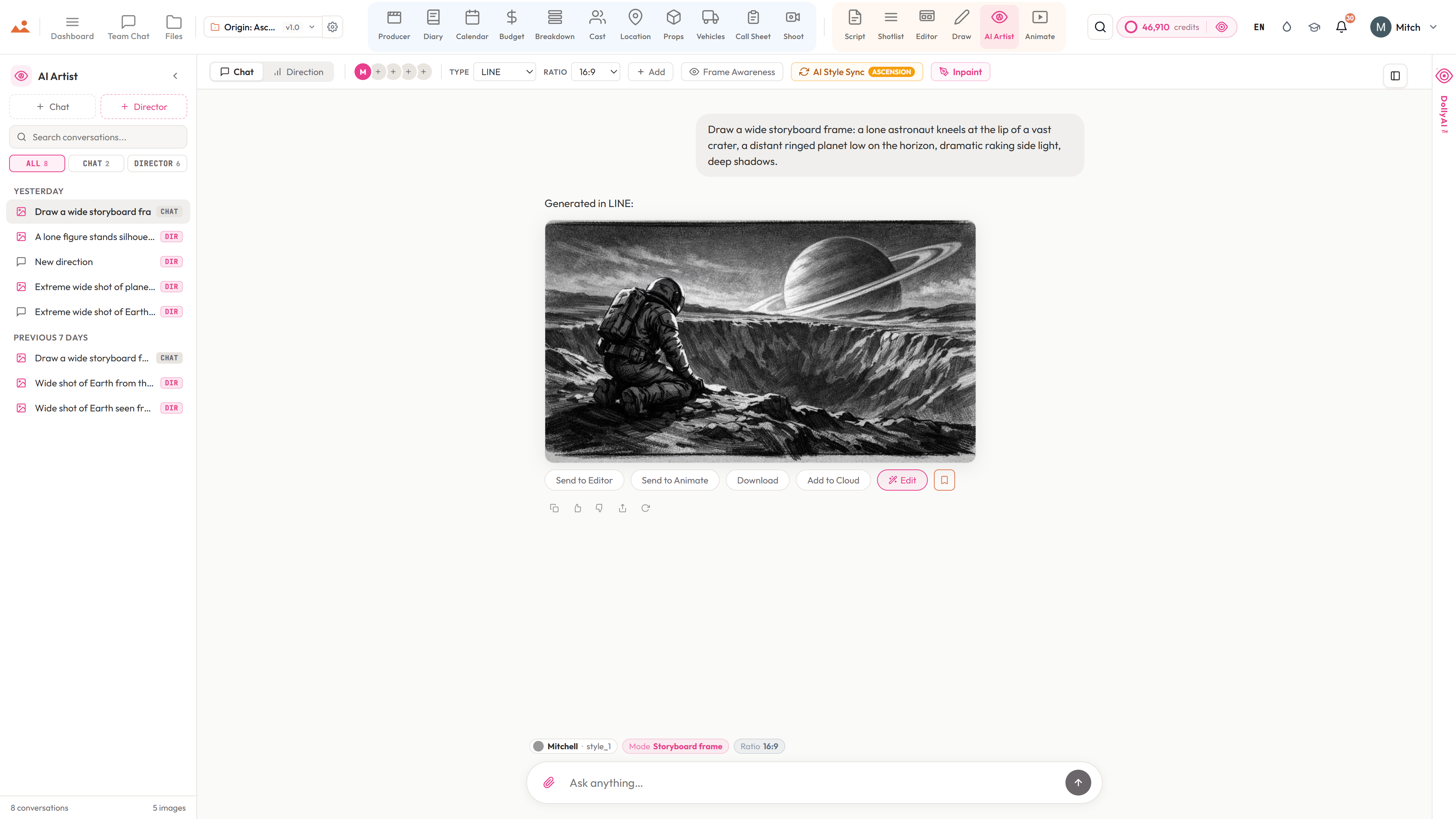
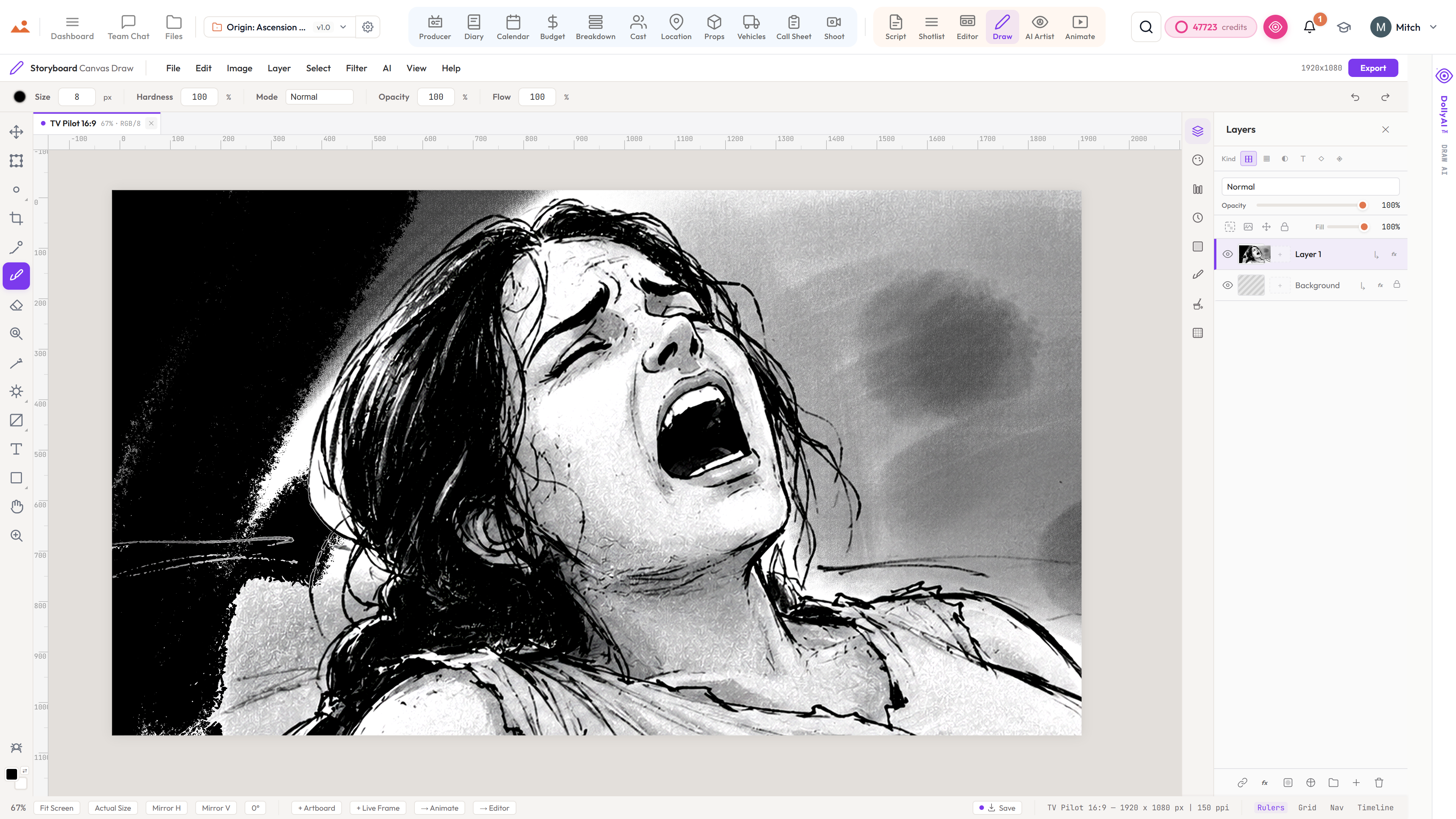
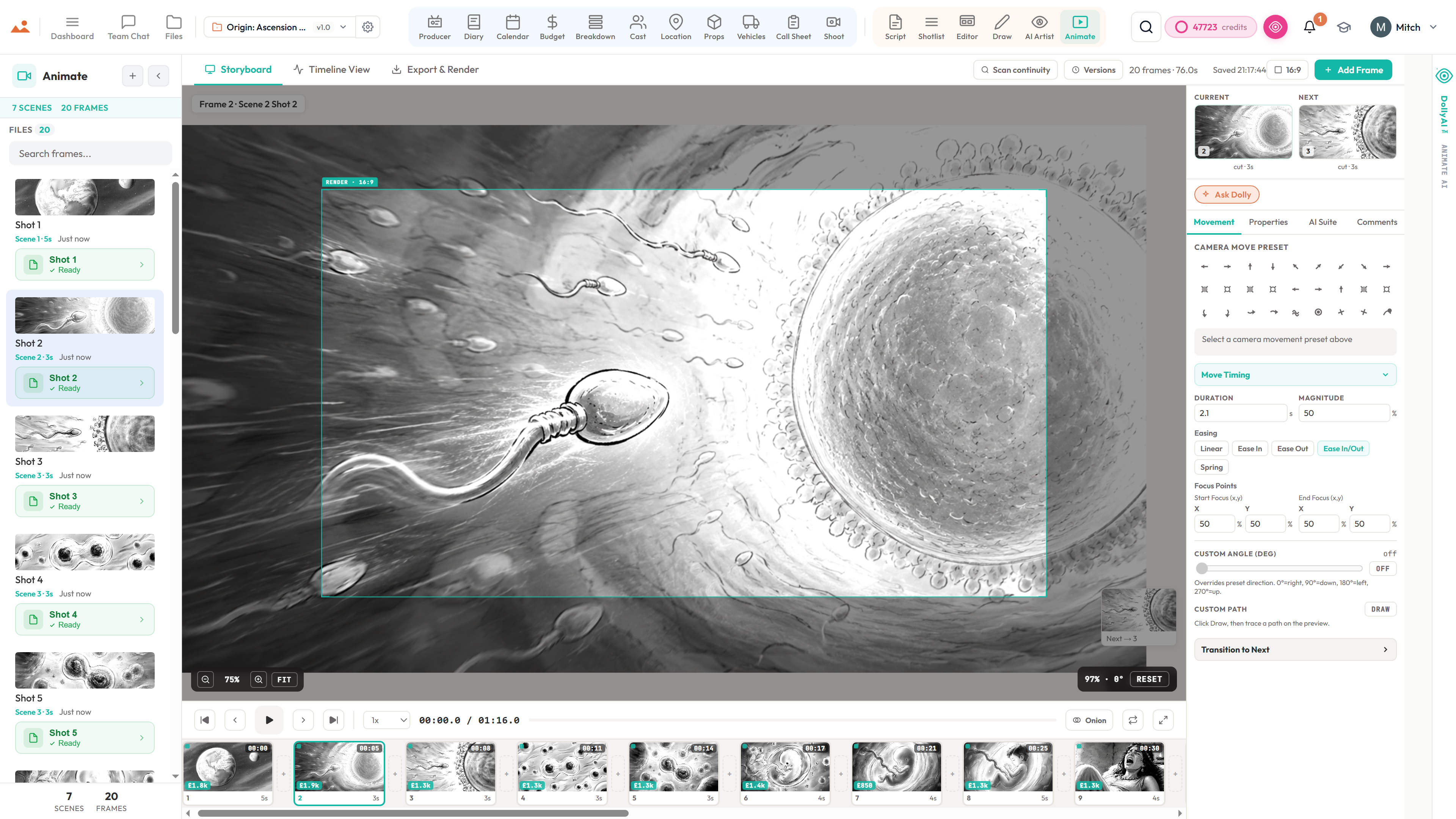
Canva has storyboard templates. StoryboardCanvas has a storyboard tool built for film - Draw, AI Artist, an animatic, and a shot list that feeds your shoot day.
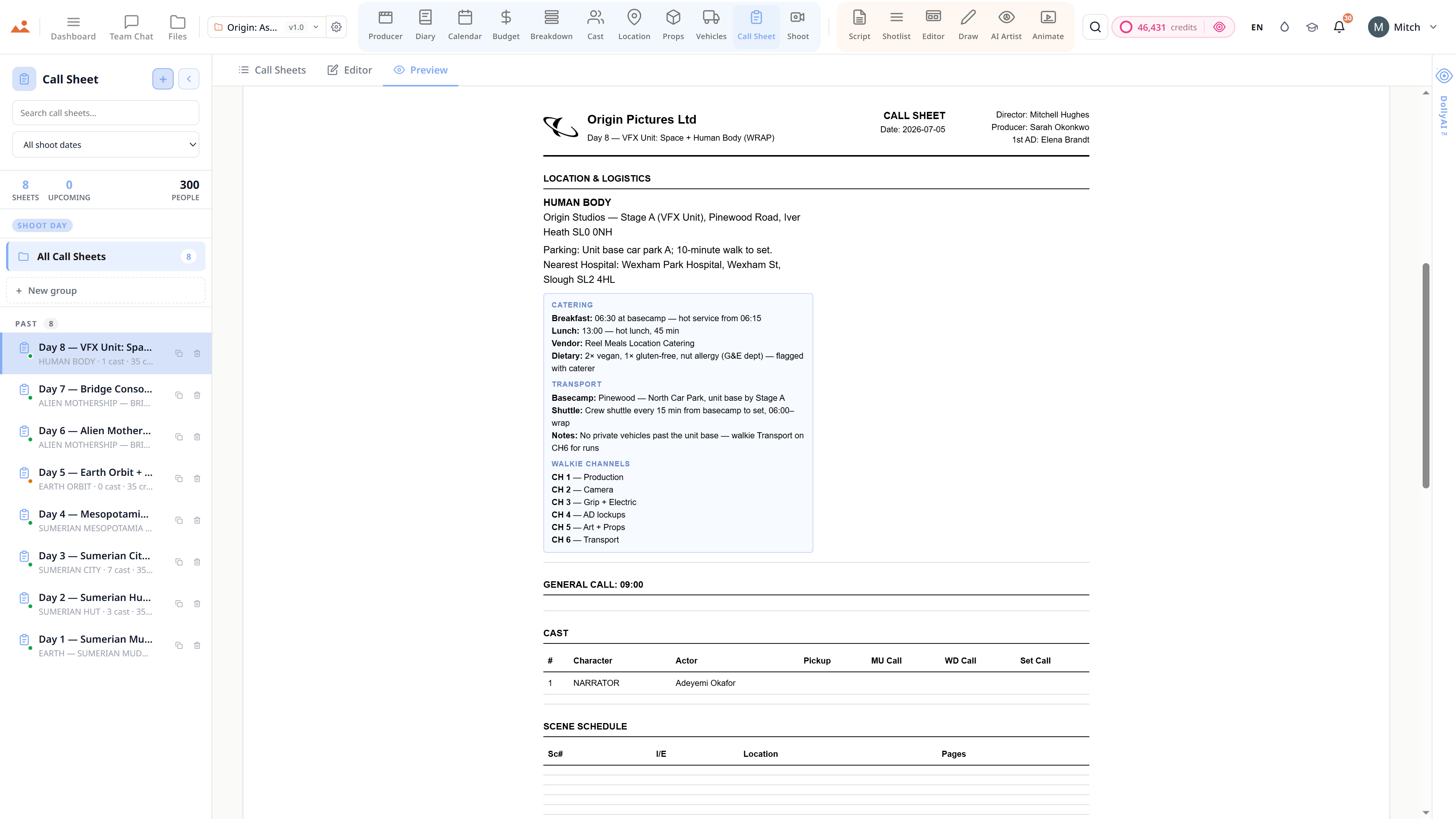
Canva is a brilliant general design tool with drag-and-drop storyboard templates. It's built for graphics, not productions - there's no breakdown, no shot list, no schedule and no animatic playback. StoryboardCanvas is the purpose-built version: draw or AI-generate boards, animatic them, list the shots, and hand the data to your call sheet and shoot day.
Feature-by-feature
Side by side.
Pricing and feature comparison verified November 2025 from each vendor's public pricing page. We refresh whenever a vendor publishes a new tier. Canva pricing: Free / Pro ~$15/month.
The verdict
"For posters and decks, Canva. For boarding a script and carrying it to the shoot day - storyboards, animatic, shot list, call sheet - StoryboardCanvas is the purpose-built tool."
More comparisons