Screenplay software that writes your script breakdown for you.
A real screenplay editor with Final Draft and Fountain import, revision mode and live collaboration. Every scene heading, character and location flows straight into the breakdown, the schedule and the shot list. No re-typing, no copy-paste.
See the Script editor →


What's inside Script
Screenplay software that writes the breakdown.
- Every scene heading carries a stable scene id, so renaming a heading never breaks the shot list, the boards or the schedule downstream
- Read-through with AI character voices, or your own browser voices, for a table read you can run alone
- Screenplay translation for co-productions, with the original always one click away
- Voice-to-script dictation, and a clearance scan that flags the names and marks a lawyer will ask about
- Typed screenplay blocks with Tab cycling
- Scene headings, dual dialogue, parentheticals
- Revision mode with locked numbers and colored pages
- Watermarked distribution - per-recipient expiring links, every download stamped + traced
- AI Clearance Scanner - brands, real people, music and trademark flags before E&O reads it
- Autosave history, named versions, and editable drafts
- Text-to-speech readthrough with per-character voices
- Full import/export: FDX, Fountain, Celtx, PDF, RTF, DOCX
The pipeline
Where Script sits in the production flow.
The source of truth. Every downstream app - breakdown, shotlist, cast, schedule, call sheet, sides - reads from this one screenplay. Rename a scene heading in /script and every dependent surface picks it up on the next save. Type new dialogue and the AI breakdown re-runs only the affected scenes.
Upstream
This app
Script
Owned by: Writer / Director
Feeds downstream into
Inside the app
Every shipped feature, fully wired.
Each block below maps a real shipped capability to the workflow it powers. No vapourware, no coming-soon.

DollyAI™ in this app
AI commands wired into Script.
A few of the 200+ DollyAI commands across the suite, here in Script. Every one shows its credit cost before you commit, and every response is anchored in your real project - not a generic prompt.
Continuity check
3 crNamed-character + plot drift across the whole script. Surfaces moments where Sarah is at the diner at 8pm in scene 12 and at the office in scene 13.
Coverage report
8 crStructure, pacing, marketability - the report a paid script reader would deliver. Anchored in genre + tone, not generic.
Scene rewrite
4 crPer-scene rewrite proposal with full diff preview. Accept whole, accept inline, reject.
Dialogue polish
3 crPer-character dialogue pass - voice, idioms, register. Keeps every other character's lines untouched.
Pacing critique
3 crLine-by-line pacing annotations + per-act runtime estimate at 1 page = 1 minute industry standard.
Format conversion
2 crConvert FDX to Fountain, Fountain to FDX, with industry-standard fidelity. Locked numbers preserved.
Beat board summary
3 crReads the script and proposes a beat-board layout - act breaks, midpoint, climax, resolution.
Sides packet
2 crOne-click sides for any scene, day, or actor. PDF formatted to industry standard.
Read-through TTS
1 crPer-block TTS in any of 9 voices with per-character voice assignment.
Voice + speech profile
3 crPer-character voice ID - pace, register, idioms. Feeds the TTS voice matching.
Talks to every app
Script reads + writes to the same project file.
No re-entry, no copy-paste, no out-of-sync versions. Every connection below is a live data path in the running product.
Breakdown
Every save re-runs AI breakdown on changed scenes only. Cast, props, vehicles, locations re-tag automatically.
Shotlist
Bulk-parse the whole screenplay into a shotlist with one click - NDJSON stream, per-scene credit accounting.
Cast
Auto-extracted character list lands in /cast as roster rows. Voice profiles feed TTS assignment.
Call Sheet
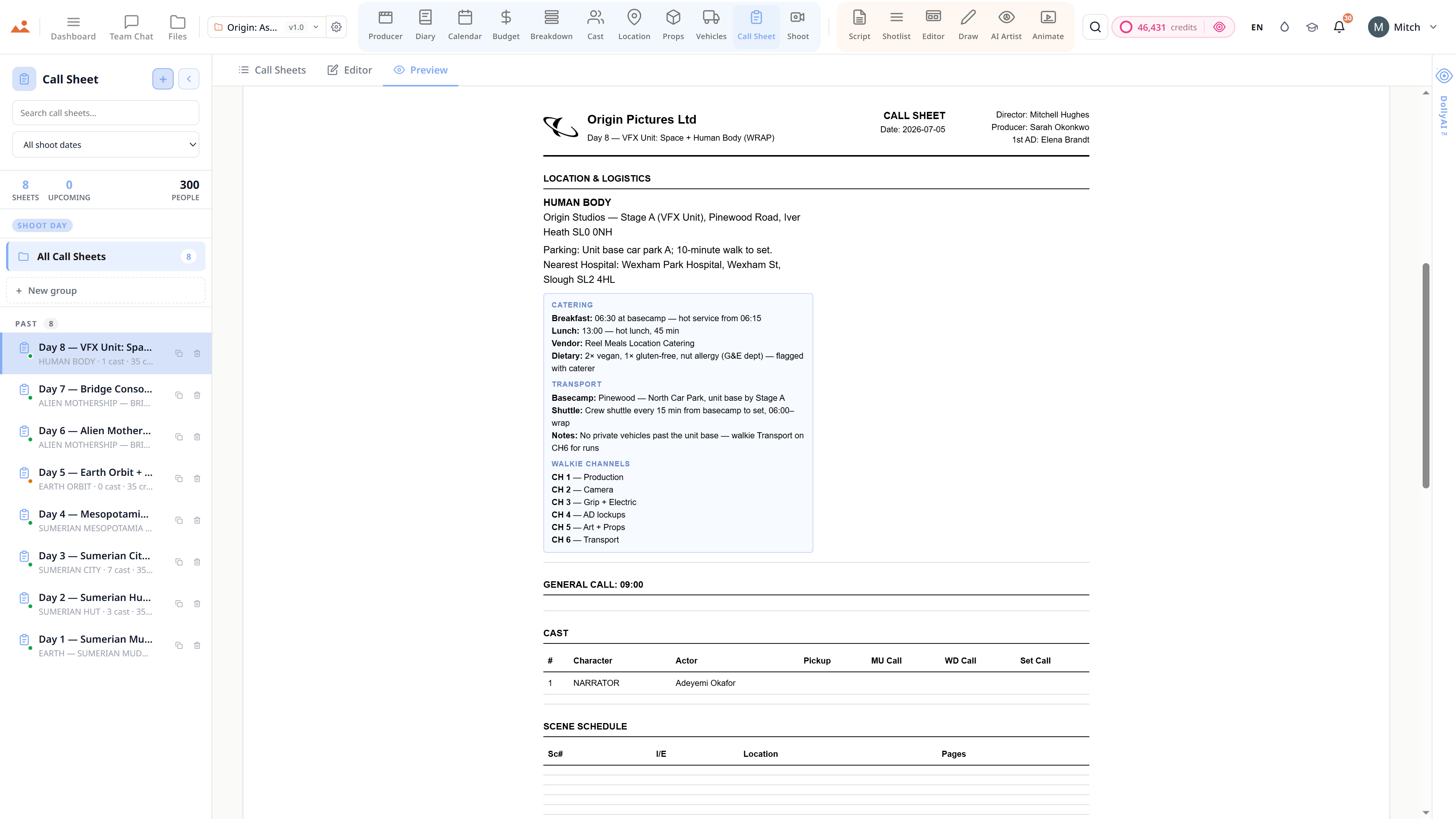
Sides packet per scene flows into the daily call sheet with character names + character lines pre-filled.
Editor
Stable scene IDs flow Script → Shotlist → Editor → Animate. Rename a heading and every linked frame stays linked.
Frequently asked
Common questions about Script.
Can I import my Final Draft (.fdx) script?
Yes. Drag the .fdx into the Script app and it renders with full fidelity - locked scene numbers, revision-coloured pages, dual dialogue, parentheticals, transitions. Export back to .fdx and Final Draft opens it identically.
Does the read-through use a single robotic voice?
No. Assign any of 9 production-grade TTS voices to each character spanning warm / bright / dry / theatrical timbres. Per-character direction supported ("young, slightly out of breath, urgent whisper"). The result reads like a table read, not a synthesised dictation.
Can multiple writers edit the same script at the same time?
Yes. TipTap-backed real-time collaboration with live cursors, scene-anchored comments, @-mentions, threaded replies. Every change is audit-trailed in the unified producer feed. Cross-tab sync runs through Supabase Realtime at ~250ms latency.
Does revision mode preserve locked scene numbers?
Yes - and the industry-standard coloured pages too (White → Blue → Pink → Yellow → Green → Goldenrod → Buff → Salmon → Cherry). Lock the script and every subsequent change ships as a coloured revision page with the original scene numbers intact.
Will the AI breakdown re-run on every save?
No - it re-runs only on the scenes you actually changed. The diff-aware breakdown engine compares the new draft against the last broken-down version and re-tags only the affected scenes. Saves credits + keeps cast / props / vehicles autoseeds idempotent.
Can I export sides for a specific actor or day?
Yes. One-click sides generation - by scene, day, or actor. PDF formatted to industry standard. Lands in your downloads with the production name + actor name + scene range + revision colour in the header.
The Promise
Script is on every tier.
No locked features, no Pro-only exports, no surprise paywalls. Every Script tool on this page ships on every plan - Hobbyist to Enterprise.