AI script breakdown software - tag every element in one pass.
Dolly reads your screenplay and tags cast, props, vehicles, locations and stunts in minutes. Every element flows into the cast list, the budget and the stripboard, colour-coded the way the industry expects.
See the Breakdown →


What's inside Breakdown
AI script breakdown software, in one pass.
- Element matrix - scene by category coverage as one grid, so the missing wardrobe or the untagged stunt jumps out weeks before it becomes a shoot-day problem
- One-line schedule - every scene as a single row with page count, estimated time, cast numbers and location, the document the 1st AD actually carries
- Day out of Days built straight from the breakdown, with a cast cost roll-up underneath: days worked times daily rate, totalled
- Strip board that carries each scene's synopsis, cast, elements, page count and estimated screen time
- Full-script AI breakdown in a single pass, batched in parallel
- 12 industry-standard colour categories (StudioBinder-compatible)
- Scene view and grid view, filterable by category
- One-click push to Cast, Props, Vehicles, and Schedule
- Manual overrides preserved across re-runs
- Exports the classic DOOD-ready breakdown sheet as PDF
- MMS XML import and export - round-trip your breakdown with any legacy stripboard pipeline
- Per-element AI confidence scores (0-100%) - sort low-confidence items to the top for human review
- Five canon tag-library presets - feature, drama, limited series, indie short, commercial - apply on import
- Multi-language scene-heading parsing - English, Spanish, French, Italian, German
- Incremental re-analysis - re-run breakdown after a script edit and only the changed scenes re-tag (no charge if nothing changed)
The pipeline
Where Breakdown sits in the production flow.
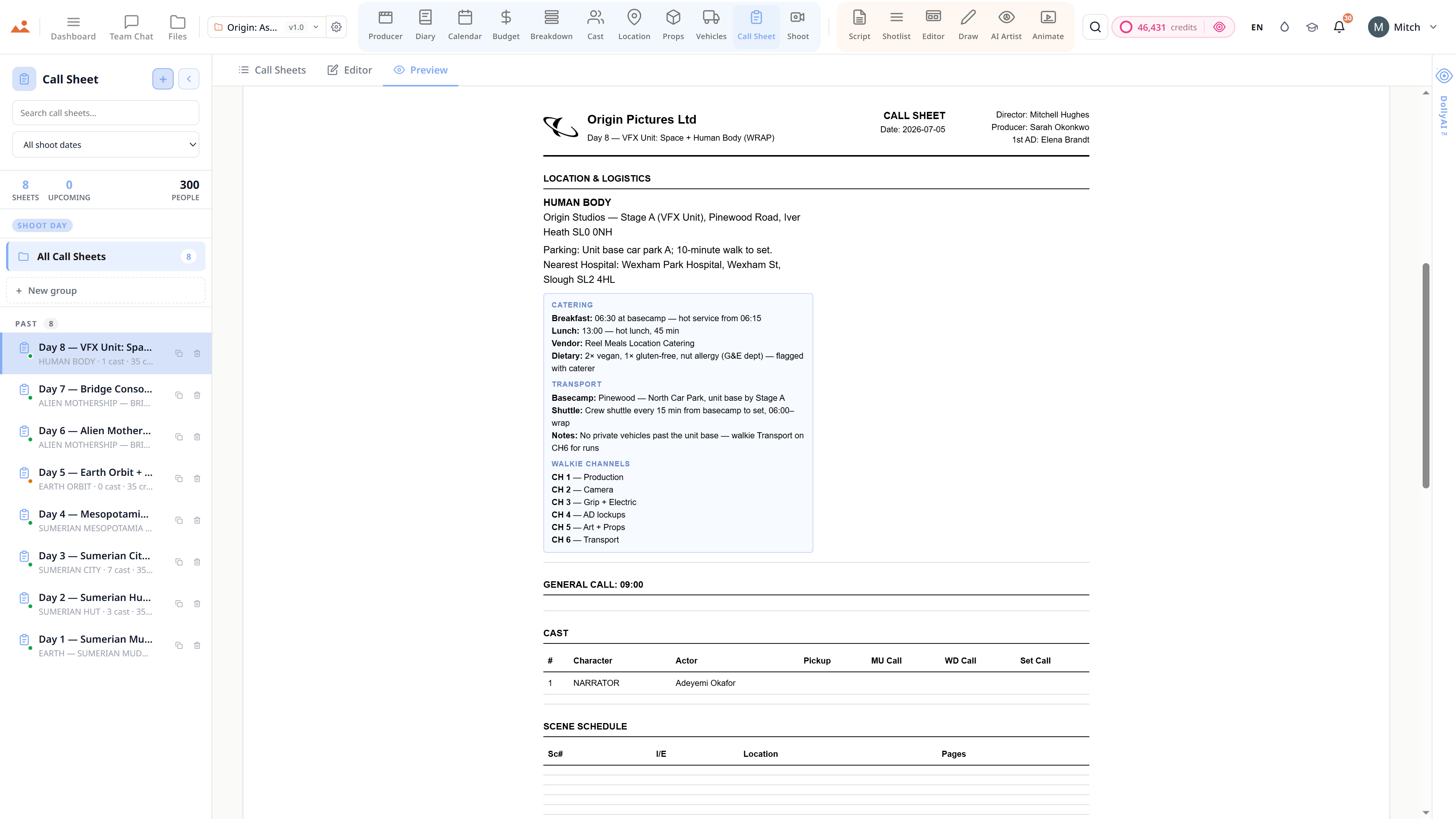
The breakdown is where script becomes production. Every tagged element flows into the matching producer app - cast names land in /cast, props land in /props, locations land in /locations, vehicles land in /vehicles. The schedule, call sheet, and budget all read from the breakdown's per-scene element counts.

DollyAI™ in this app
AI commands wired into Breakdown.
A few of the 200+ DollyAI commands across the suite, here in Breakdown. Every one shows its credit cost before you commit, and every response is anchored in your real project - not a generic prompt.
Full-script breakdown
15 crBatched parallel pass across the whole screenplay. Diff-aware on re-runs - only changed scenes re-tag.
Per-scene re-tag
1 crRe-run breakdown on a single scene after a script edit. Idempotent against downstream autoseeds.
Custom-tag suggestion
2 crReads the scene + asks: what tags are missing that the AI didn't catch? Surfaces stunts, animals, special equipment Dolly might have skipped.
Talks to every app
Breakdown reads + writes to the same project file.
No re-entry, no copy-paste, no out-of-sync versions. Every connection below is a live data path in the running product.
Script
Every save of /script re-runs breakdown on changed scenes only - diff-aware, credit-cheap.
Cast
Character names autoseed into /cast as roster rows. Idempotent - re-running breakdown doesn't duplicate cast entries.
Props
Hero + background props autoseed into /props with quantity counts from across all scenes.
Vehicles
Picture cars + unit vehicles autoseed into /vehicles with scene refs.
Locations
INT/EXT locations autoseed into /locations with day/night + scene count.
Budget
Per-category counts feed budget-line suggested-adds (props × £50, vehicles × £1500/day, etc.).
The Promise
Breakdown is on every tier.
No locked features, no Pro-only exports, no surprise paywalls. Every Breakdown tool on this page ships on every plan - Hobbyist to Enterprise.