Prop management software with built-in costume continuity.
A searchable props and wardrobe database with continuity references across every scene, a maker-commission tracker and a hire/buy/make comparator. Props autoseed from the breakdown with quantity counts.
See Props →


What's inside Props
Prop management and costume continuity.
- Costume continuity - what each character wears scene by scene, against the reference photo the continuity supervisor is actually checking, with a loud flag on any costume that has none
- Hire burn per day and an insurance schedule of values across the whole prop inventory
- Quantities the way an art department thinks: one hero plus three doubles, with period, sourcing and what the prop must do on camera
- Seeded straight from the breakdown's prop tags, so the list starts as everything the script asks for
- AI-extracted props list from your script
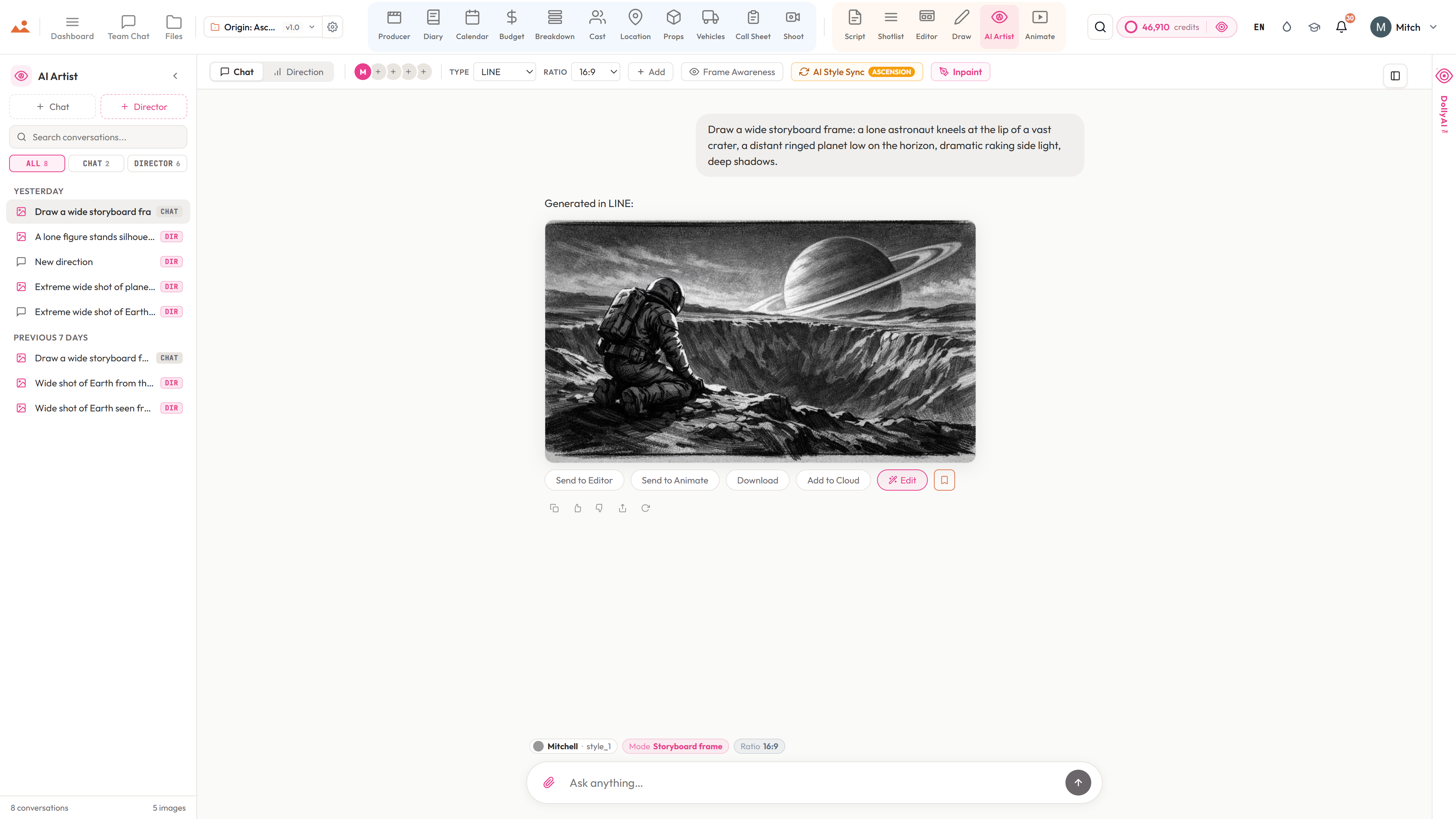
- AI Artist prop concept renders - style-locked design before you buy or build
- Source tracking: own / rent / buy / build
- Per-item budget, vendor, and return date
- Scene assignment with conflict alerts
- Hero vs. background prop tiering
- Photo-linked continuity log
The pipeline
Where Props sits in the production flow.
The art-department spine. Props sits between the breakdown's prop extraction and the budget's prop-line items. Every hero or background prop lands here with its scene refs, source mode (own/rent/buy/build), vendor info, return date, and per-tier budget impact.
Feeds downstream into

DollyAI™ in this app
AI commands wired into Props.
A few of the 200+ DollyAI commands across the suite, here in Props. Every one shows its credit cost before you commit, and every response is anchored in your real project - not a generic prompt.
Concept render
25 crSend the prop's notes + reference photos to the AI Artist for a style-locked concept design before building or hiring.
Sourcing suggestion
2 crReads the prop's brief + budget + needed-by date and proposes rent vs buy vs build with realistic UK / US vendor pricing.
Continuity check
3 crCross-scene check that the same prop appears with the same state across every scene it touches.
Talks to every app
Props reads + writes to the same project file.
No re-entry, no copy-paste, no out-of-sync versions. Every connection below is a live data path in the running product.
Breakdown
Breakdown extracts every prop tag + autoseeds it into /props with scene refs + tier intact.
Budget
Per-prop budget impact (rent/day, build cost, return-date penalty) rolls up to the budget department lines.
AI Artist
Per-prop Send to AI Artist for style-locked concept renders before art-department spend.
Call Sheet
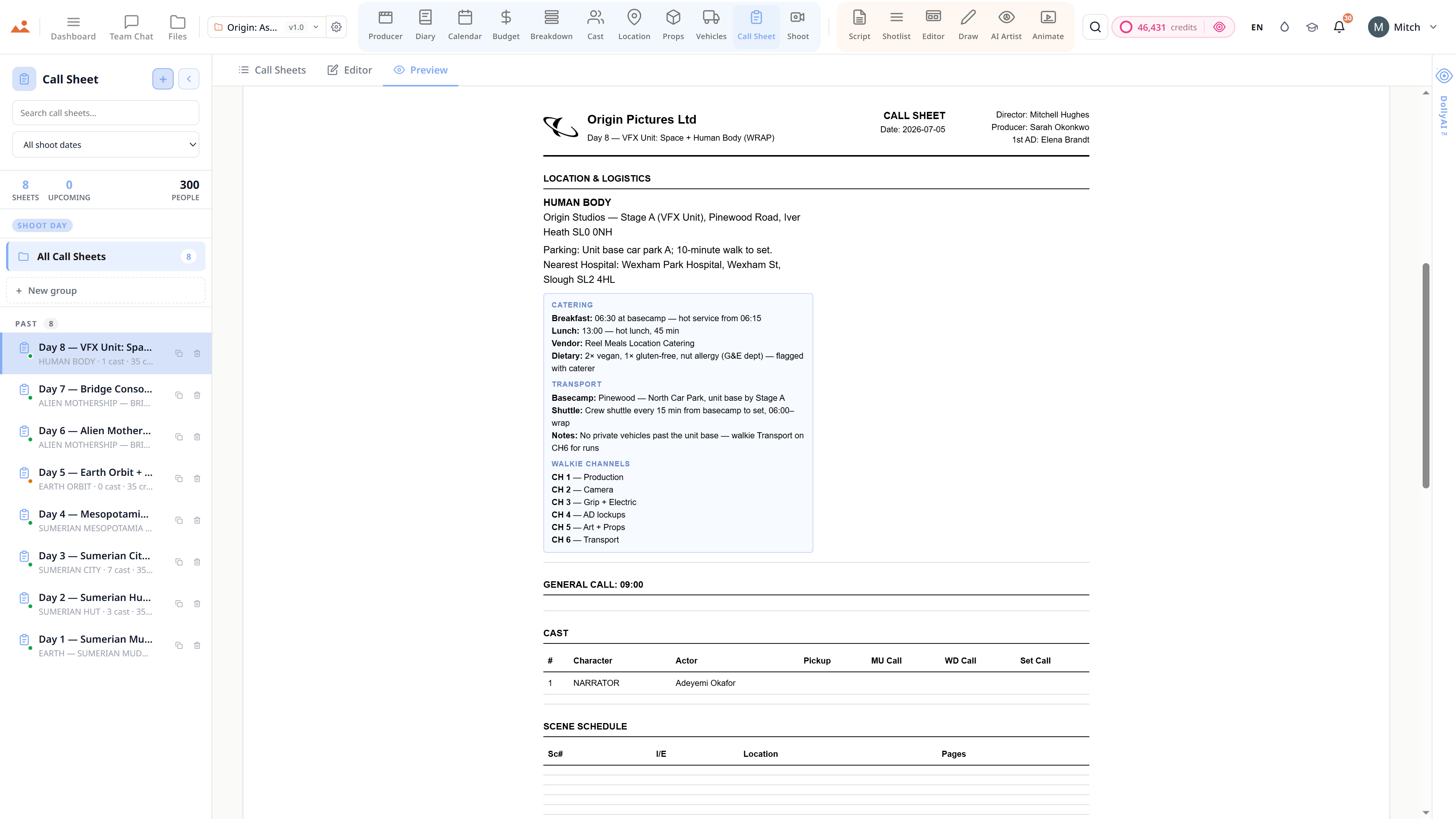
Hero props per shoot day surface on the daily call sheet for the art department's morning check.
Shoot
Prop inventory feeds the equipment manifest checkout chain on shoot day.
Frequently asked
Common questions about Props.
Does the breakdown automatically extract props?
Yes. The AI breakdown engine tags every prop in the screenplay and autoseeds it into /props with quantity counts, scene refs, and hero/background tier intact. Idempotent on re-runs.
Can I track rented vs owned vs built props differently?
Yes - four source modes per prop (own / rent / buy / build), each with its own budget impact, vendor info, return date, and depreciation. The budget department lines roll up by mode.
Does the AI Artist actually understand my prop?
Yes - send the prop's notes + reference photos to the AI Artist, locked to your project's style, and it generates a concept render that matches your show's aesthetic. Cheaper than the first round of art-department drafts.
What's the difference between hero and background props for scheduling?
Hero props (carried by the principal cast) need to be on set, accounted for, and tracked frame-by-frame for continuity. Background props (set dressing) tier lower in the daily call sheet + don't need continuity tracking. The system treats them differently throughout.
The Promise
Props is on every tier.
No locked features, no Pro-only exports, no surprise paywalls. Every Props tool on this page ships on every plan - Hobbyist to Enterprise.