Production team chat anchored to the line, the frame and the day.
Real-time channels per department with threaded replies and frame-anchored comments, syncing live across every device on the crew. No more lost Slack threads or group texts that fall apart at wrap - every conversation pinned to the work it is about.
See Team Chat →
What's inside Team Chat
Production team chat, per department.
- Channels that keep the record - the production office, camera and lighting, art and locations, VFX and post, wrap and delivery - sitting next to the schedule and budget they are about
- Channels, DMs, and threaded replies
- Comments anchored to script lines and frames
- @mentions, approvals, and audit trails
- Presence indicators and live cursors
- Read receipts on call sheets and sides
- Email and SMS bridges for non-app crew
The pipeline
Where Team Chat sits in the production flow.
The conversation tool that actually understands the work. Team Chat lets you anchor a comment to a script line, a storyboard frame, a cast row, a call-sheet entry - and the conversation lives on that surface for every recipient. No more lost Slack threads. No more group texts that fall apart at wrap.
Upstream
This app
Team Chat
Owned by: Everyone - comments where the work happens
Feeds downstream into

DollyAI™ in this app
AI commands wired into Team Chat.
A few of the 200+ DollyAI commands across the suite, here in Team Chat. Every one shows its credit cost before you commit, and every response is anchored in your real project - not a generic prompt.
Catch-up summary
2 crCame back from a 3-day break? Dolly summarises every channel + thread you missed, organised by project, with @-you flagged at the top.
Approval helper
1 crDrafts the right approval request given the document + recipient - formal for financiers, casual for crew.
Talks to every app
Team Chat reads + writes to the same project file.
No re-entry, no copy-paste, no out-of-sync versions. Every connection below is a live data path in the running product.
Script
Anchor a comment to any script line; @-mentions notify; resolution marks the line clear.
Editor
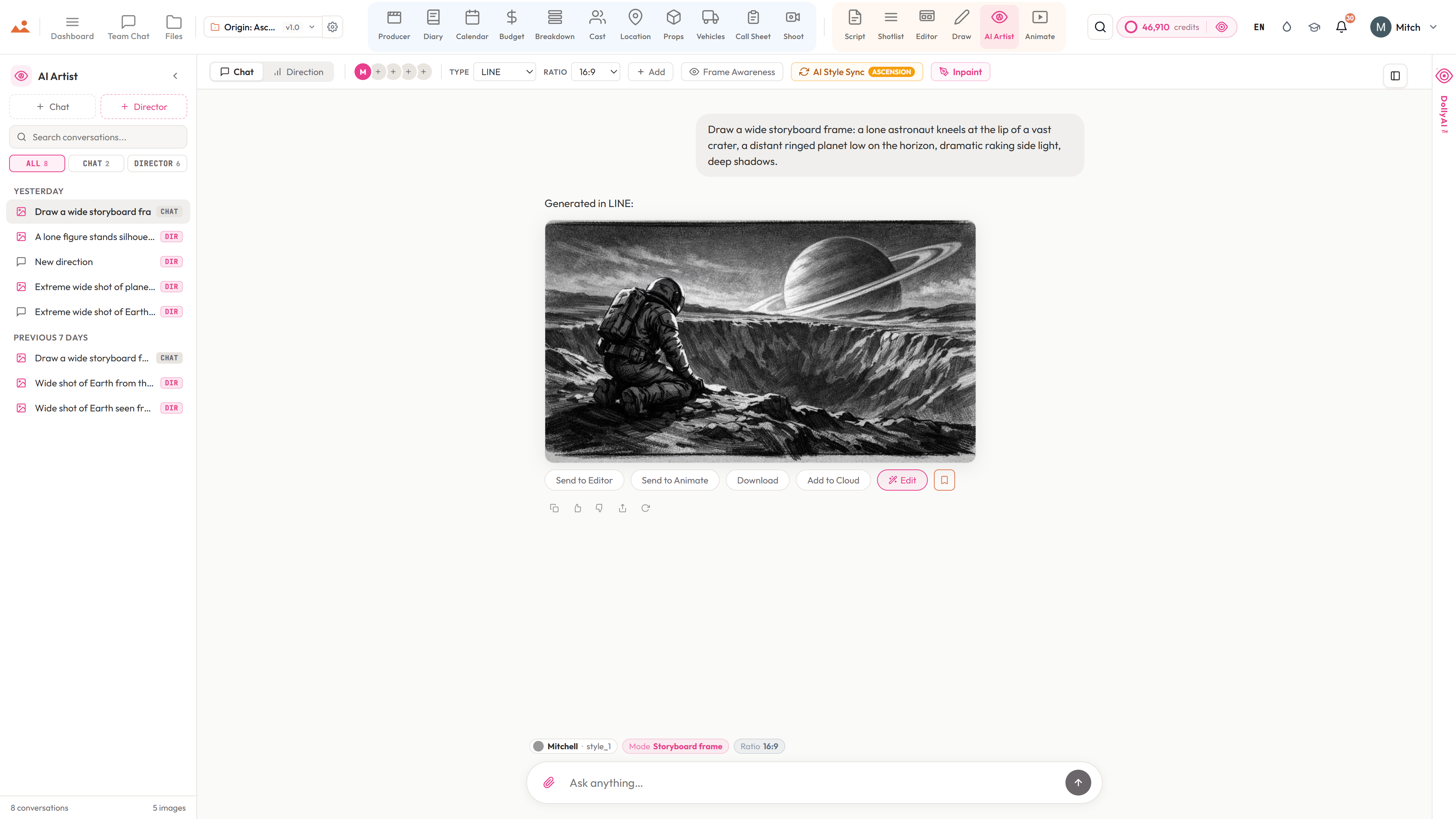
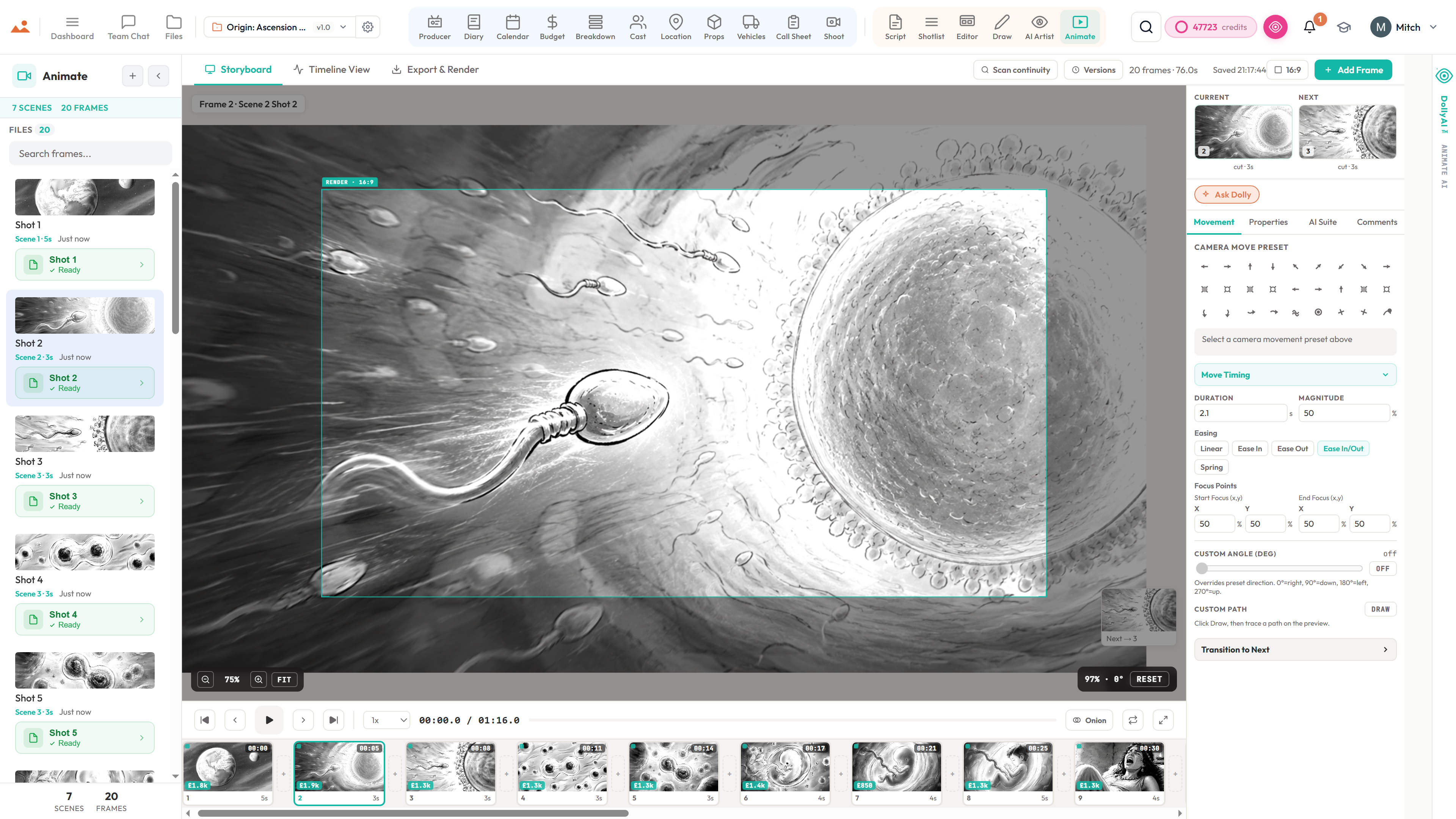
Per-frame comment threads anchored to the storyboard frame. Reply, resolve, re-open.
Cast
Channel-per-cast-member for tape reviews + agent communications; deal-memo sign-off lands here.
Call Sheet
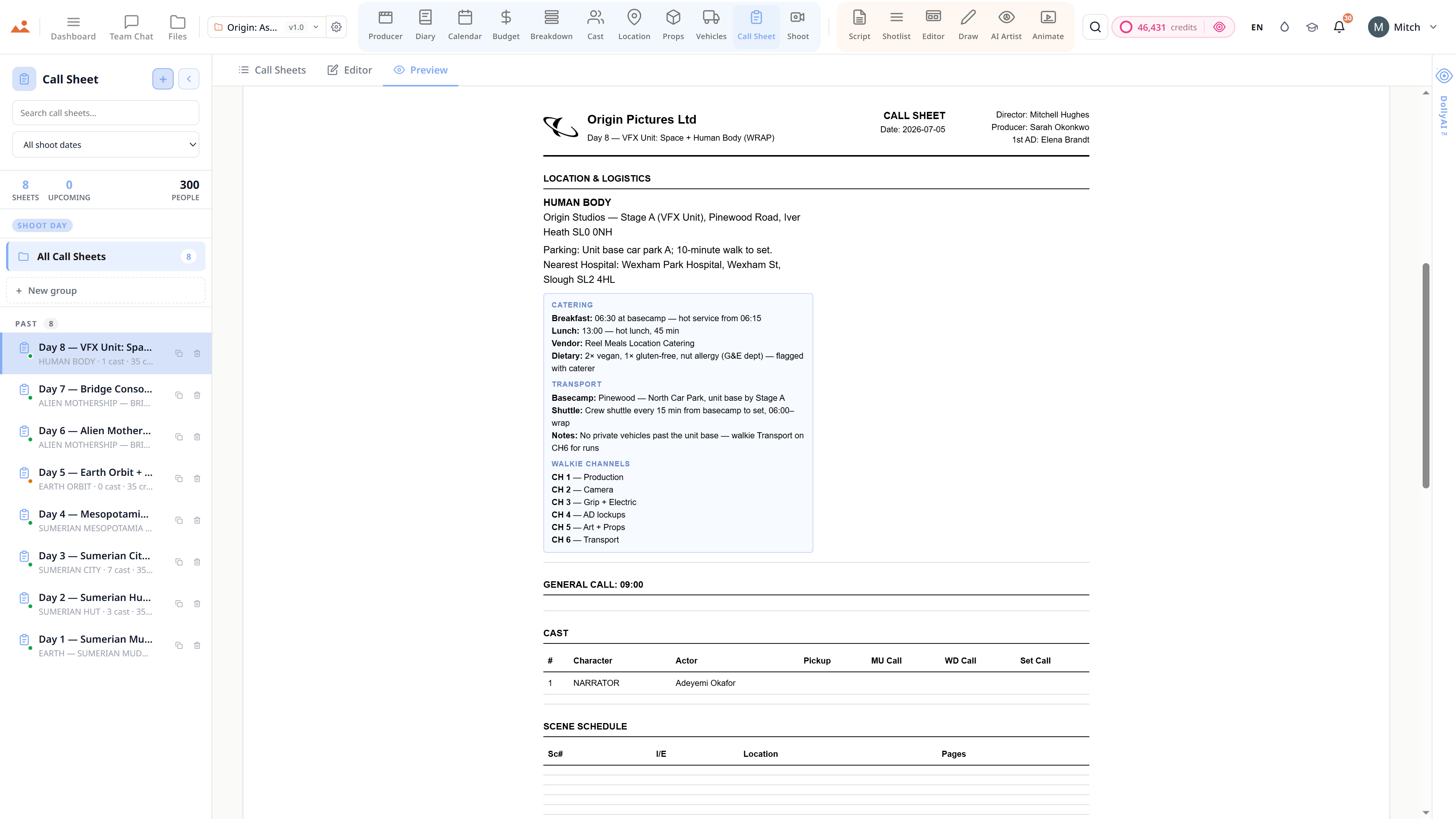
Per-call-sheet comment thread - every change, every approval, every revision letter discussed in one place.
Frequently asked
Common questions about Team Chat.
Can I anchor comments to specific lines or frames?
Yes. Anchor a comment to a specific script line, a specific frame, a specific scene, or a specific cast row - and every recipient lands on exactly that surface when they click through.
Does it have real-time presence?
Yes - live cursors + presence across every app. The producer knows the director is reviewing the same scene; the director knows the script supervisor is logging the diary.
Can I track approvals + sign-offs for the bond company?
Yes. Every approval / sign-off / sign-on is timestamped + actor-stamped for the production's chain-of-custody record. The bond company's audit pack is one click away.
Does it support threaded replies + @mentions like Slack?
Yes. Channels, DMs, threaded replies, @mentions, read receipts - all the Slack-class affordances + the production-aware anchoring on top.
The Promise
Team Chat is on every tier.
No locked features, no Pro-only exports, no surprise paywalls. Every Team Chat tool on this page ships on every plan - Hobbyist to Enterprise.