Production file manager - every asset versioned and searchable.
Every script revision, board, BTS still, audio file and call-sheet PDF in one versioned drive, previewable in place and searchable by scene or character. Roll back any asset to any save point - the production archive your editor will thank you for.
See Files →
What's inside Files
Production file manager and asset library.
- The asset library fills itself from the apps - frames, characters, costumes, locations, props and the diary's BTS stills, each still knowing the scene it came from
- Full version history on every asset
- Never-lose-saves - autosave plus restore points
- Linked previews across script, storyboard, and shot list
- Drag-in imports and drag-out exports
- Search by scene, character, prop, or date
- Archive + restore for wrapped projects
The pipeline
Where Files sits in the production flow.
The archive your editor will thank you for. Files sits beneath every other app - every script save, every frame export, every diary photo, every call sheet PDF lives here with version history + linked previews + search-by-anything. The asset library every department finally trusts.

DollyAI™ in this app
AI commands wired into Files.
A few of the 200+ DollyAI commands across the suite, here in Files. Every one shows its credit cost before you commit, and every response is anchored in your real project - not a generic prompt.
Auto-categorisation
1 crReads the file's name + mimetype + context + auto-tags by scene / character / day / department.
Search anything
1 crNatural-language search: “the establishing shot of the warehouse from the second draft” returns the right frame export from the right /editor version.
Talks to every app
Files reads + writes to the same project file.
No re-entry, no copy-paste, no out-of-sync versions. Every connection below is a live data path in the running product.
Script
Every script save snapshots into /files with the full revision metadata.
Editor
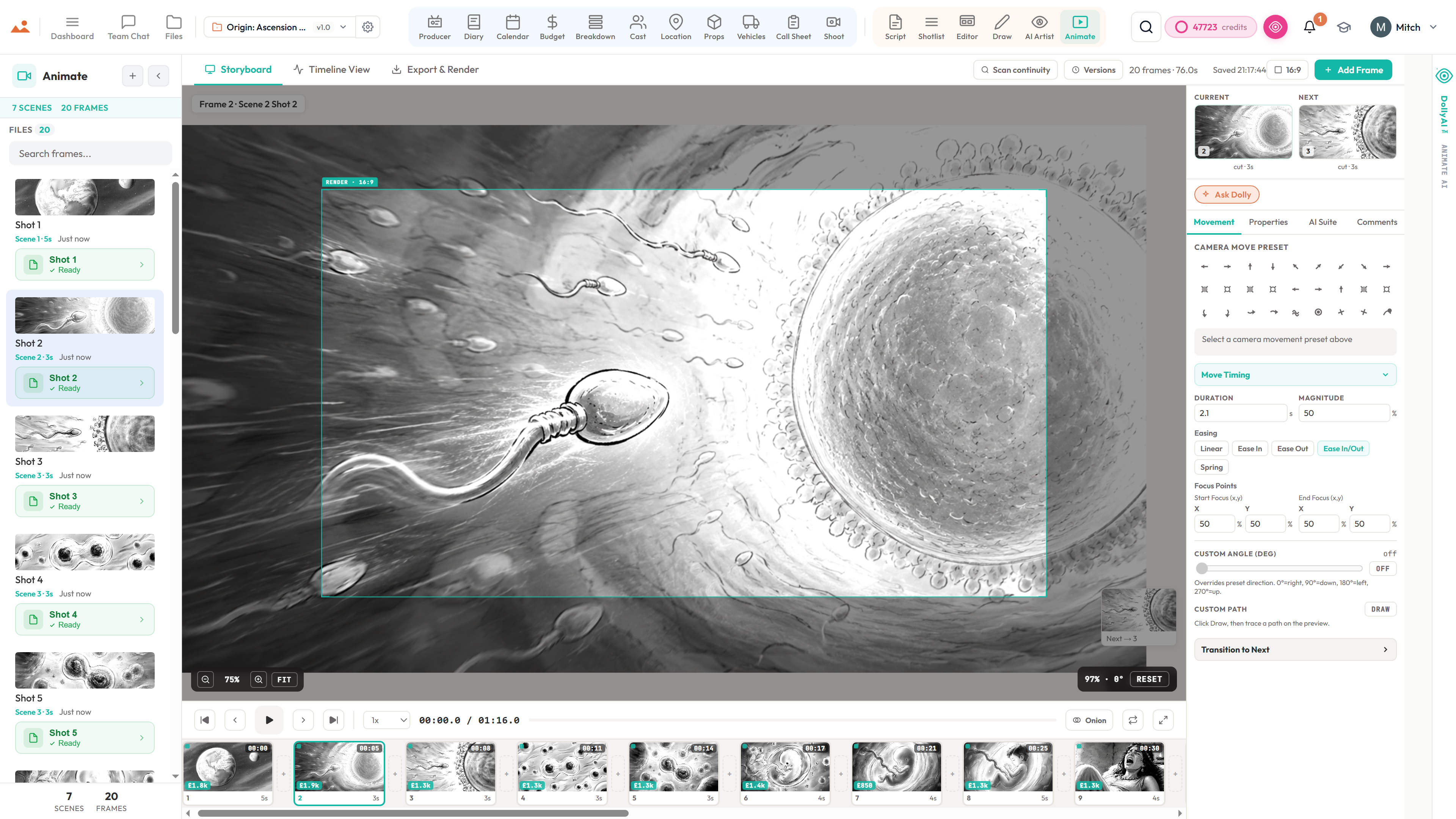
Storyboard frames write to /files on every editor save; version history per frame.
Draw
Draw exports land in /files with stroke history archived alongside the flattened PNG.
AI Artist
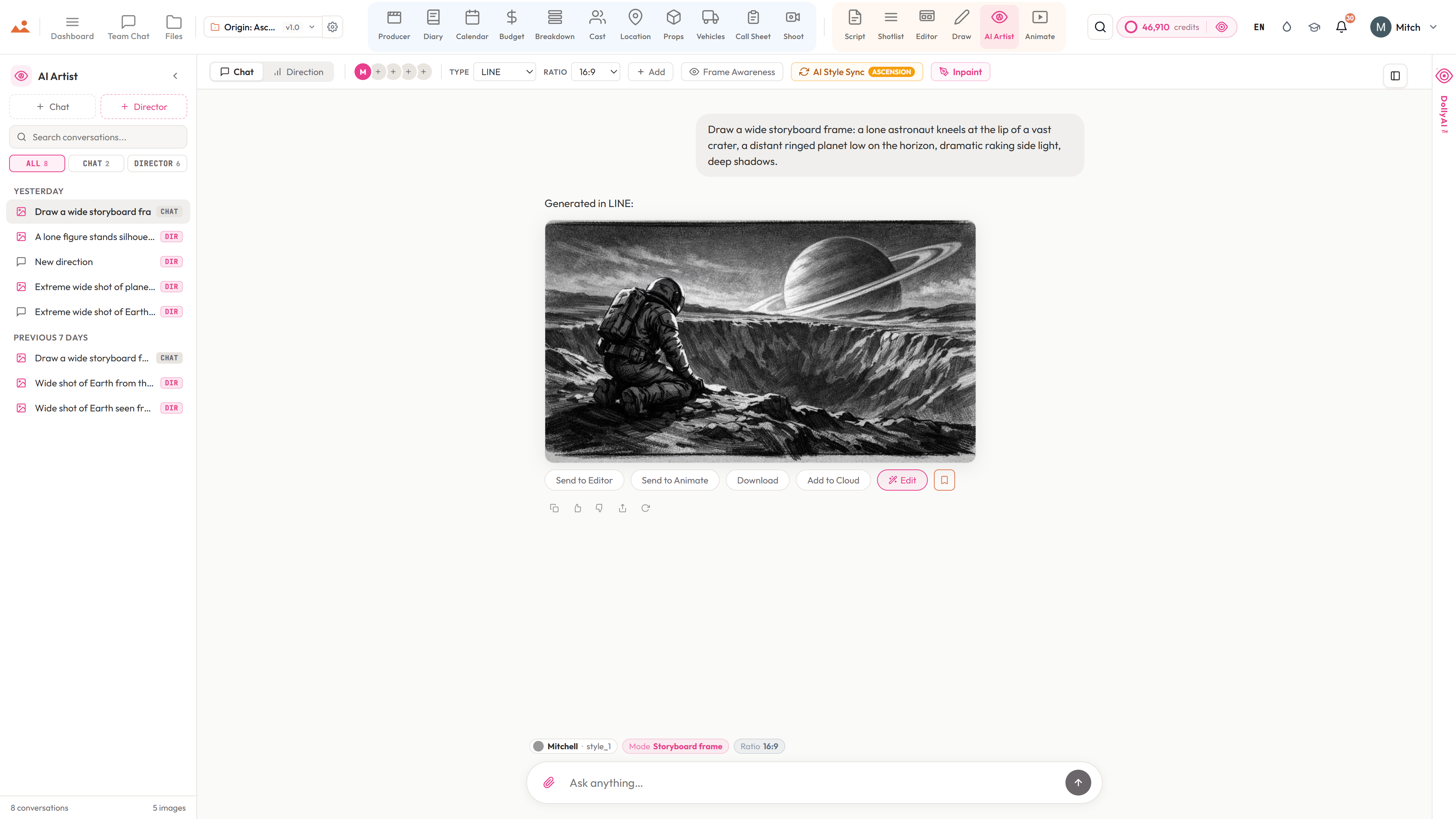
Every AI Artist generation writes to /files with the full prompt + style + bible state at generation time.
Shoot
Equipment + crew checkout receipts archive to /files for the producer's chain-of-custody record.
Diary
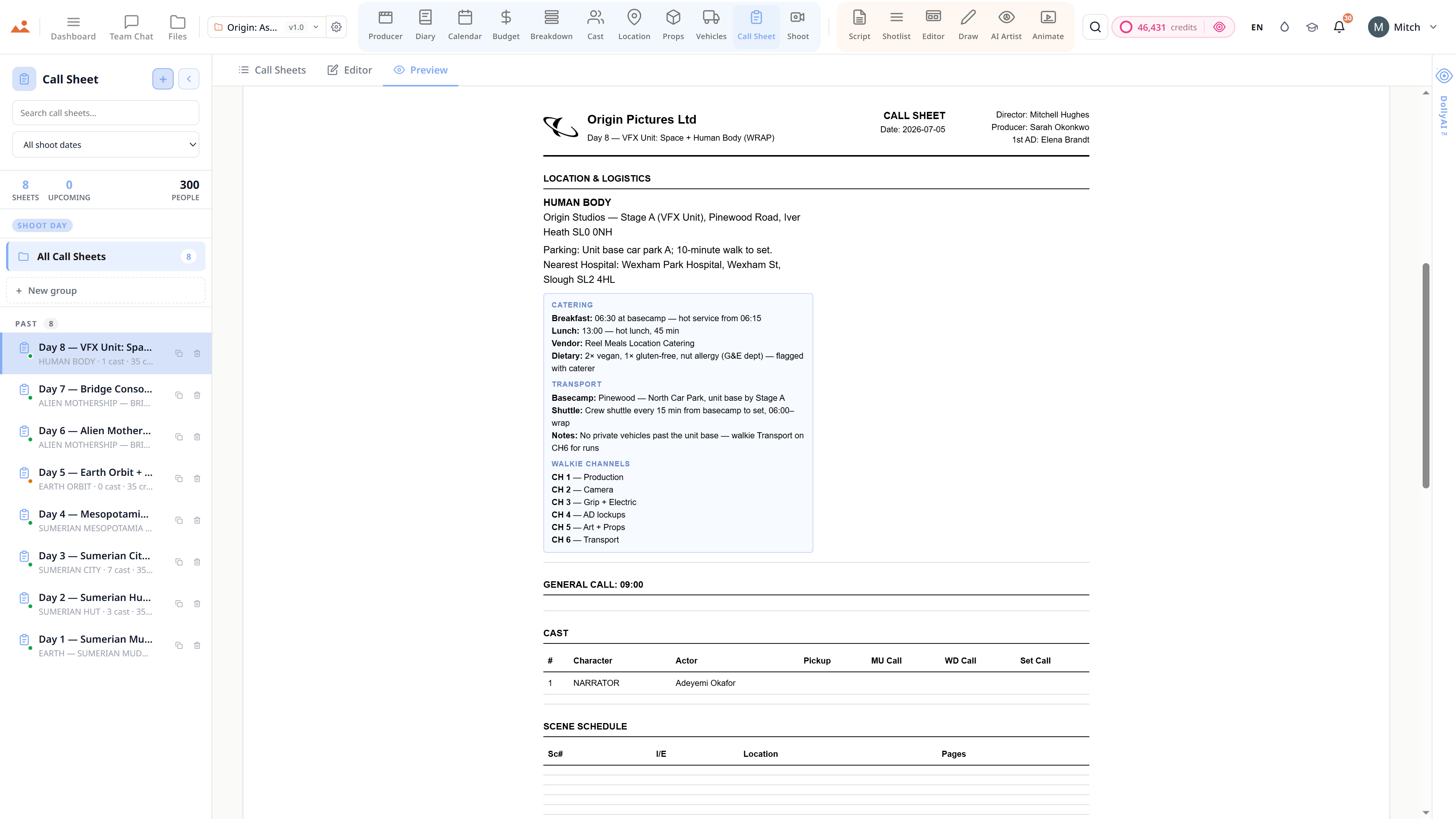
BTS photos + DPR PDFs land in /files automatically.
Frequently asked
Common questions about Files.
Does Files keep version history on every asset?
Yes. Every script revision, storyboard frame, shot list CSV, call sheet PDF, BTS photo - full version history. Roll back to any save point without losing downstream work.
Can I search across all assets by scene or character?
Yes - natural-language search across the whole library. Find every BTS photo of a character, every storyboard frame for a scene, every revision of a script - by name, date, scene, character, or prop.
Does Files preview my screenplay + storyboards inline?
Yes - linked previews for FDX, PDF, JPG, MP4, CSV, DOCX, ZIP. Every file renders in-place without a download.
Can I archive a wrapped production + restore it later?
Yes - one-click archive for wrapped projects; one-click restore. The whole file tree freezes intact + comes back the moment you need it again for a sequel, an awards push, or a legal request.
The Promise
Files is on every tier.
No locked features, no Pro-only exports, no surprise paywalls. Every Files tool on this page ships on every plan - Hobbyist to Enterprise.