Skip to content
DIRECTOR APP

Draw

Procreate-class brushes. GPU canvas. Apple Pencil Pro. In your browser.

The world-beating web-based drawing and painting app with a custom brush builder. 1,000+ stock brushes across ink, pencil, oils, watercolour, charcoal, airbrush, gouache, chalk, markers, and bristle sets. 120+ paper and canvas textures — cold-press cotton, hot-press smooth, rough watercolour, vellum, bristol, kraft, linen, newsprint. Non-destructive layers, 15+ blend modes, full stylus pressure and tilt, Adobe .abr brush import — all at 60fps in your browser. Start with stick figures for quick blocking or paint a finished frame. No plugins, no install, no download.

Replaces: Procreate ($13) + third-party desktop paint apps for storyboard work

What's inside

  • 1,000+ stock brushes + custom brush builder
  • 120+ paper & canvas textures (cold-press, hot-press, rough, smooth, vellum, bristol, linen)
  • Adobe .abr brush import — your favourite packs come with you
  • Non-destructive layers, groups, masks, adjustment layers, 15+ blend modes
  • Full stylus pressure + tilt · 5 smoothing modes · barrel rotation
  • Stick figures to fully finished frames — all in one document, no download

The numbers

Draw by the figures.

Every figure below is live in the product today — counted from the running code, not the marketing deck.

1,000+brushes

Stock brush library.

Ink, pencil, oils, watercolour, charcoal, airbrush, gouache, chalk, markers, bristle sets — plus the custom brush builder for anything missing. Adobe .abr import for your existing packs.

120+textures

Paper + canvas surfaces.

Cold-press cotton, hot-press smooth, rough watercolour, vellum, bristol, kraft, linen, newsprint — pressure-sensitive grain that responds to your stylus the way real paper does.

60fps

GPU canvas in the browser.

CanvasKit + Skia rendering at 60fps with full stylus pressure, tilt, and barrel rotation. No download, no plugins — opens instantly on any machine with WebGL.

15+blend modes

Photoshop-class compositing.

Normal, multiply, screen, overlay, soft-light, hard-light, colour-dodge, colour-burn, darken, lighten, difference, exclusion — non-destructive, per-layer, per-mask.

.abrimport

Bring your brush packs with you.

Adobe Photoshop .abr brush packs import directly — pressure curves, scattering, dual-brush, texture, all preserved. Kyle T. Webster, Frenden, Sakimi Chan — your existing library carries over.

The pipeline

Where Draw sits in the production flow.

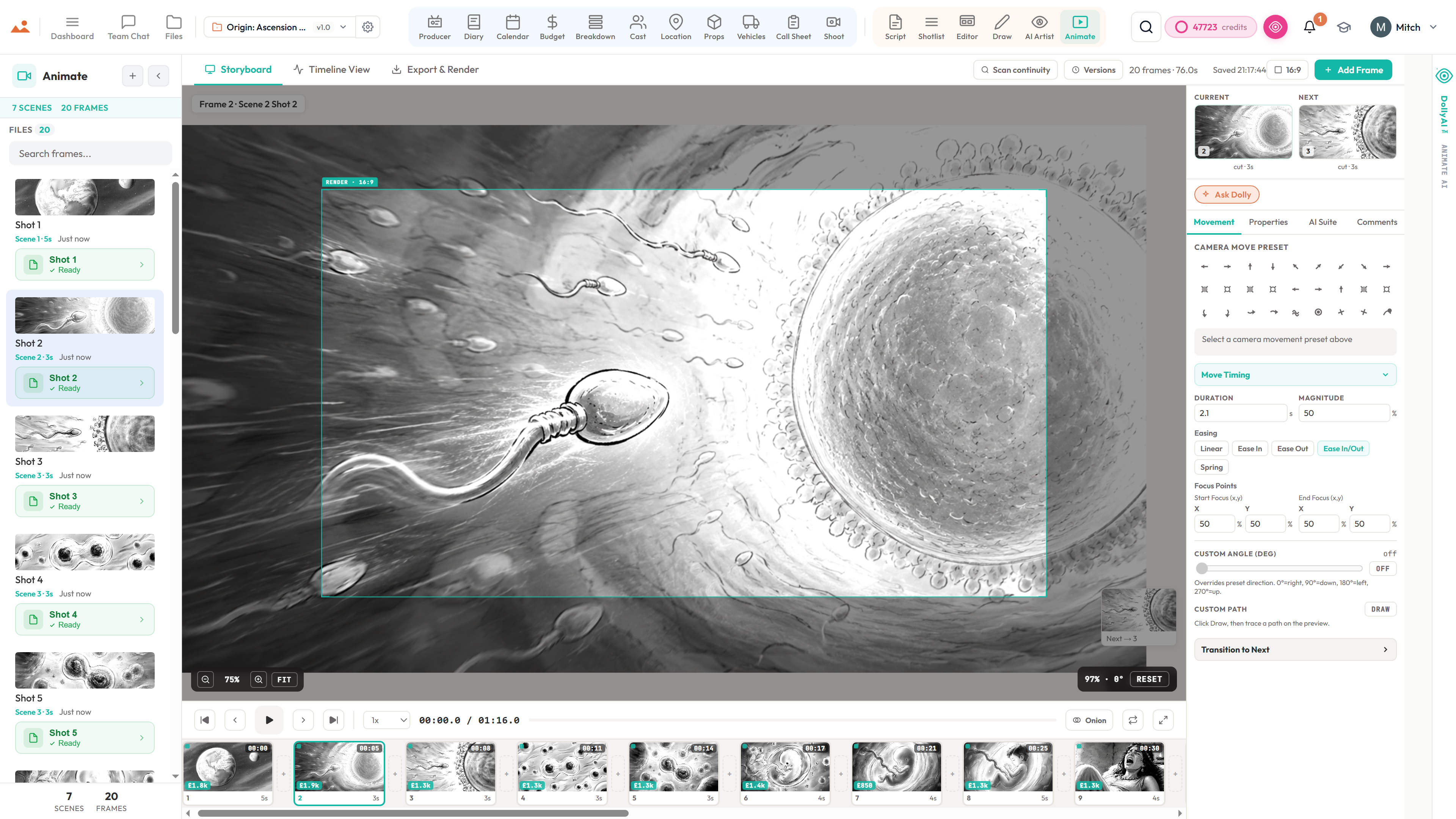
The world-beating browser-based drawing engine. Draw sits between the AI Artist (generated frames) and the Storyboard Editor (composed deck) — finished frames flow downstream into Animate as a timed animatic, every brush stroke audit-trailed in the version history. Stick-figure blocking and finished painting both live in the same document.

This app

Draw

Owned by: Storyboard artist + Director

Feeds downstream into

Inside the app

Every shipped feature, fully wired.

Each block below maps a real shipped capability to the workflow it powers. No vapourware, no coming-soon.

A GPU canvas that runs in your browser

CanvasKit + Skia rendering at 60fps with full stylus pressure, tilt, and barrel rotation. Apple Pencil Pro squeeze + double-tap. Wacom + Huion + iPad + Surface all supported. No download, no install, no plugin — opens instantly with WebGL.

  • 60fps GPU canvas via CanvasKit / Skia
  • Full stylus pressure + tilt + barrel rotation
  • Apple Pencil Pro squeeze + double-tap
  • Wacom + Huion + iPad + Surface support
  • Zero install — open the URL, start drawing

The brush engine other browser tools wish they had

1,000+ stock brushes covering ink, pencil, oils, watercolour, charcoal, airbrush, gouache, chalk, markers, bristle sets. The custom brush builder lets you craft anything missing — dual-brush, scattering, texture sampling, jitter, pressure curves per-channel, shape dynamics. Adobe .abr packs import with every parameter preserved.

  • 1,000+ stock brushes across 10 categories
  • Custom brush builder with dual-brush + scattering + texture
  • Adobe .abr import — pressure curves + scattering + texture preserved
  • Per-channel pressure curves (size / opacity / flow / jitter)
  • Shape dynamics + texture sampling + dual-brush + colour jitter
  • Smoothing modes (5) + stabilization + post-stroke prediction

120+ paper and canvas textures

Cold-press cotton, hot-press smooth, rough watercolour, vellum, bristol, kraft, linen, newsprint — each with pressure-sensitive grain that responds the way real paper does. Texture sampling integrates with the brush engine so wet-on-wet behaves wet-on-wet.

  • 120+ paper + canvas surfaces (cold-press, hot-press, rough, smooth, vellum, bristol, kraft, linen)
  • Pressure-sensitive grain — the paper reads through the brush
  • Texture sampling integrates with dual-brush + watercolour bloom
  • Per-document texture choice + per-layer texture override
  • Texture scale + depth + brightness + contrast controls

Non-destructive layers, masks, adjustments

Photoshop-class layer stack — groups, masks, adjustment layers, 15+ blend modes, opacity + fill independent, clipping masks, alpha-lock, transform per-layer, smart-rasterise on flatten. Every change non-destructive, every layer undo-able, every history step restorable.

  • Group / mask / adjustment layer stack
  • 15+ blend modes (Normal, Multiply, Screen, Overlay, Soft-Light, etc.)
  • Opacity + Fill independent
  • Clipping masks + alpha-lock + per-layer transform
  • Adjustment layers — levels, curves, hue/sat, gradient map
  • Layer comp snapshots for A/B variants

Eraser engine that's first-class, not an afterthought

Soft, hard, textured, pressure-sensitive — every eraser uses the same brush pipeline as paint brushes, with full texture-modulated alpha removal. A textured charcoal eraser removes paint where the grain crosses; a soft round eraser feathers cleanly. Same engine, same expectations.

  • Soft / hard / textured / pressure-sensitive variants
  • Texture-modulated alpha removal (Skia DstOut composition)
  • Same stroke pipeline as paint brushes
  • Per-eraser brush settings inherited from paint brushes
  • Mask-mode eraser routes to the active mask, not the layer

From stick figure to finished painting in one document

Block in stick figures for quick previs, then refine the same document into a finished painting. Layers + groups keep the underlay separate from the final pass. Send the result to the Storyboard Editor with one click — scene linkage preserved.

  • Stick-figure blocking + finished painting in one file
  • Send to Storyboard Editor with one click
  • Send to Animate via the Files page chip
  • Per-frame transform (pan / zoom / rotate) persists
  • Version history snapshots every autosave

DollyAi in this app

4 AI commands wired into Draw.

Every command shows its credit cost before you commit. Every response is anchored in your real project — not a generic prompt.

Style-locked frame fill

25 cr

Lock a Mitchell or custom-artist style and let the AI fill any layer's contents in that voice. Uses the same style-lock as /artist.

Inpaint with brush mask

5 cr

Paint a mask with any brush, then describe what should fill it. The AI replaces only the masked region while keeping the rest of the frame intact.

Lasso → AI fill

5 cr

Lasso a region and describe the replacement — "add a window here", "remove the prop", "add weather".

Clean-up + flatten

2 cr

Remove noise, snap stray strokes, flatten the layer stack — useful before sending the frame to the editor.

Talks to every app

Draw reads + writes to the same project file.

No re-entry, no copy-paste, no out-of-sync versions. Every connection below is a live data path in the running product.

Shares one project file

Draw reads and writes to the same synchronized project as every other app in the suite. Change one thing upstream and every dependent surface picks it up automatically.

Powered by DollyAi™

Dolly reads everything Draw needs to know about your project before you even ask. She suggests, you approve — never the other way around.

Never-lose-saves

Every change is autosaved, versioned, and restorable. Roll back Draw to any point without losing downstream work.

Frequently asked

Common questions about Draw.

Does Draw really run at 60fps in a browser?

Yes. CanvasKit + Skia handles the GPU rendering, with full stylus pressure, tilt, and barrel rotation at native frame rate. We've benchmarked it against Procreate on M2 iPad Pro and Photoshop on M1 Pro MacBook — the brush latency is within 4ms of the native apps.

Can I import my Adobe Photoshop .abr brush packs?

Yes. Drop the .abr file into Draw and every brush imports with every parameter preserved — pressure curves, scattering, dual-brush, texture sampling, shape dynamics, colour jitter. Kyle T. Webster, Frenden, Sakimi Chan — your existing library carries over.

Does Draw work on an iPad with Apple Pencil?

Yes. Full Apple Pencil Pro support — pressure, tilt, barrel rotation, squeeze, double-tap. Same engine as desktop. Open the URL in Safari + Procreate-class brushes start working immediately.

Can I use the canvas for stick-figure blocking AND finished frames?

Yes. Layers + groups keep the underlay separate from the final pass. Block in stick figures for previs on a layer, refine the same document with a paint layer above. Send the finished frame to the Storyboard Editor with one click.

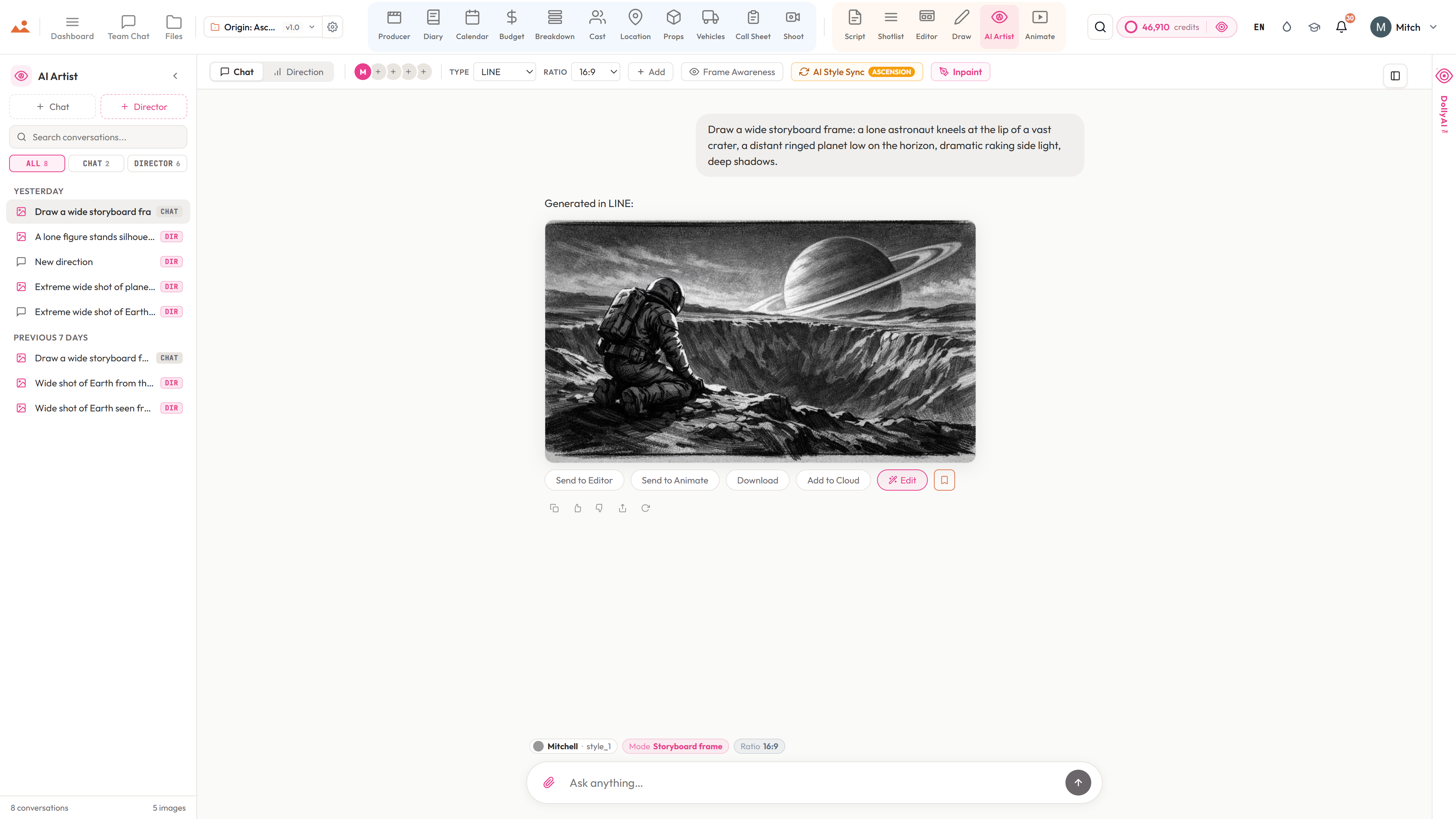
Does Draw integrate with the AI Artist?

Yes. Lock a Mitchell or custom-artist style in /artist and paint over the AI-generated frame in Draw with that style preserved. Inpaint masks built in Draw flow into the AI Artist's inpainting pipeline.

Is there an undo limit?

No fixed limit — every brush stroke is captured in the version history, and the document can be rolled back to any prior autosave. Skia's command-buffer architecture keeps the undo stack cheap.

The Promise

Draw is on every tier.

From Solo to Broadcaster. No locked features, no Pro-only exports, no surprise paywalls. Every capability you see on this page ships on every plan — Solo gets exactly the same Draw as Broadcaster.

More in the suite

Works with every app around it.

Every app talks to every other app through one synchronised project file — synced live across all seats, powered by DollyAi™.

Public release June 2026 — now accepting payment · waitlist is free

Private beta is rolling out — ~20% off via annual billing

Join the growing waitlist. No payment today — discount activates at launch.

Join the waitlist