Comparison · 3D Previs / Storyboarding
StoryboardCanvas vs. FrameForge
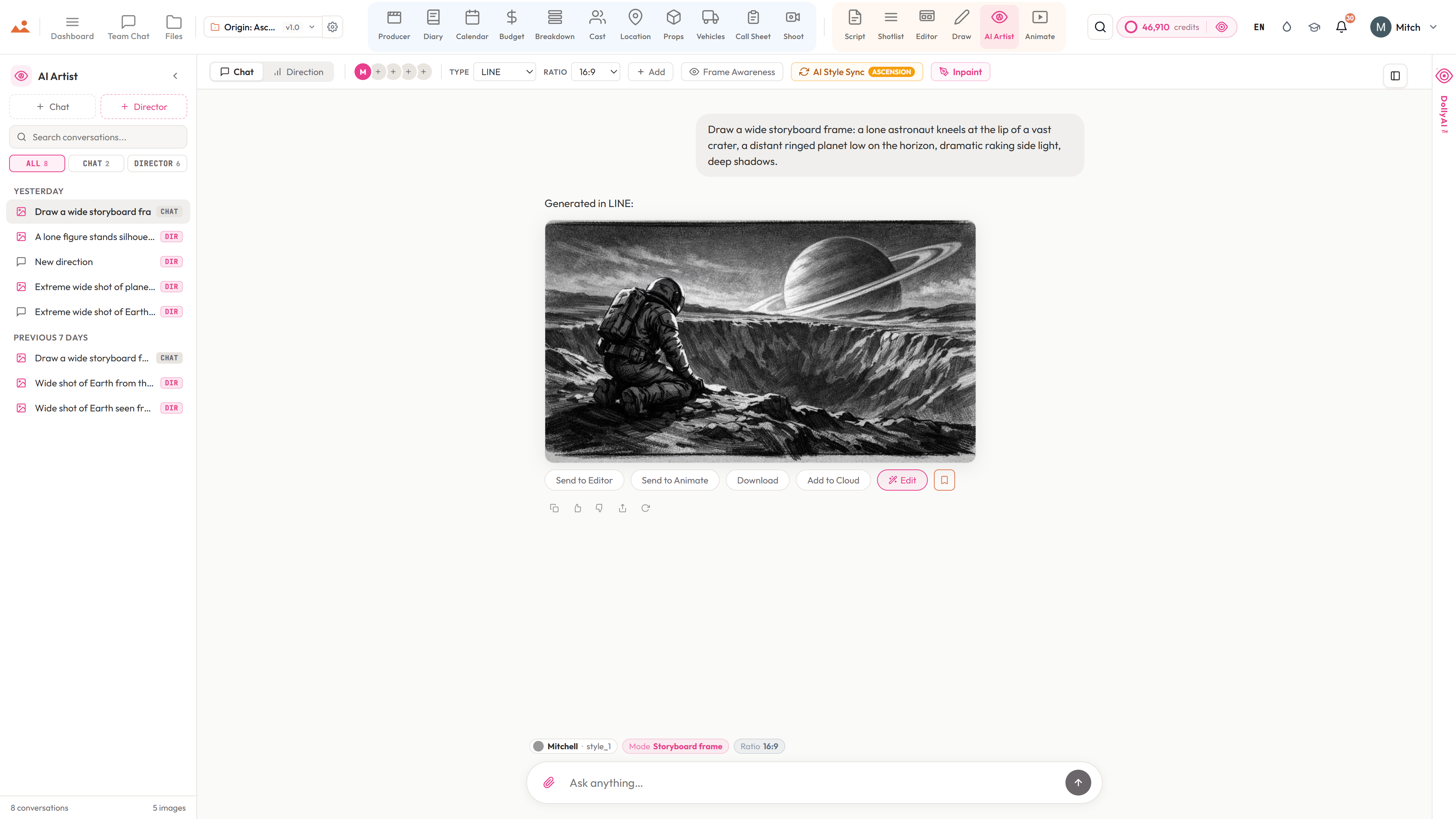
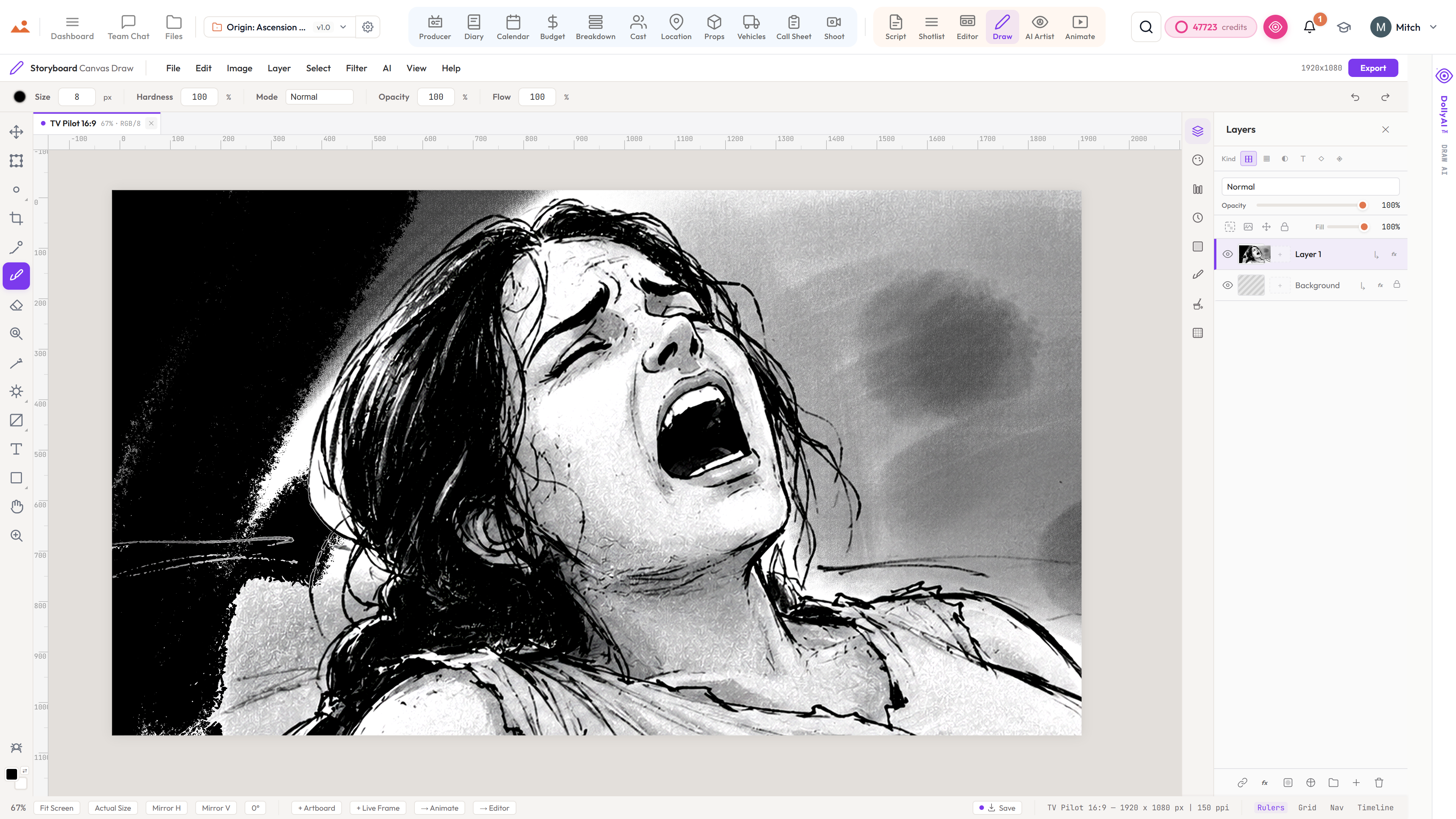
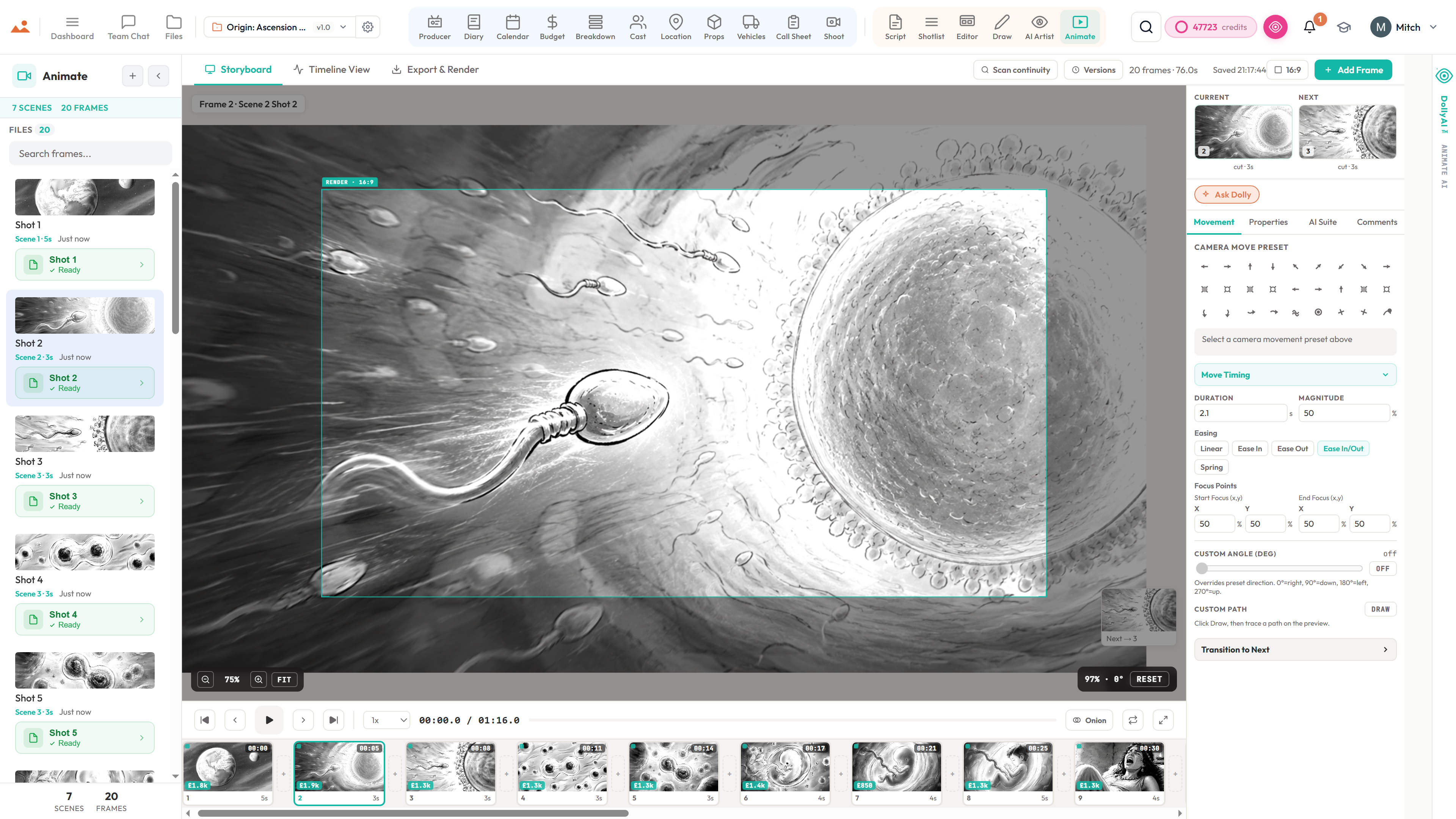
FrameForge builds camera-accurate 3D previs on the desktop. StoryboardCanvas gives you browser storyboards, an animatic and a shot list that feed the shoot day - no 3D modelling, no install.
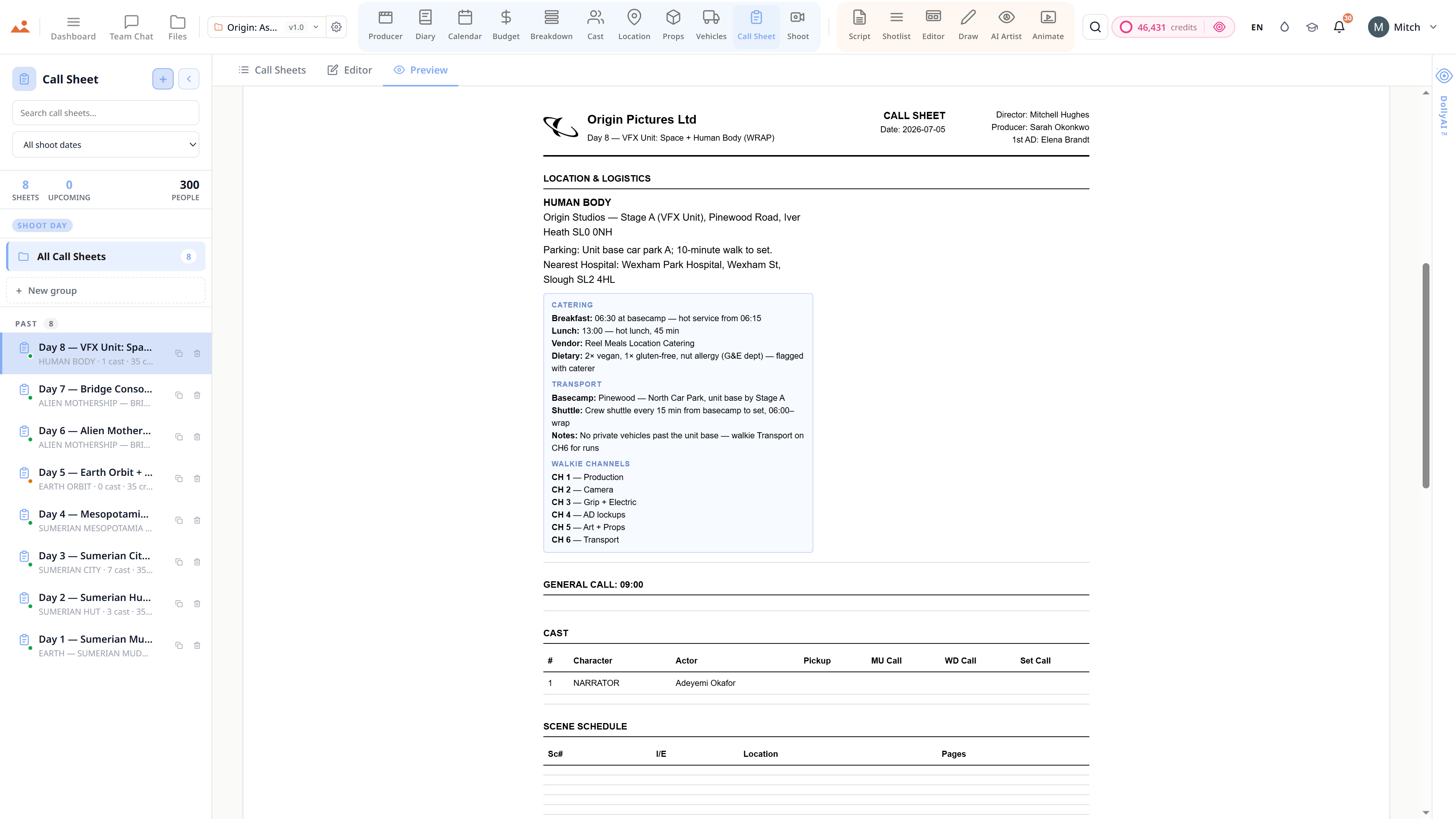
FrameForge is camera-accurate 3D previs you build set by set on the desktop - brilliant for precise lens choices and blocking, heavy to learn, and it lives apart from your script, schedule and call sheets. StoryboardCanvas draws and AI-generates boards in the browser, animatics them with timing and audio, and carries them straight into breakdown, shot list and the shoot day.
Feature-by-feature
Side by side.
Pricing and feature comparison verified November 2025 from each vendor's public pricing page. We refresh whenever a vendor publishes a new tier. FrameForge pricing: $299-$899 desktop license.
The verdict
"FrameForge wins on camera-accurate 3D previs when a shot has to be technically exact. For everyone else - draw, board, animatic, then carry it through breakdown, schedule and the shoot day - StoryboardCanvas does the whole job in the browser for less."
More comparisons