Shot list software that plans every shot, lens and angle.
Build the shot list from the script, set lens, movement and framing per shot, then generate a board image for any row. It syncs straight to the storyboard, so coverage and visuals never drift apart.
See the Shot List →


Hvad er der indeni Shotlist
AI shotliste med objektivplanlægning.
- AI generates the first pass of coverage from the scene itself - shot size, angle and movement, with the beats it derived them from
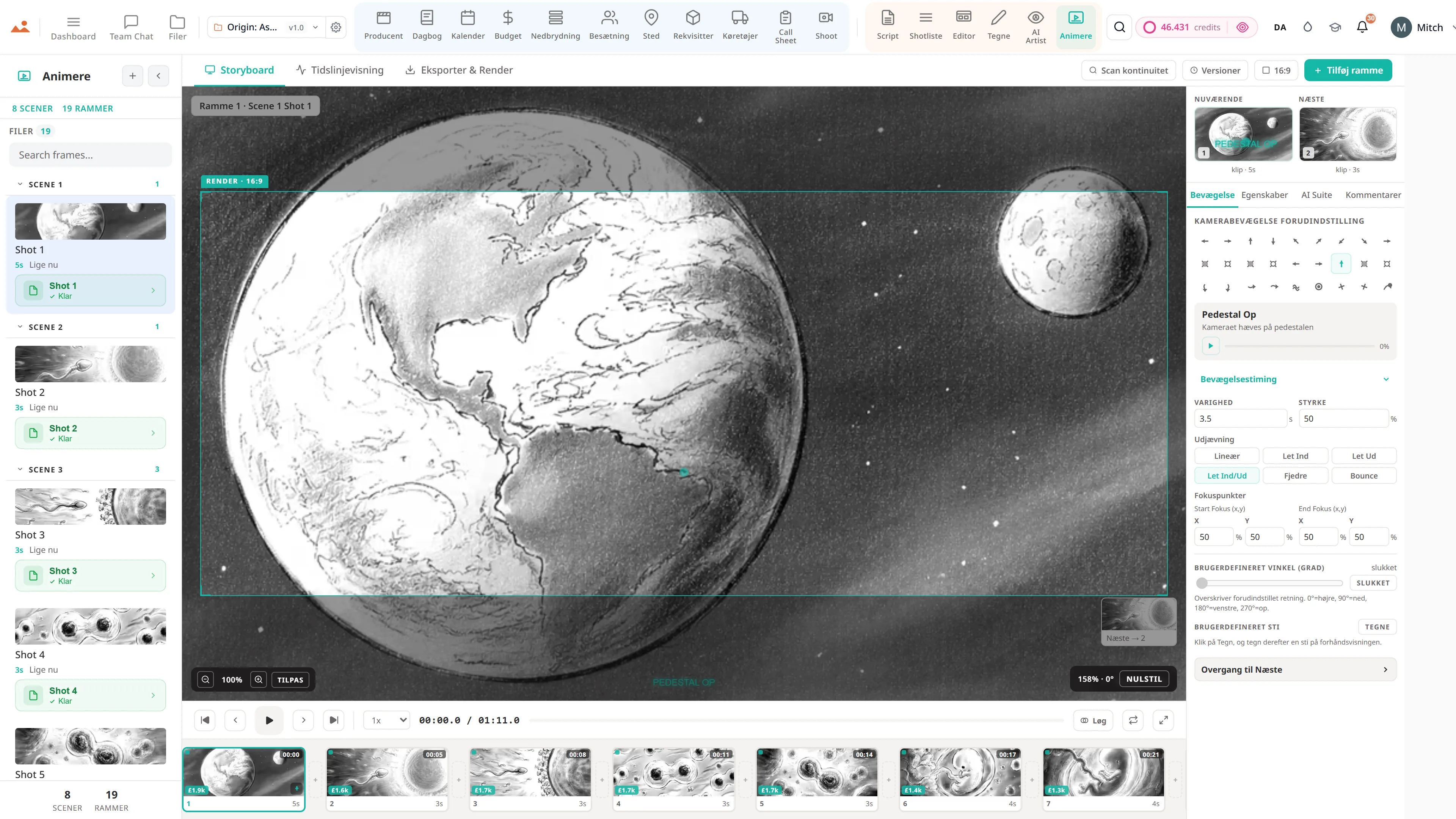
- Every shot carries its scene id through to the storyboard editor and the animatic, so nothing loses its place in the film
- Bulk parse a whole screenplay into shots, scene by scene, streaming as it goes
- Full shot grammar: angle, size, lens, movement
- Cinematography parameters per row - aperture, shutter, ISO, ND, frame rate, focus mode
- Lens × Sensor × Shot Validator - catches coverage issues before shoot day
- Lighting and sound notes per shot
- Setup time estimates feed the schedule
- Drag-to-reorder within scenes and across days
- Per-row Ask Dolly - suggest framing, generate frame, continuity check, alternates
- Bulk screenplay parse - full feature shotlist in one streaming run
- CSV + PDF export for the DP and the AC
Pipelinen
Hvor Shotlist siddet i produktionsflowet.
Broen mellem at skrive og at filme. Shotlist tager et færdigt manuskript + en nedbrudt scene og genererer en plan pr. skud med fulde cinematografiske parametre. Send en række til AI Artist for en on-model ramme; send et skud til redaktøren som et storyboard-panel; send en kolonne til tidsplanen som dagens opsætningsantal.
Foder nedstrøms ind i

DollyAI™ i denne app
AI kommandoer indbygget i Shotlist.
Et par af de 200+ DollyAI kommandoer på tværs af pakken, her i Shotlist. Hver enkelt viser sin kreditomkostning, før du forpligter dig, og hvert svar er forankret i dit rigtige projekt - ikke en generisk prompt.
Bulk-parsing af manuskript
1 crOmkostninger pr. scene. NDJSON streaming-parser opbygger en fuld feature shotliste i én kørsel med omkostningsregnskab pr. scene.
Forslå dækning
2 crLæser en scene + foreslår 3-7 skud, der dækker handlingen med master / OTS / dækning / indsats.
Forslag til indramning
1 crPer række: givet handlingen + dialogen, foreslå skudtype + linse + vinkel.
Generer ramme
25 crSend rækken til AI Artist - låst stilramme mod denne specifikke skudslinse + vinkel + stemning.
Kontinuitetskontrol
3 crKryds-scene kontrol, så kameravinkler + linsevalg + belysningsopsætninger fremstår konsistente på tværs af dækning.
Alternativer
2 crPræsenterer 3 alternative indramninger for dette skud - nyttigt når instruktøren ønsker muligheder.
Taler med hver app
Shotlist læser + skriver til den samme projektfil.
Ingen genindgang, ingen kopier-og-indsæt, ingen versioner der er ude af synk. Hver forbindelse nedenfor er en live datapath i det kørende produkt.
Manuskript
Hver skudrække bærer sin kilde scene ID. Omdøb en overskrift i /script - de tilknyttede skud forbliver tilknyttede.
Opdeling
Per-shot element tællinger flyder tilbage til nedbrydningen for genverifikation ("denne optagelse har brug for et sværd, som nedbrydningen ikke fangede").
AI Kunstner
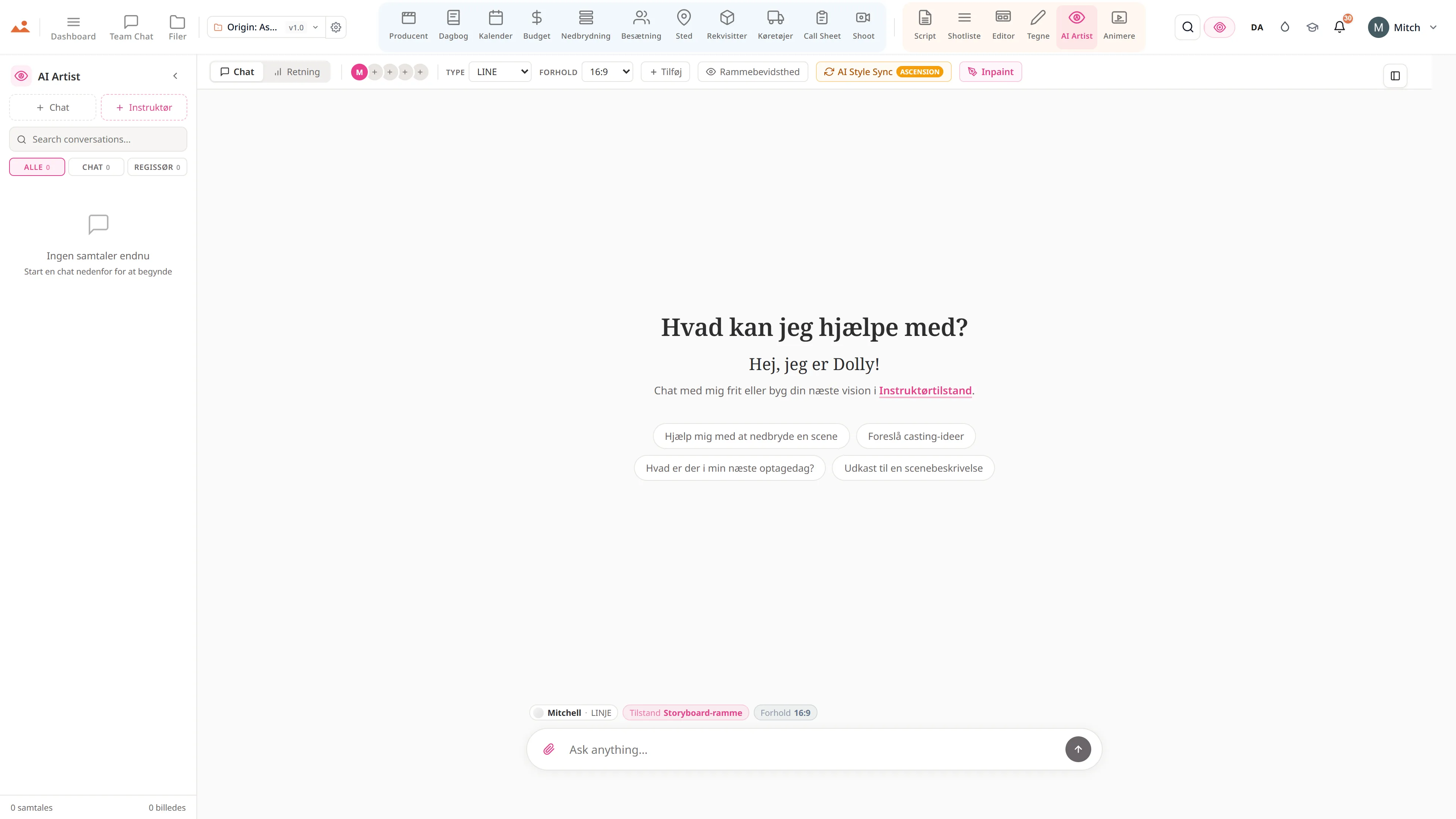
Per-række Send til AI Artist - generer et billede mod denne optagelses faktiske linse + vinkel + belysning + stemning.
Editor
Per-shot Send til Editor - rækken lander som et storyboard-panel med bevaret scene-link.
Optag
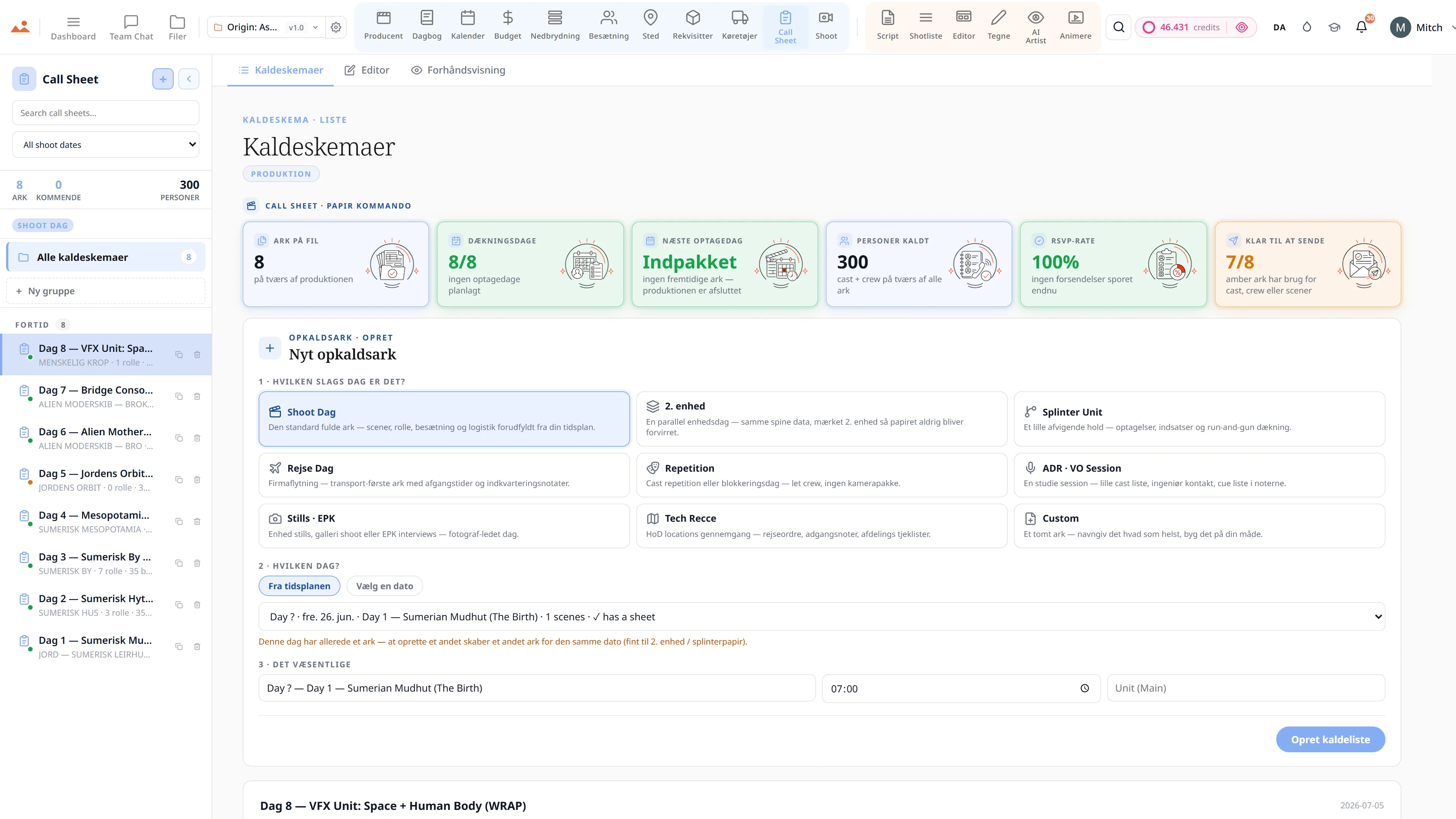
Per-dag shotliste filtreret eksport fodrer AC's optagedag printout. Opsætnings tælling rulles op til tidsplanen.
Løftet
Shotlist er aktivt på hver niveau.
Ingen låste funktioner, ingen Pro-only eksport, ingen overraskende betalingsvægge. Hver Shotlist værktøj på denne side leveres på hver plan - Hobbyist til Enterprise.
Mere i pakken