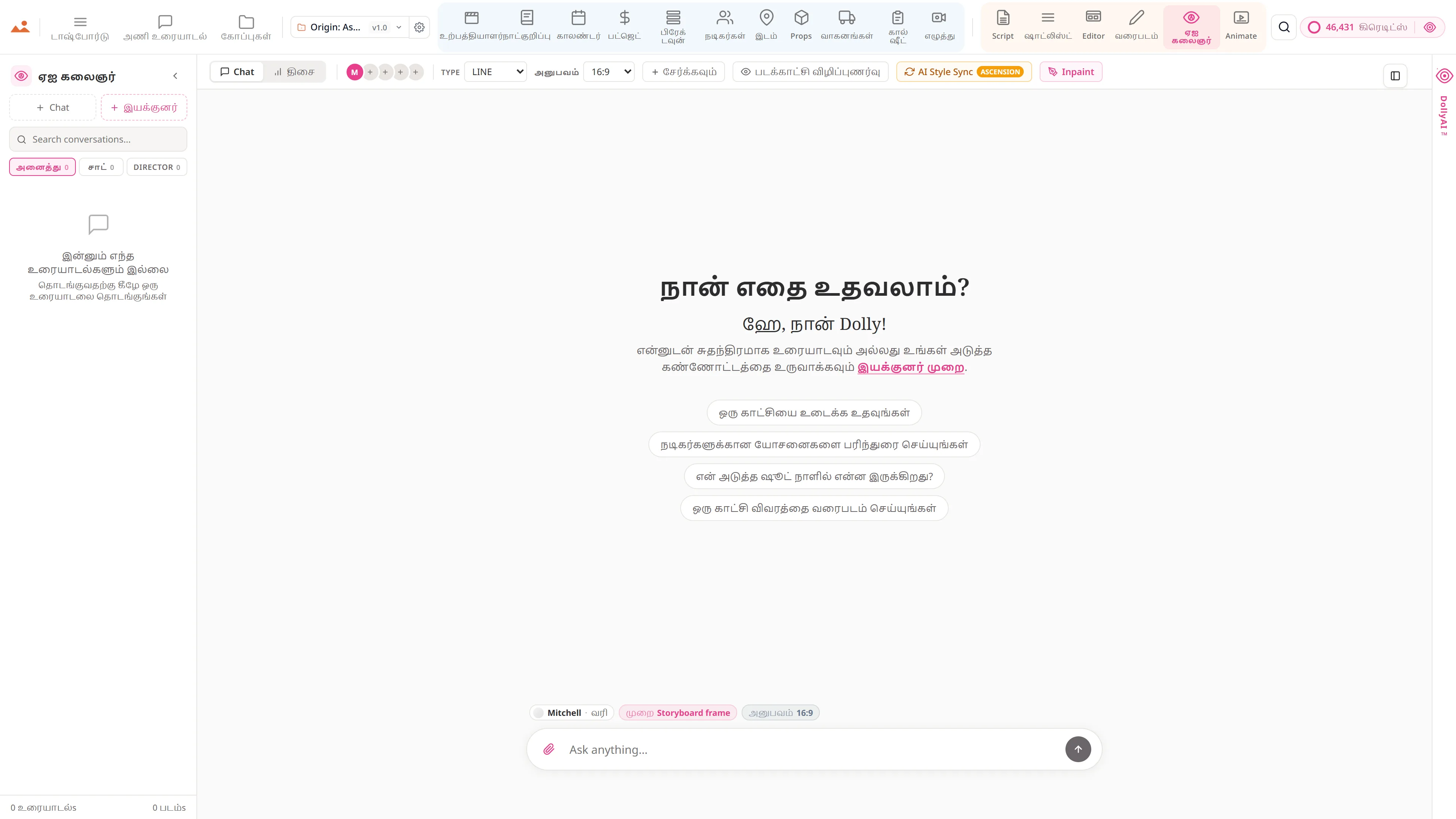
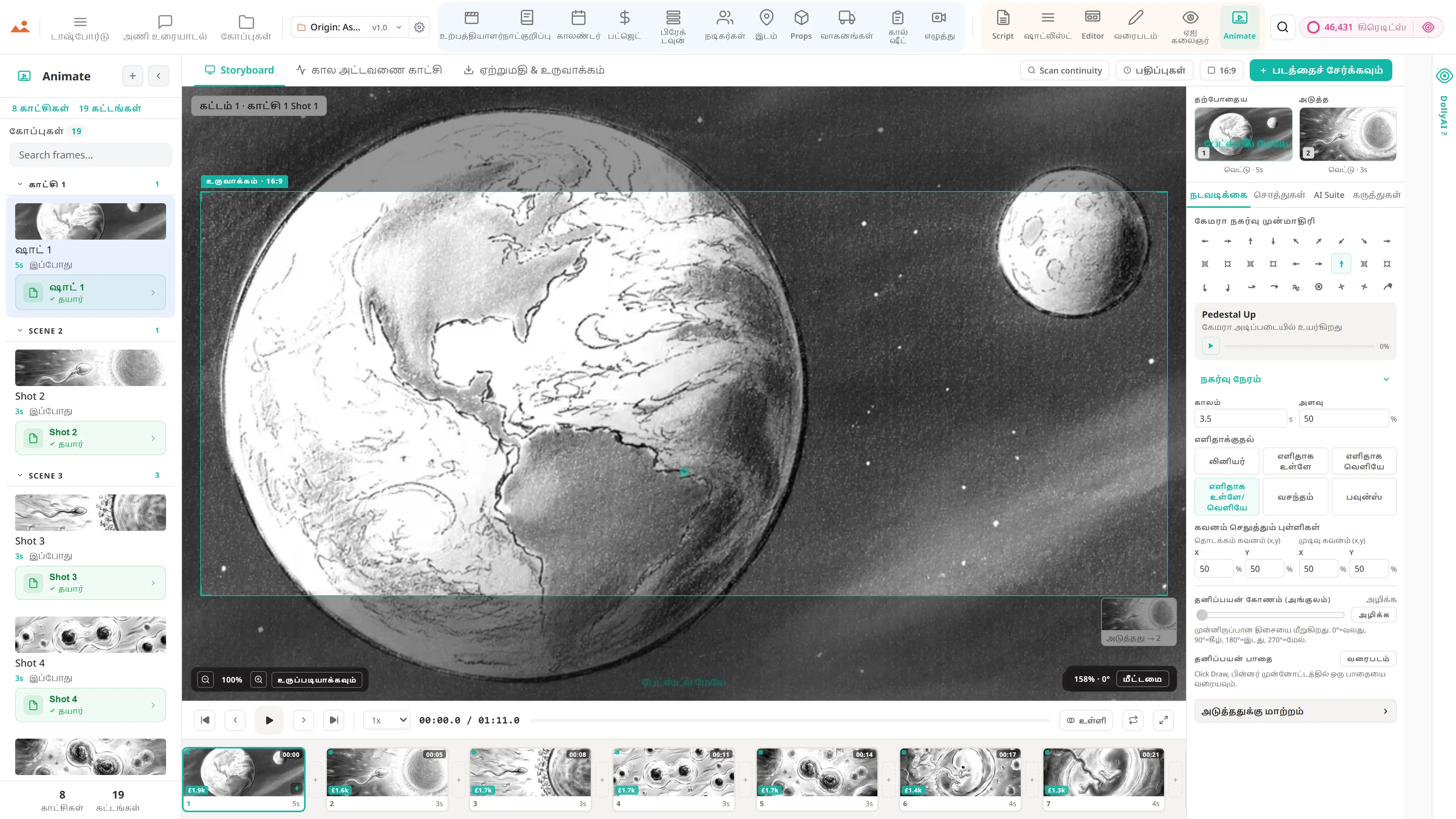
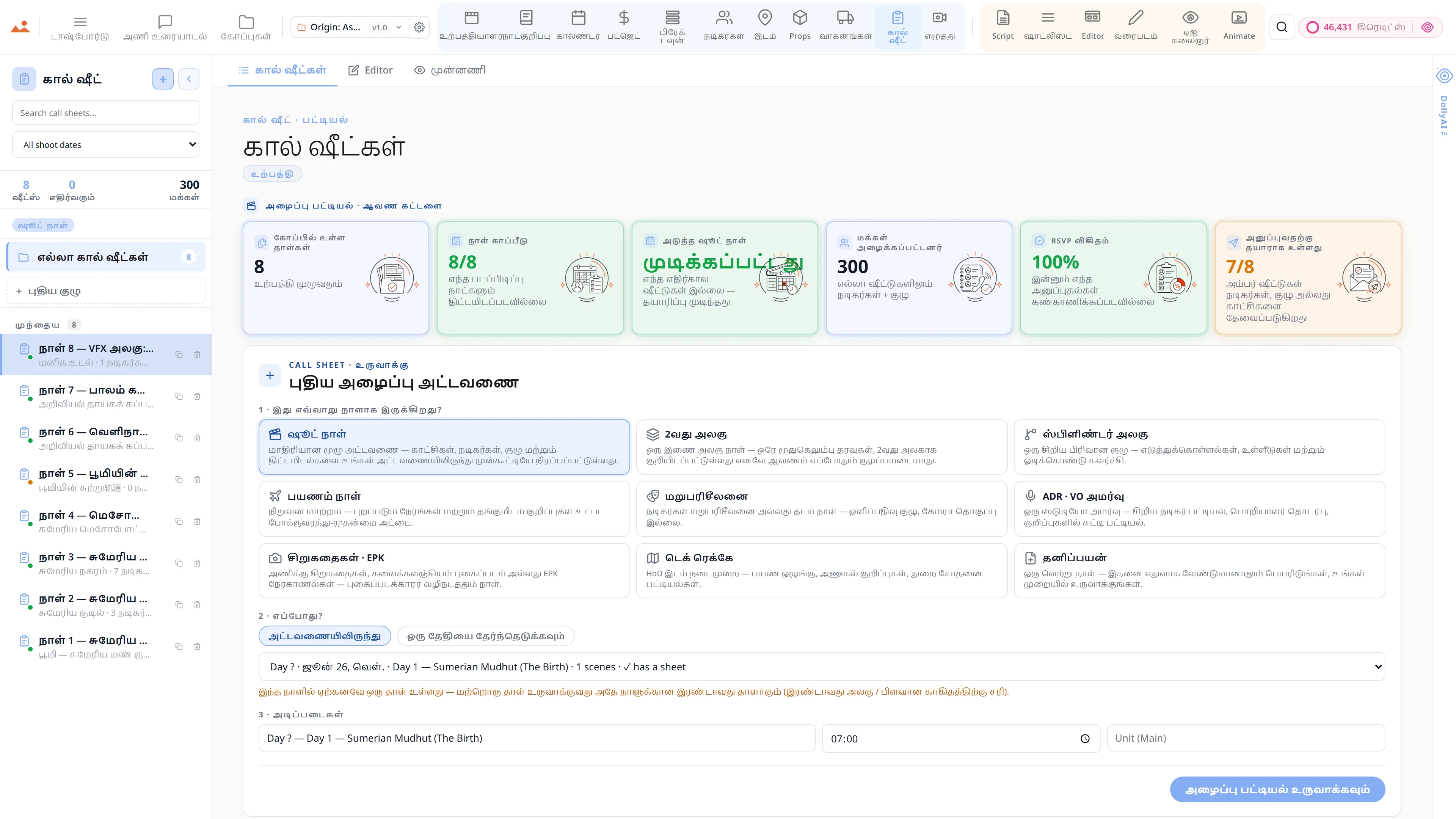
Production team chat anchored to the line, the frame and the day.
Real-time channels per department with threaded replies and frame-anchored comments, syncing live across every device on the crew. No more lost Slack threads or group texts that fall apart at wrap - every conversation pinned to the work it is about.
See Team Chat →
என்ன உள்ளது அணி உரையாடல்
உற்பத்தி குழு உரையாடல், துறைப்படி.
- Channels that keep the record - the production office, camera and lighting, art and locations, VFX and post, wrap and delivery - sitting next to the schedule and budget they are about
- Channels, DMs, and threaded replies
- Comments anchored to script lines and frames
- @mentions, approvals, and audit trails
- Presence indicators and live cursors
- Read receipts on call sheets and sides
- Email and SMS bridges for non-app crew
குழாய்முறை
எங்கு அணி உரையாடல் உற்பத்தி ஓட்டத்தில் உள்ளது.
உழைப்பை உணர்ந்த உரையாடல் கருவி. Team Chat உங்களுக்கு ஒரு கருத்தை ஒரு ஸ்கிரிப்ட் வரியில், ஒரு storyboard கட்டத்தில், ஒரு நடிகர் வரியில், ஒரு அழைப்பு-பத்திரம் உள்ளீட்டில் இணைக்க அனுமதிக்கிறது - மற்றும் உரையாடல் அந்த மேற்பரப்பில் ஒவ்வொரு பெறுநருக்கும் வாழ்கிறது. இப்போது மேலும் இழந்த Slack திசைகள் இல்லை. முடிவில் உடைந்து போகும் குழு உரைகள் இல்லை.
மேலே
இந்த செயலி
அணி உரையாடல்
உரிமையாளர்: எல்லோரும் - வேலை நடைபெறும் இடத்தில் கருத்துகள்

இந்த செயலியில் DollyAI™
AI கட்டளைகள் இணைக்கப்பட்டுள்ள அணி உரையாடல்.
சூட்டில் உள்ள 200+ DollyAI கட்டளைகளில் சில, இங்கே அணி உரையாடல். ஒவ்வொருவரும் நீங்கள் உறுதிப்படுத்தும் முன் அதன் கிரெடிட் செலவைக் காட்டுகிறார்கள், மற்றும் ஒவ்வொரு பதிலும் உங்கள் உண்மையான திட்டத்தில் அடிப்படையாகக் கொண்டது - பொதுவான உத்தியை அல்ல.
பிறகு சுருக்கம்
2 cr3 நாள் இடைவெளியிலிருந்து திரும்பினீர்களா? Dolly உங்களால் தவறவிட்ட ஒவ்வொரு சேனல் + திசையை, திட்டப்படி ஒழுங்குபடுத்தி, @-நீங்கள் மேலே கொடுக்கிறது.
அங்கீகார உதவியாளர்
1 crஆவண + பெறுநரின் அடிப்படையில் சரியான அங்கீகார கோரிக்கையை உருவாக்குகிறது - நிதியாளர்களுக்காக உத்தியோகபூர்வமாக, குழுவிற்காக சீரானதாக.
ஒவ்வொரு செயலியுடனும் பேசுகிறது
அணி உரையாடல் எழுதுகிறது + படிக்கிறது அதே திட்ட கோப்புக்கு.
மீண்டும் நுழைவு இல்லை, நகல்-ஒட்டுதல் இல்லை, ஒத்திசைவு இல்லாத பதிப்புகள் இல்லை. கீழே உள்ள ஒவ்வொரு இணைப்பும் செயல்பாட்டில் உள்ள தயாரிப்பில் ஒரு நேரடி தரவுப் பாதையாகும்.
ஸ்கிரிப்ட்
எந்த ஸ்கிரிப்ட் வரிக்கு கருத்துகளை இணைக்கலாம்; @-மேற்கோள்கள் அறிவிக்கின்றன; தீர்வு அந்த வரியை தெளிவாகக் குறிக்கிறது.
மன்னிக்கவும், நீங்கள் வழங்கிய தகவல் முழுமையாக இல்லை. தயவுசெய்து மேலும் விவரங்களை வழங்கவும், நான் உதவ விரும்புகிறேன்.
ஸ்டோரி போர்டு ஃபிரேமுக்கு இணைக்கப்பட்ட ஒவ்வொரு ஃபிரேம் கமெண்ட் த்ரெட்களும். பதிலளிக்கவும், தீர்க்கவும், மீண்டும் திறக்கவும்.
நடிகர்கள்
டேப் மதிப்பீடுகள் + முகவர் தொடர்புகளுக்கான ஒவ்வொரு நடிகருக்கும் சேனல்; ஒப்பந்தம்-மெமோ ஒப்புதல் இங்கே வருகிறது.
அழைப்பு பட்டியல்
ஒவ்வொரு அழைப்பு-பட்டியலுக்கான கருத்து த்ரெட் - ஒவ்வொரு மாற்றம், ஒவ்வொரு ஒப்புதல், ஒவ்வொரு திருத்தக் கடிதமும் ஒரே இடத்தில் விவாதிக்கப்படுகிறது.
அதிகமாக கேட்கப்படும்
பொதுவான கேள்விகள் பற்றி அணி உரையாடல்.
நான் குறிப்பிட்ட வரிகள் அல்லது ஃபிரேம்களுக்கு கருத்துகளை இணைக்க முடியுமா?
ஆம். ஒரு குறிப்பிட்ட ஸ்கிரிப்ட் வரிக்கு, ஒரு குறிப்பிட்ட ஃபிரேமுக்கு, ஒரு குறிப்பிட்ட காட்சி அல்லது ஒரு குறிப்பிட்ட நடிகர் வரிக்கு கருத்தை இணைக்கவும் - மற்றும் ஒவ்வொரு பெறுபவரும் அவர்கள் கிளிக் செய்தால் அந்த மேற்பரப்பில் சரியாக இறங்குவார்கள்.
இதற்கு நேரடி இருப்பு உள்ளதா?
ஆம் - ஒவ்வொரு செயலியில் நேரடி குரூசர்கள் + இருப்பு. தயாரிப்பாளர் இயக்குனர் ஒரே காட்சியை மதிப்பீடு செய்கிறார் என்பதை அறிவார்; இயக்குனர் ஸ்கிரிப்ட் சூப்பர்வைசர் தினசரி பதிவு செய்கிறார் என்பதை அறிவார்.
நான் பாண்ட் நிறுவனத்திற்கான அங்கீகாரங்கள் + கையொப்பங்களை கண்காணிக்க முடியுமா?
ஆம். ஒவ்வொரு அங்கீகாரம் / கையொப்பம் / கையொப்பமிடுதல் தயாரிப்பின் கையிருப்புச் சிக்கலுக்கான நேரம் மற்றும் நடிகர் முத்திரையுடன் பதிவு செய்யப்படுகிறது. பாண்ட் நிறுவனத்தின் ஆடிட் தொகுப்பு ஒரு கிளிக்கில் கிடைக்கிறது.
இது Slack போல திசைமாற்றப்பட்ட பதில்களை + @mentions ஐ ஆதரிக்குமா?
ஆம். சேனல்கள், DM கள், திசைமாற்றப்பட்ட பதில்கள், @mentions, வாசிப்பு சான்றிதழ்கள் - எல்லா Slack-தர வகைகளும் + தயாரிப்பு-அறிந்த அடிப்படையில் மேலே.
வாக்குறுதி
அணி உரையாடல் இது ஒவ்வொரு நிலை.
எந்த கட்டுப்பட்ட அம்சங்களும் இல்லை, Pro-க்கு மட்டும் ஏற்றுமதிகள் இல்லை, ஆச்சரியமான கட்டணங்கள் இல்லை. ஒவ்வொரு அணி உரையாடல் இந்த பக்கம் உள்ள கருவி அனைத்து திட்டங்களில் - Hobbyist முதல் Enterprise வரை - வழங்கப்படுகிறது.
சூட்டில் மேலும்