Shot list software that plans every shot, lens and angle.
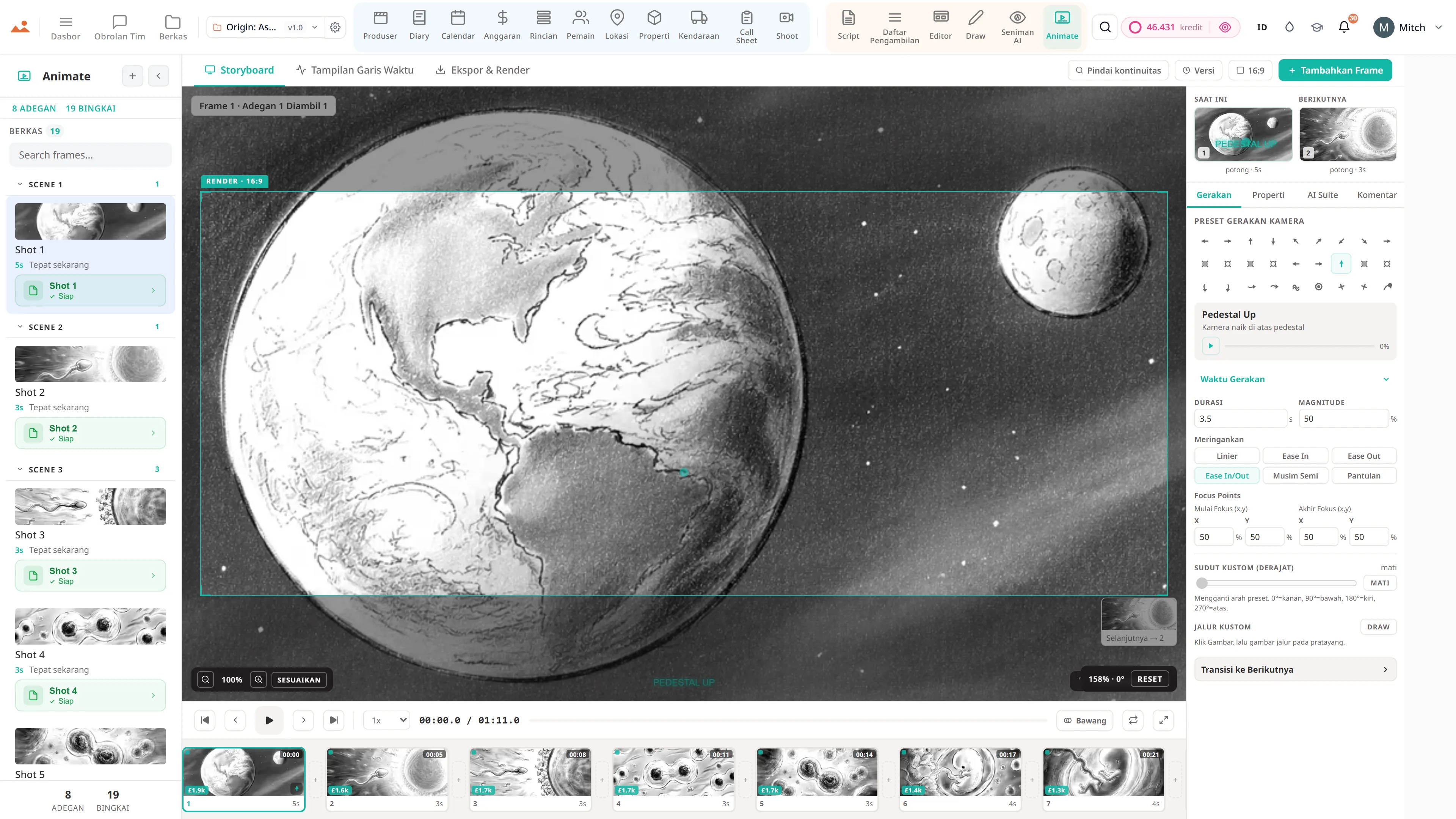
Build the shot list from the script, set lens, movement and framing per shot, then generate a board image for any row. It syncs straight to the storyboard, so coverage and visuals never drift apart.
See the Shot List →


Apa yang ada di dalamnya Daftar pengambilan
Daftar pengambilan gambar AI dengan perencanaan lensa.
- AI generates the first pass of coverage from the scene itself - shot size, angle and movement, with the beats it derived them from
- Every shot carries its scene id through to the storyboard editor and the animatic, so nothing loses its place in the film
- Bulk parse a whole screenplay into shots, scene by scene, streaming as it goes
- Full shot grammar: angle, size, lens, movement
- Cinematography parameters per row - aperture, shutter, ISO, ND, frame rate, focus mode
- Lens × Sensor × Shot Validator - catches coverage issues before shoot day
- Lighting and sound notes per shot
- Setup time estimates feed the schedule
- Drag-to-reorder within scenes and across days
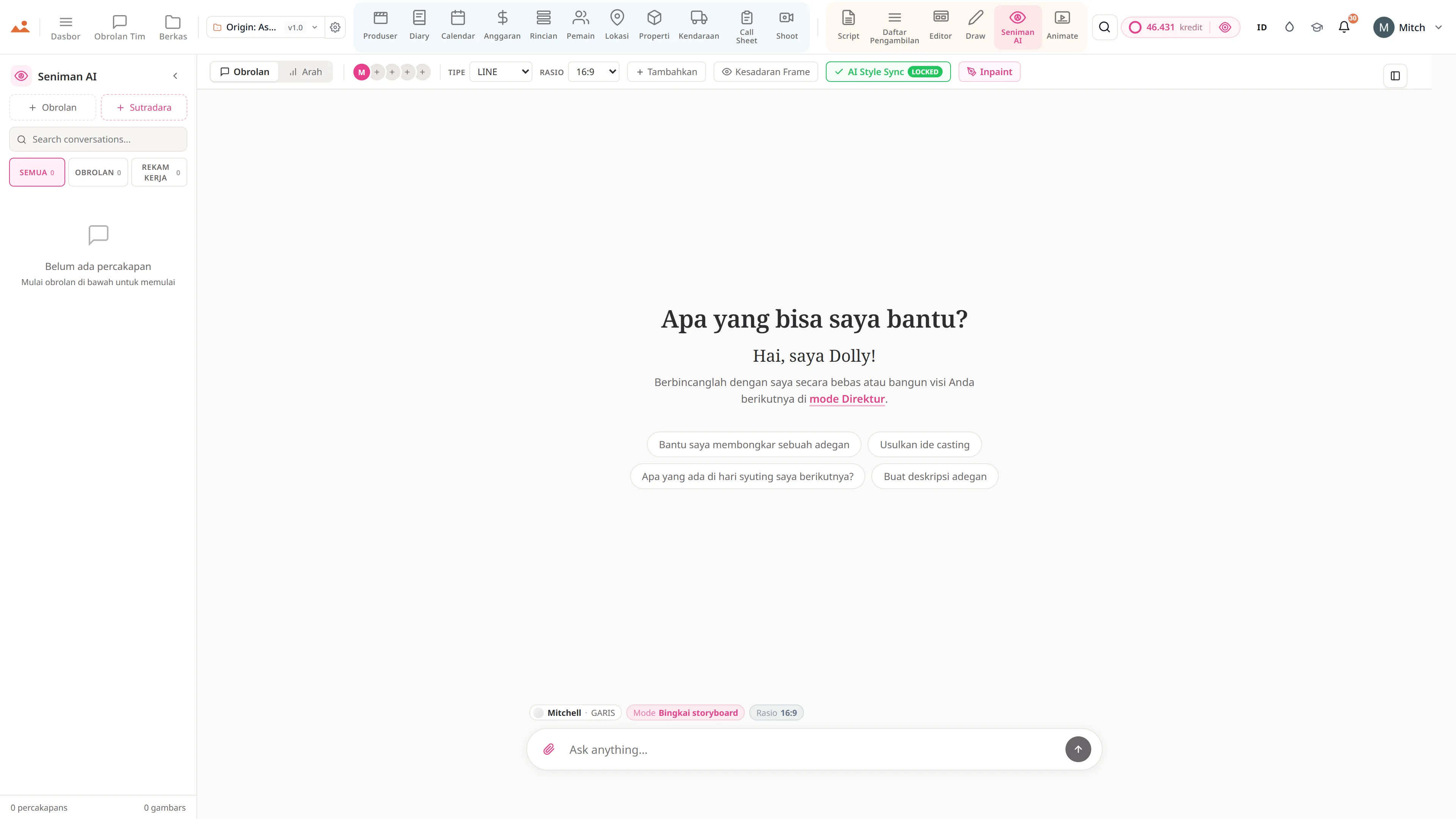
- Per-row Ask Dolly - suggest framing, generate frame, continuity check, alternates
- Bulk screenplay parse - full feature shotlist in one streaming run
- CSV + PDF export for the DP and the AC
Jalur produksi
Di mana Daftar pengambilan berada dalam alur produksi.
Jembatan antara penulisan dan pengambilan gambar. Shotlist mengambil naskah yang sudah selesai + adegan yang telah diuraikan dan menghasilkan rencana per pengambilan gambar dengan parameter sinematografi lengkap. Kirim satu baris ke AI Artist untuk bingkai yang sesuai; kirim satu pengambilan ke editor sebagai panel storyboard; kirim satu kolom ke jadwal sebagai jumlah pengaturan hari itu.
Mengalir ke bawah ke

DollyAI™ di aplikasi ini
Perintah AI terhubung ke Daftar pengambilan.
Beberapa dari 200+ DollyAI perintah di seluruh suite, di sini Daftar pengambilan. Setiap perintah menunjukkan biaya kreditnya sebelum Anda berkomitmen, dan setiap respons terikat pada proyek nyata Anda - bukan prompt umum.
Parsing naskah secara massal
1 crBiaya per adegan. Parser streaming NDJSON membangun daftar pengambilan gambar fitur lengkap dalam satu proses dengan akuntansi kredit per adegan.
Saran cakupan
2 crMembaca sebuah adegan + menyarankan 3-7 pengambilan yang mencakup aksi dengan master / OTS / cakupan / sisipan.
Saran framing
1 crPer-baris: berikan aksi + dialog, sarankan jenis pengambilan gambar + lensa + sudut.
Hasilkan bingkai
25 crKirim baris ke AI Artist - bingkai gaya terkunci melawan lensa + sudut + suasana spesifik untuk pengambilan gambar ini.
Pemeriksaan kontinuitas
3 crPeriksa silang bahwa sudut kamera + pilihan lensa + pengaturan pencahayaan konsisten di seluruh cakupan.
Alternatif
2 crSajikan 3 pengambilan alternatif untuk gambar ini - berguna ketika sutradara menginginkan opsi.
Berbicara dengan setiap aplikasi
Daftar pengambilan membaca + menulis ke file proyek yang sama.
Tidak ada masuk kembali, tidak ada salin-tempel, tidak ada versi yang tidak sinkron. Setiap koneksi di bawah adalah jalur data langsung dalam produk yang berjalan.
Skrip
Setiap baris pengambilan gambar membawa ID adegan sumbernya. Ganti nama judul di /script - pengambilan yang terhubung tetap terhubung.
Rincian
Jumlah elemen per-pengambilan mengalir kembali ke pemecahan untuk verifikasi ulang ("pengambilan ini membutuhkan pedang yang tidak tertangkap dalam pemecahan").
Seniman AI
Per-baris Kirim ke AI Artist - hasilkan bingkai melawan lensa + sudut + pencahayaan + suasana aktual untuk pengambilan gambar ini.
Editor
Per-shot Kirim ke Editor - baris tersebut muncul sebagai panel storyboard dengan tautan adegan yang dipertahankan.
Pengambilan gambar
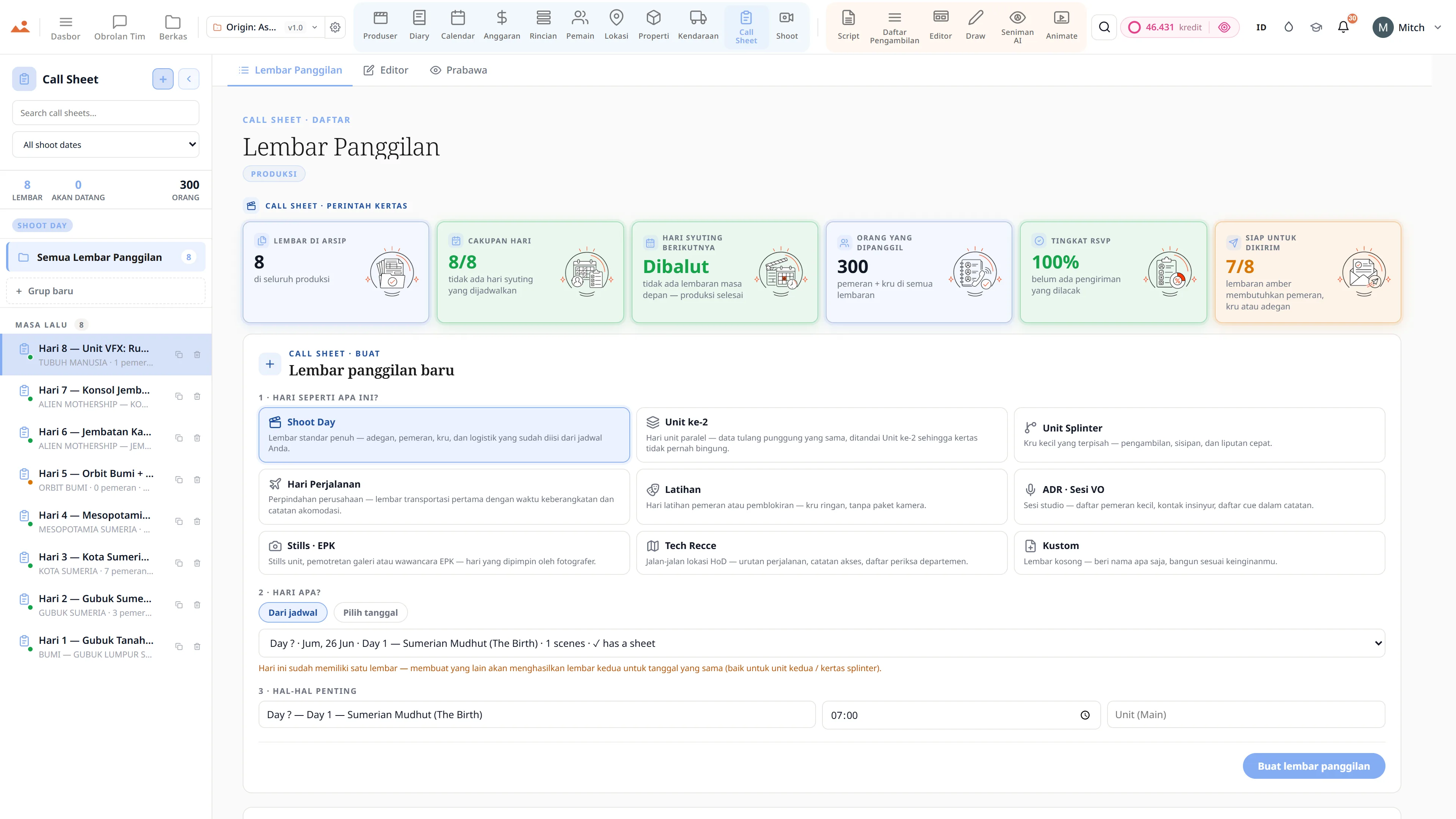
Ekspor daftar tembakan yang difilter per hari memberikan cetakan hari syuting AC. Jumlah pengaturan digabungkan ke dalam jadwal.
Janji
Daftar pengambilan adalah di setiap tier.
Tidak ada fitur yang terkunci, tidak ada ekspor khusus Pro, tidak ada dinding pembayaran yang mengejutkan. Setiap Daftar pengambilan alat di halaman ini tersedia di setiap rencana - dari Hobbyist hingga Enterprise.
Lebih banyak di suite