Location management software - scouting, permits and travel.
Scouting, permits, logistics and travel - mapped, with sun-path and carbon built in. Locations autoseed from the breakdown, INT/EXT with day-night and a scene count.
See Locations →


Was ist enthalten Standorte
Standortmanagement und -erkundung.
- The nearest A&E is a required field - a location without one is flagged as unsafe to call sheet, in red, before the sheet can go out
- Travel matrix - estimated distance and time between every pair of locations, with a fuel calculator that turns the company move into litres, cost and truck-kilometres
- Company-move carbon pushed into the production carbon model, which otherwise defaults transport to zero and quietly excludes the largest line on most shoots
- Permits tracked per location with status, and a map that plots every geocoded location in company-move order
- Interactive map with pins for every scouted location
- Permit status chips - click-to-cycle between pending, approved, expired, rejected
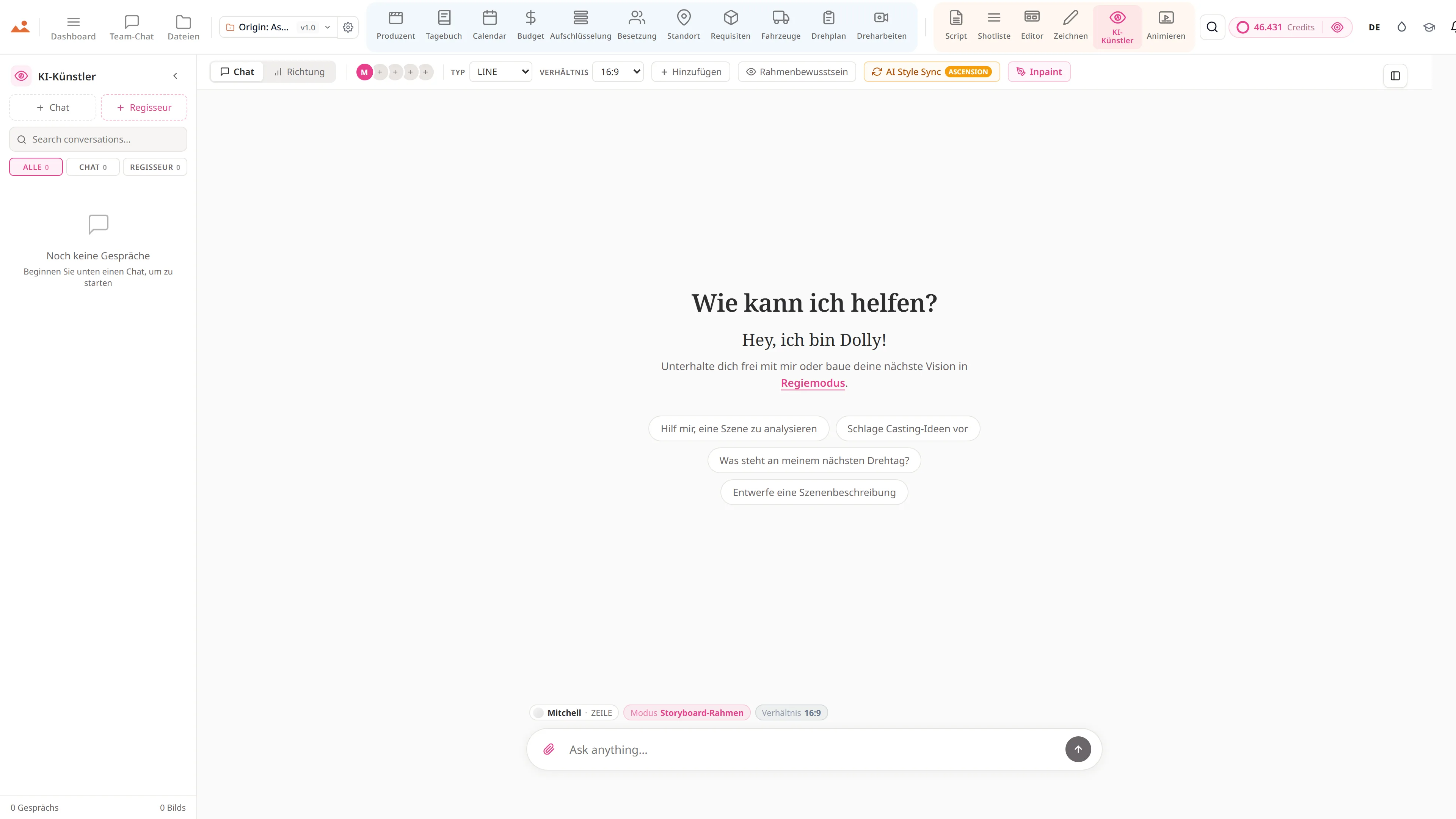
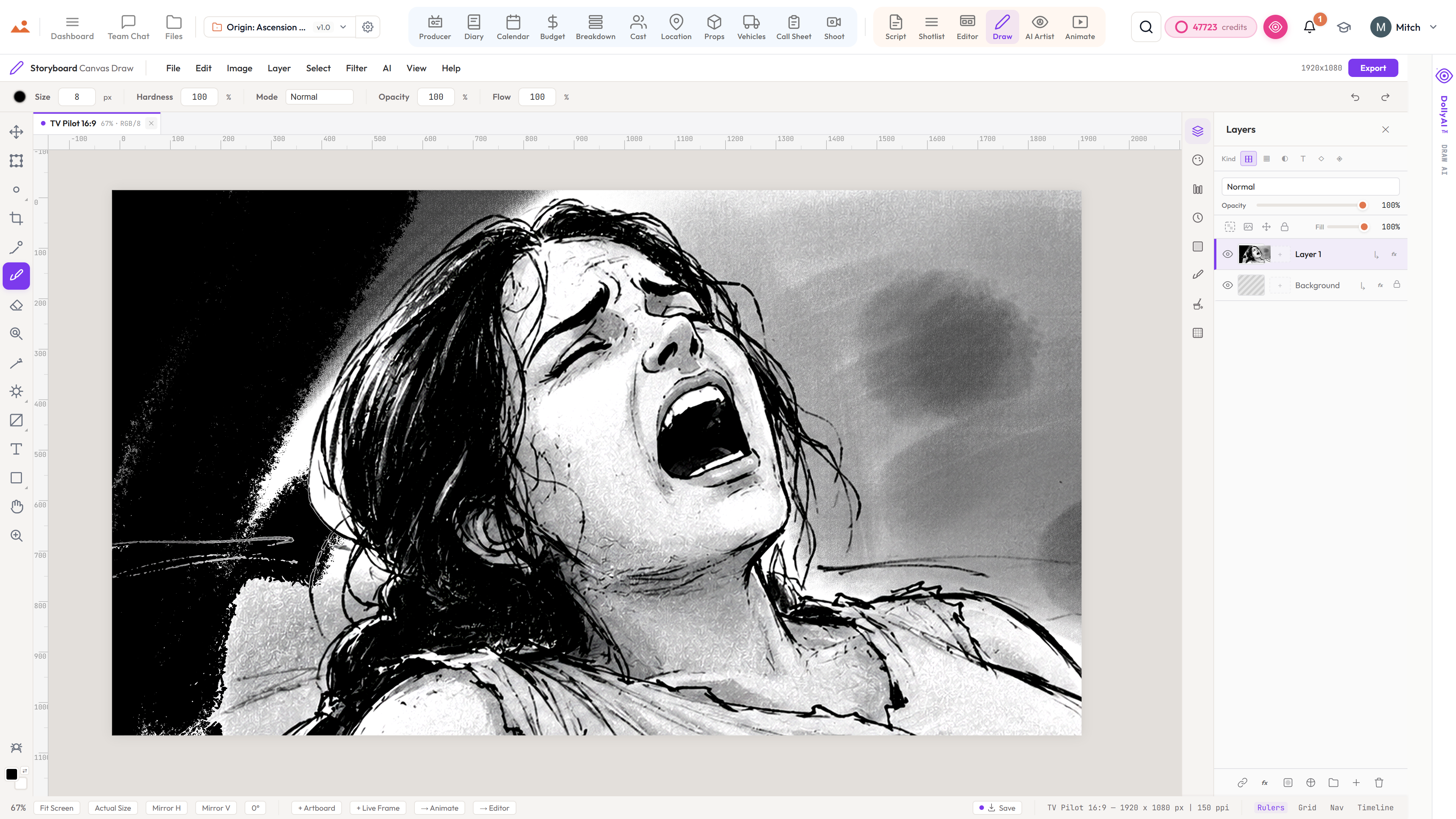
- AI Artist location concept renders - interior, exterior, day, night, weather
- Insurance, contact, fee tracking with 30-day expiry alerts
- Tech-scout photo galleries with annotations + lightbox EXIF
- Company-move distances auto-calculated for the schedule (travel matrix)
- Scene-to-location linking with reverse lookup
- Connected to the Locations + Permits Directory - find vetted spaces with permit timelines and rate cards in one place
- One-click KML export for Google Earth + location maps pasted into call sheets
Der Prozess
Wo Standorte sich im Produktionsfluss befindet.
Wo die Produktion tatsächlich stattfindet. Standorte befinden sich zwischen der INT/EXT-Extraktion des Breakdowns und der täglichen Adresse im Drehplan. Jeder bestätigte Standort fließt automatisch in den Drehplan, die Logik der Unternehmensbewegungen im Zeitplan und das Risikodashboard des Produzenten.

DollyAI™ in dieser App
KI-Befehle integriert in Standorte.
Einige der über 200 DollyAI Befehle in der Suite, hier in Standorte. Jeder zeigt seine Kreditkosten, bevor Sie sich festlegen, und jede Antwort ist in Ihrem realen Projekt verankert - nicht in einem generischen Prompt.
Konzept-Render
25 crSenden Sie die Standortnotizen + Scout-Fotos an den AI Artist für ein stilfestes Konzept-Rendering - jedes Seitenverhältnis, zu jeder Tageszeit.
Genehmigungsrisikobewertung
2 crLiest den Genehmigungsstatus des Standorts + Zuständigkeit + Scout-Zeitplan + kennzeichnet Shootings, die Gefahr laufen, live zu gehen, ohne eine gültige Genehmigung.
Reise-Matrix-Optimierer
3 crOrdnet die Drehtage neu, um die gesamte Umzugszeit des Unternehmens im Zeitplan zu minimieren.
Spricht mit jeder App
Standorte liest + schreibt in die gleiche Projektdatei.
Kein erneutes Einfügen, kein Kopieren und Einfügen, keine unsynchronisierten Versionen. Jede Verbindung unten ist ein Live-Datenpfad im laufenden Produkt.
Analyse
Szenenüberschriften autoseed Standortkandidaten mit INT/EXT + Tag/Nacht-Metadaten vorab getaggt.
Drehbuch
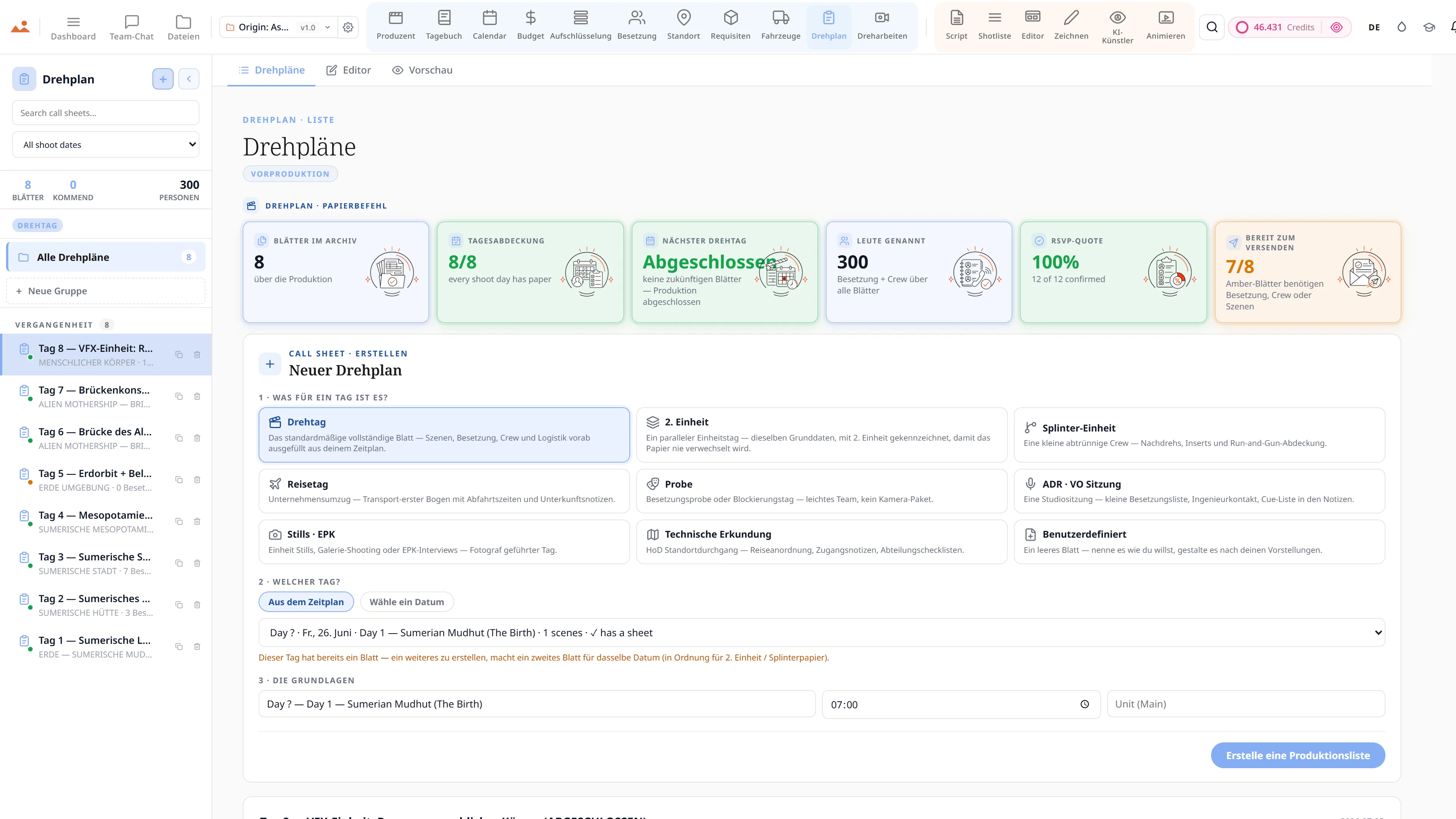
Bestätigte Standorte fließen in das tägliche Call-Sheet mit Adresse, Parkhinweisen, Krankenhaus, Breiten-/Längengrad für das Wetter-Widget ein.
Calendar
Entfernungen zwischen Unternehmensstandorten speisen den Tagesordnungs-Optimierer; weit auseinanderliegende Standorte werden markiert.
KI-Künstler
Pro Standort an AI Artist senden für stilgesperrte Konzept-Renderings vor dem Scout-Tag.
Producer
Genehmigungsablaufzeiten + Scout-Abschlussquoten erscheinen auf dem Produzenten-Dashboard.
Häufig gestellte Fragen
Häufig gestellte Fragen zu Standorte.
Kann ich mehrere Genehmigungsstatus pro Standort verfolgen?
Ja - jede Genehmigungszeile trägt ihren eigenen Statuschip (ausstehend / genehmigt / abgelaufen / abgelehnt) und das Ablaufdatum mit 30-Tage-Warnungen, die im Produzenten-Dashboard angezeigt werden.
Weiß die Reisematrix über echte Fahrstrecken Bescheid?
Ja - Entfernungen + Fahrzeiten werden automatisch zwischen jedem gescouteten Pin-Paar berechnet. Der Tagesordnungsoptimierer liest daraus, um die gesamte Umzugszeit des Unternehmens im Zeitplan zu minimieren.
Kann der AI Artist Standortkonzept-Renderings erstellen, bevor ich scoute?
Ja - pro Standort Send to AI Artist generiert ein stilfestes Konzept-Rendering jedes Standorts zu jeder Tageszeit. Visualisieren Sie Innenräume, Außenbereiche, Tag, Nacht, Wetter vor dem Scout-Tag.
Können Standorte als KML für Google Earth exportiert werden?
Ja - der KML-Export mit einem Klick versendet alle gescouteten Pins mit Metadaten. Außerdem wird ein Standort-Embed auf jedem Call Sheet PDF platziert.
Das Versprechen
Standorte ist aktiv jede Stufe.
Keine gesperrten Funktionen, keine Pro-exklusiven Exporte, keine überraschenden Zahlungswände. Jedes Standorte Tool auf dieser Seite ist in jedem Plan verfügbar - Hobbyist bis Enterprise.