Un outil au lieu d'un ensemble de £4,500 par an.
Les prix des logiciels augmentent. Les équipes se réduisent. Nous avons construit quelque chose de différent. Remplacez un ensemble de logiciels de production cinématographique à usage unique coûtant plus de £4,500/an et des talents externalisés pour aussi peu que £15/mois - conçu autour des personnes sur le plateau, et non des personnes qui les remplacent, avec un co-pilote IA à vos côtés dans chaque application pendant que les cinéastes humains prennent toutes les vraies décisions.

Le problème mondial
La friction qui façonne chaque journée de tournage.
Chaque problème ci-dessous est un que nous avons rencontré, lors de vraies productions. Ce sont les raisons pour lesquelles StoryboardCanvas existe.

Un fichier de projet. Zéro ressaisie.
Chaque autre pile de production divise la vérité à travers quinze outils. StoryboardCanvas la garde au même endroit. Changez un titre de scène une fois - le breakdown, le planning, les feuilles d'appel, le graphique des acteurs et les storyboards se mettent tous à jour automatiquement. Ce fichier partagé unique est la raison même pour laquelle le reste de cette page fonctionne.


Changez en un après-midi. Emportez toute votre pile avec vous.
Ne reconstruisez pas un seul projet à la main. Déposez les fichiers que vous avez déjà - un planning Movie Magic, un script Final Draft, une analyse StudioBinder - et notre importateur de transition reconnaît la source, la lit et reconstruit votre production dans la suite. Pas de retape. Pas de week-end de copier-coller.
Déposez ce que vous avez déjà
Dirigé, peuplé, prêt
Les fichiers Movie Magic sont structurés - lus directement, scène par scène, à zéro crédits AI. Les scripts et les PDF exécutent une analyse AI soumise à un crédit qui divise chaque scène et étiquette le casting, les lieux, les accessoires, les véhicules, l'équipe et l'équipement pour vous. Une douzaine d'outils à usage unique utilisés pour répartir ce travail entre eux - nous avons rendu cela sans effort pour tout rassembler au même endroit.

Du Script à l'Écran
Le pipeline en un coup d'œil.
Huit étapes, deux pistes. Le producteur passe au réalisateur, le réalisateur renvoie au producteur. Chaque carte montre la surface qui la possède et les applications qu'elle alimente en aval.

Du script à la liste de plans, au storyboard, à l'animatique - prêt pour le PPM ou le tournage.
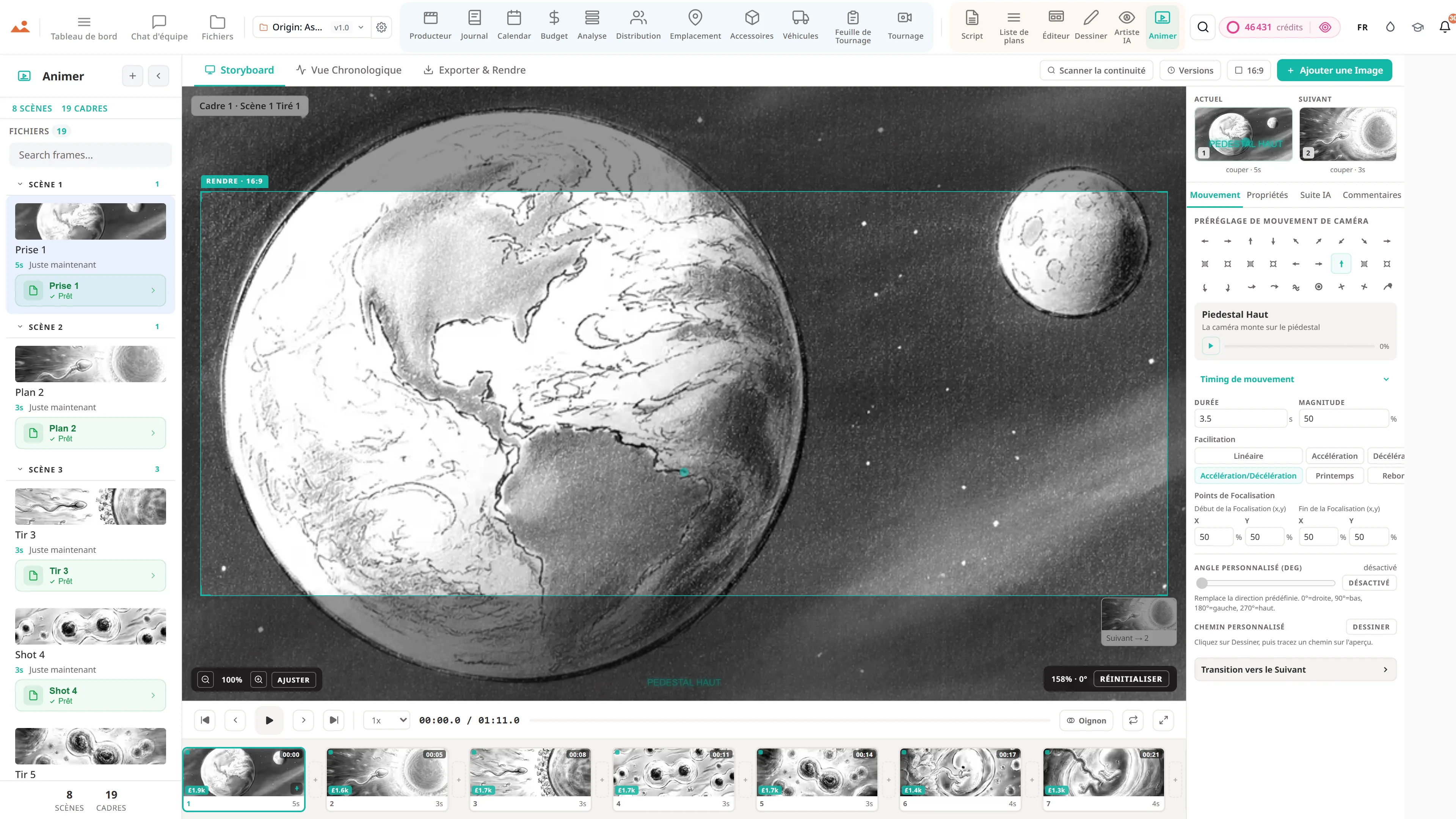
Aucun autre outil ne suit votre projet de manière continue, depuis le premier brouillon jusqu'à un animatique chronométré et un livrable prêt pour le PPM. Tapez une scène, obtenez une liste de plans, générez des images avec la suite Draw ou l'AI Artist, déposez-les directement dans l'éditeur de storyboard, chronométrez l'animatique et remettez un pack de réunion de pré-production - ou marchez directement sur le plateau.
Le pipeline du Producteur
D'un deck verrouillé à un tournage finalisé - même fichier, pas de nouvelle saisie.
Le tableau passe directement à la production. Décomposez-le, planifiez-le, envoyez la journée, gérez le plateau, surveillez l'argent - tout le tournage, une colonne vertébrale continue.
…et le reste du pipeline
L'immense Producteur Suite qui transforme un deck en un tournage.
Un animatique est la moitié de l'histoire. Chaque module ci-dessous est une application de production complète - chacune communique automatiquement avec le script, le découpage, le calendrier et le graphique des acteurs. Zéro copier-coller entre les applications. Zéro versions obsolètes dans le fil Slack. Un fichier, de haut en bas.
Analyse
Codage couleur de l'industrie en 12 catégories. Distribution, accessoires, garde-robe, VFX, véhicules, SFX - auto-étiqueté par scène.
Planifier
Stripboard, DOOD, optimiseur d'ordre de jour, suivi des jours de tournage avec disponibilité en direct du casting.
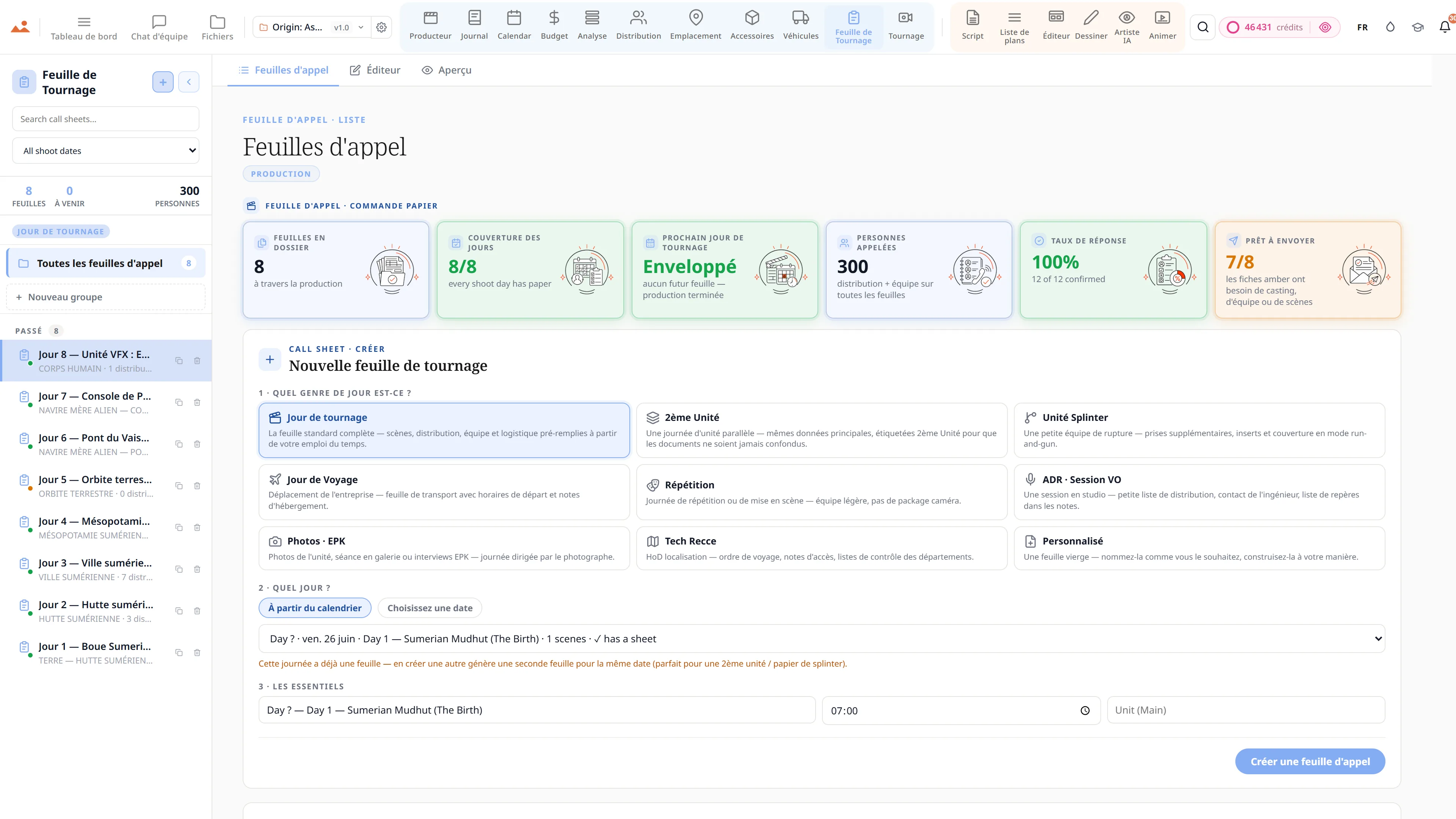
Feuille d'appel
Remplissage automatique à partir du jour de tournage. Météo, prises de vue, hôpital. Envoi PDF + email à toute l'équipe.
Distribution
Profils, disponibilité, mémos d'accord, références de personnages, couverture de casting. Le graphique complet de continuité des personnages.
Lieux
Repérage, permis, logistique, planification de la matrice de voyage. Correspondance scène-lieu avec l'assistance de Dolly.
Accessoires
Accessoires principaux + accessoires de fond, continuité des costumes, gestion des locations, suivi des statuts, références de scène.
Véhicules
Voitures de scène + véhicules d'unité, assurance, affectations de conducteurs, suivi des plaques, alertes de scène.
Tournage
Inventaire d'équipement en 13 catégories + liste de l'équipe en 16 départements. Prêt pour le jour de tournage en un coup d'œil.
Budget
Rapport de coûts, variance, prévisions, feuille de synthèse, bons de commande, caisse, incitations fiscales, charges sociales, flux de trésorerie et un générateur d'offres AICP.
Journal
Rapports de production quotidiens (DPR), 11 modes d'affichage, capture de médias BTS, journalisation de l'achèvement des scènes.
Équipe
Roster de 16 départements avec rôles, tarifs, accords, inclusion automatique des feuilles d'appel, vue départementale.
Fichiers
Fichiers de projet versionnés, sections, commentaires, suivi des livrables. Chaque document, avec traçabilité d'audit.
Plus Chat d'équipe, Tokens de révision + partage, Notifications, Roster d'équipe, et le système complet de Fichiers / Cloud - tous synchronisés sur chaque application.


Verrouillé par style Des cadres de storyboard AI. En 30 à 60 secondes. Sur modèle.
La raison d'être StoryboardCanvas existe. Construit par des artistes de storyboard et alimenté par toute votre production - le Frame Builder connaît déjà le casting, le lieu et les accessoires de la scène, donc les cadres reviennent sur modèle sans boîte de prompt vide. Choisissez notre style par défaut primé - modélisé sur l'artiste de storyboard Mitchell Hughes - ou téléchargez quelques-unes de vos propres références et laissez DollyAI™ maintenez ce look pour l'ensemble du projet. Pas de dérive, pas de personnages halluciné, pas de bibles de personnages jetables, pas d'attente d'artiste d'un mois.
£25–£60 par image · tarifs UK 2026
~£0.30 par image · 25 crédits

Ce qui est lancé aujourd'hui
Les chiffres derrière la suite.
Chaque chiffre ci-dessous est en direct dans le produit aujourd'hui - compté à partir du code en cours d'exécution, pas du deck marketing.

Génération de Storyboard AI · vs le domaine
Notre génération de cadres vs. toutes les autres options
La plupart des outils de "storyboard AI" sont l'une des deux choses suivantes : un générateur d'images générique avec un modèle de storyboard, ou un outil de deck statique avec un générateur ajouté. StoryboardCanvas est le seul système où un seul fichier de projet transporte le cadre généré directement dans une liste de plans, un éditeur de storyboard et un animatique - avec continuité des personnages, verrouillage de style et liaison des scènes préservés à chaque étape.
Basé sur les ensembles de fonctionnalités documentés publiquement en mai 2026. Les capacités des concurrents changent ; nous mettons à jour ce tableau lorsqu'elles le font.

La Suite
La suite complète. Une connexion. Chaque département.
Deux piles - Producteur et Réalisateur - et la plateforme qui les relie. Chaque application partage le même fichier.
Pile Producteur · 11 Applications
Breakdown
AI script breakdown software, in one pass.
Producer
Production office software, automated.
Budget
Film budget software, tax credits to bid.
Cast
Cast management with a self-tape portal.
Locations
Location management and scouting.
Props
Prop management and costume continuity.
Vehicles
Picture-car and unit-vehicle management.
Calendar
Film scheduling with a stripboard.
Call Sheet
Call sheet software, auto-generated.
Shoot
Equipment and crew, on shoot day.
Diary
Production diary, DPRs and continuity.
Pile Réalisateur · 6 Applications

Sous le capot
Conçu pour réelles productions
Les systèmes derrière la surface - le modèle de données, la couche d'IA et les exports de qualité production qui rendent cela possible sur un véritable plateau.

Fonctionnalités
L'ensemble de la boîte à outils de pré-production
Éditeur de Scénario Réel
Blocs tapés, numérotation des scènes, dialogues en double, mode révision avec numéros verrouillés et pages colorées. Lit et écrit FDX, Fountain, Celtx, PDF et RTF.
Décomposition de Production
Dolly tague automatiquement les accessoires, les costumes, les VFX, les cascades, les SFX, les animaux et les véhicules. Bibliothèque de catégories, rapports par scène et synchronisation avec le calendrier.
Planification de Stripboard Réelle
Bandes codées par couleur, rapports DOOD, déplacements de société, prise de conscience des pauses repas et un optimiseur de jour Dolly. Importe et exporte Movie Magic, Gorilla, CSV et FDX - votre stripboard vous accompagne.
Feuilles d'Appel Automatiques
Tire des informations du Calendrier, du Casting, des Lieux et des Véhicules. Heures de ramassage, météo, hôpital le plus proche, livraison par e-mail et SMS en un clic.
Moteur de Continuité des Personnages
Les embeddings d'identité maintiennent le visage, la garde-robe et la pose de chaque personnage cohérents à travers chaque image générée par l'IA.
Intelligence de Prise de Vue Cinématographique
Longueur focale, taille de prise de vue, préréglages d'objectif, mouvement de caméra et logique d'éclairage - la grammaire du cinéma, structurée et réutilisable.
Collaboration en Temps Réel
Canaux, commentaires en fil, notes ancrées sur les images, @mentions, approbations par image, et indicateurs de présence.
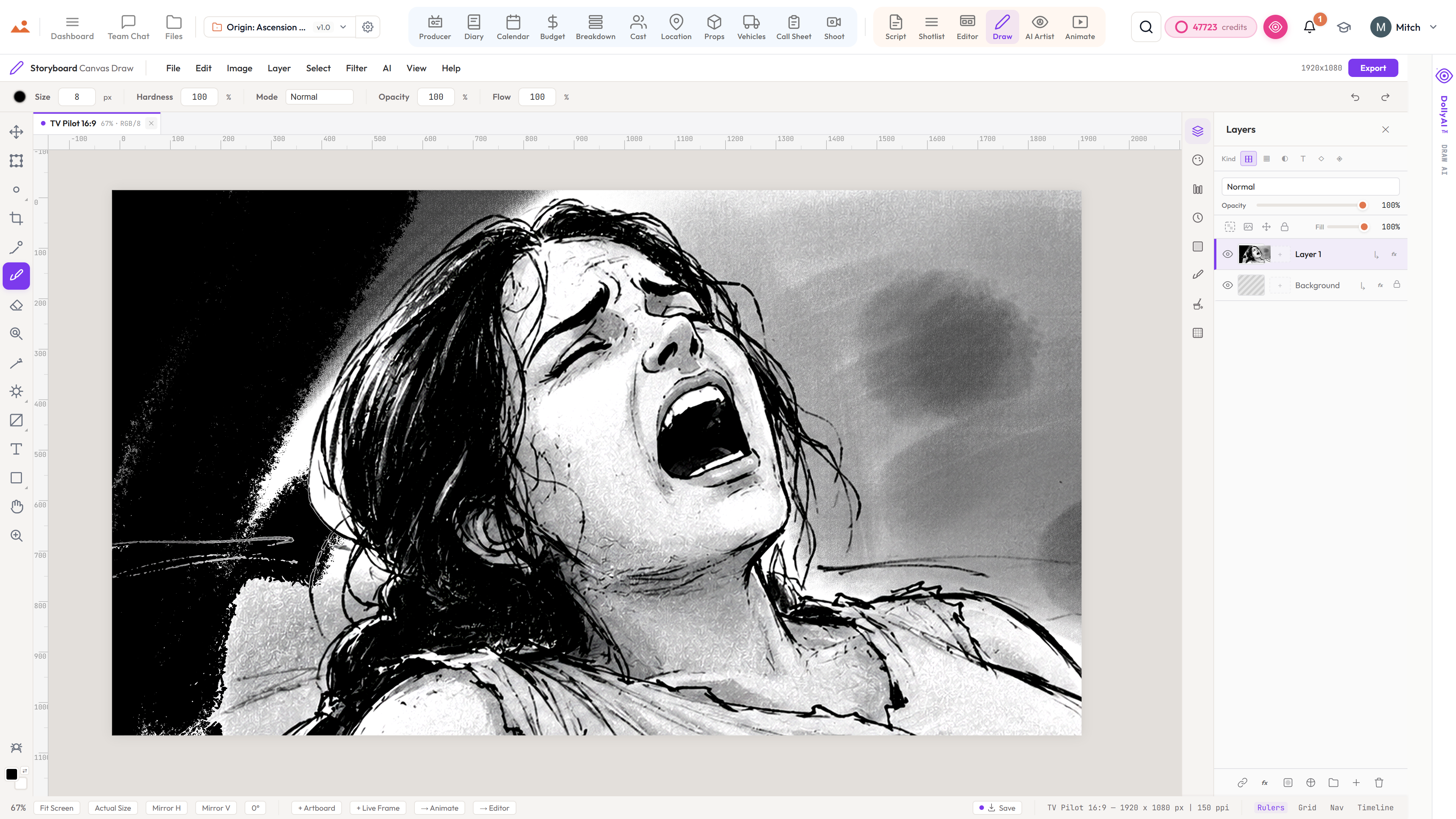
Suite de Dessin Accélérée par GPU
Rendu accéléré par GPU, composition hors fil, pression et inclinaison complètes du stylet, notre moteur de pinceau, plus de 15 modes de fusion.
Verrouillage du Style Artistique
Choisissez votre style une fois et Dolly le conserve. Profils de style signature internes + vos bibles de référence personnalisées - jamais de slop LLM.
Exports Prêts pour la Production
Feuilles PDF 300 DPI, cadres PNG haute résolution, listes de plans CSV, animatiques MP4/MOV, scénarios FDX / Fountain, et tableaux de strip Movie Magic / Gorilla - chaque export dans un format standard de l'industrie.
Sauvegardes Infaillibles
Historique de sauvegarde automatique, versions nommées, brouillons modifiables, et points de restauration complets sur chaque fichier. Revenez à n'importe quel actif à tout moment.
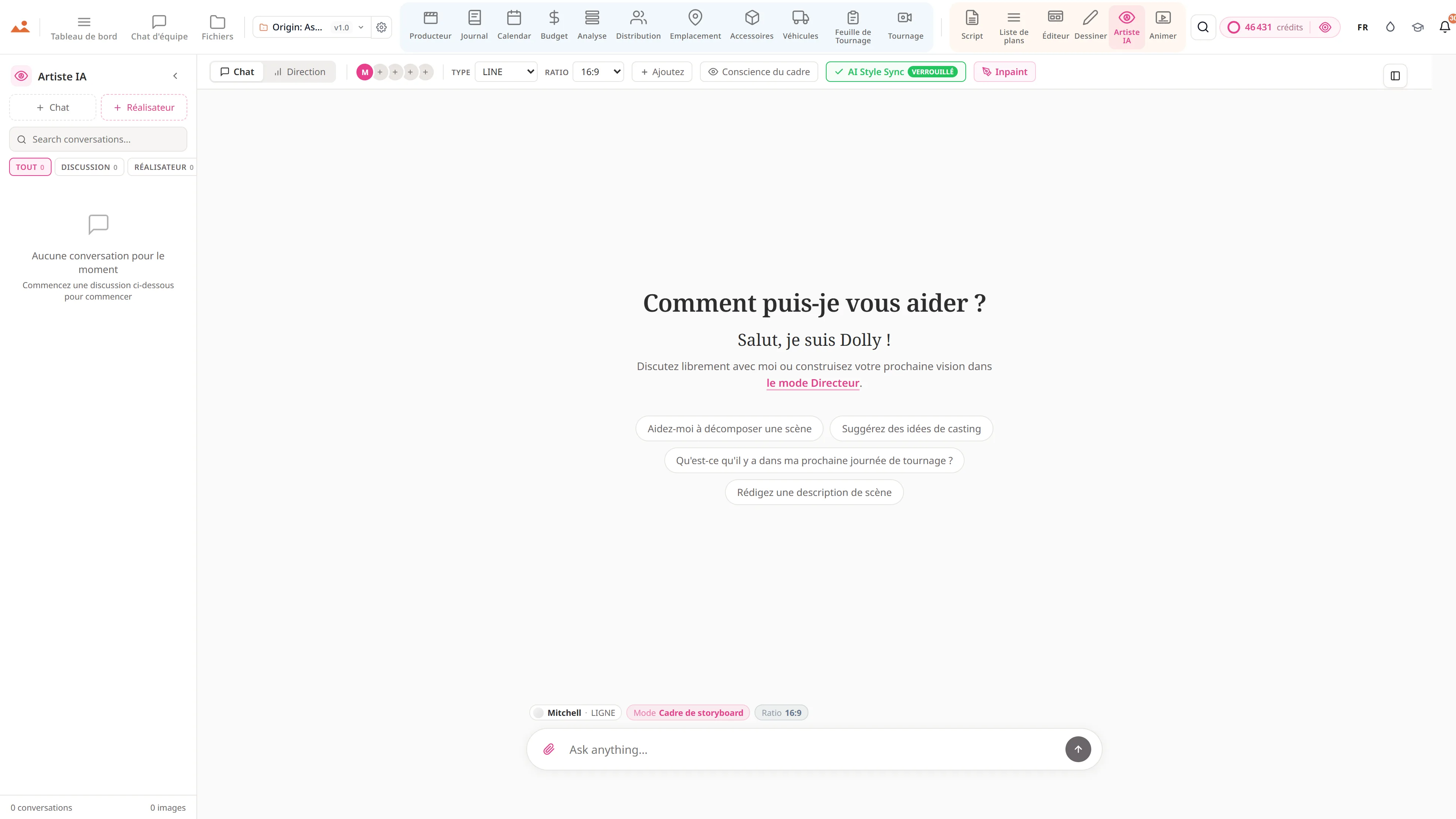
Dolly, dans chaque application
Une assistante dans les 20 applications avec conscience de sélection, conscience d'image, et une récupération de contexte de projet parallèle à 16 tables. Elle sait quelle scène, plan, personnage ou accessoire vous avez cliqué - et elle a vu chaque cadre de storyboard, photo de personnage, et repérage de lieu dans le fichier.
Huit modes d'artiste IA
Tous les huit modes sont disponibles aujourd'hui - cadres de storyboard verrouillés par style, affiches théâtrales, art clé pour le streaming, peintures conceptuelles, planches d'ambiance, images EPK, sous-titres, et cartes de titre. Chaque mode est conçu pour son livrable industriel, chaque sortie est liée à la bible de style verrouillée de votre projet.
Voix-à-Script + Traduction
Transcription vocale alimentée par IA. Traduction de scénarios en plusieurs langues. Plus de 100 actions d'écriture IA - couverture, continuité, polissage de dialogue, feuilles de rythme, réécritures de scènes, bibles de personnages.
Lecture TTS de Personnage
Voix auto-castées par âge et sexe du personnage à partir du breakdown. Écoutez n'importe quel bloc, n'importe quelle scène, dans la bonne voix - voix IA premium ou TTS de navigateur gratuitement.
Pont de Transmission Éditoriale
Animatique → Premiere XMEML, DaVinci EDL, OpenTimelineIO. De plus, abonnements au calendrier .ics, archives de paquets ZIP, PDFs de feuilles de contact de casting, et liens de partage de feuilles d'appel mobiles - aucune installation nécessaire.
Rappels SMS pour l'équipe + le casting
Rappels de jour de tournage alimentés par SMS avec @-mentions, notifications de mémos de contrat, alertes de changement DOOD et pings de commentaires de révision. Les fiches d'appel mobiles s'ouvrent sur n'importe quel téléphone - pas d'application.
Palette de commandes Cmd+K
Recherchez des projets, des personnages, des scènes, des plans, des lieux, des accessoires et des fichiers instantanément depuis n'importe où. Le chemin le plus rapide à travers toute la suite en une seule touche.
Comment fonctionne le logiciel de production cinématographique — questions courantes
Arrêtez de jongler avec les outils. Commencez à réaliser des films.
Chaque application, chaque fonctionnalité, chaque niveau. Pas de fonctionnalités verrouillées, pas de murs de paiement surprises.