Production team chat anchored to the line, the frame and the day.
Real-time channels per department with threaded replies and frame-anchored comments, syncing live across every device on the crew. No more lost Slack threads or group texts that fall apart at wrap - every conversation pinned to the work it is about.
See Team Chat →
Cosa c'è dentro Chat di squadra
Chat del team di produzione, per dipartimento.
- Channels that keep the record - the production office, camera and lighting, art and locations, VFX and post, wrap and delivery - sitting next to the schedule and budget they are about
- Channels, DMs, and threaded replies
- Comments anchored to script lines and frames
- @mentions, approvals, and audit trails
- Presence indicators and live cursors
- Read receipts on call sheets and sides
- Email and SMS bridges for non-app crew
La pipeline
Dove Chat di squadra si colloca nel flusso di produzione.
Lo strumento di conversazione che comprende davvero il lavoro. Team Chat ti consente di ancorare un commento a una linea di script, un fotogramma di storyboard, una riga di cast, un'entrata nella call-sheet - e la conversazione vive su quella superficie per ogni destinatario. Niente più thread di Slack persi. Niente più messaggi di gruppo che si disintegrano al wrap.
Upstream
Questa app
Chat di squadra
Posseduto da: Tutti - commenti dove avviene il lavoro
Si alimenta a valle in

DollyAI™ in questa app
comandi AI integrati in Chat di squadra.
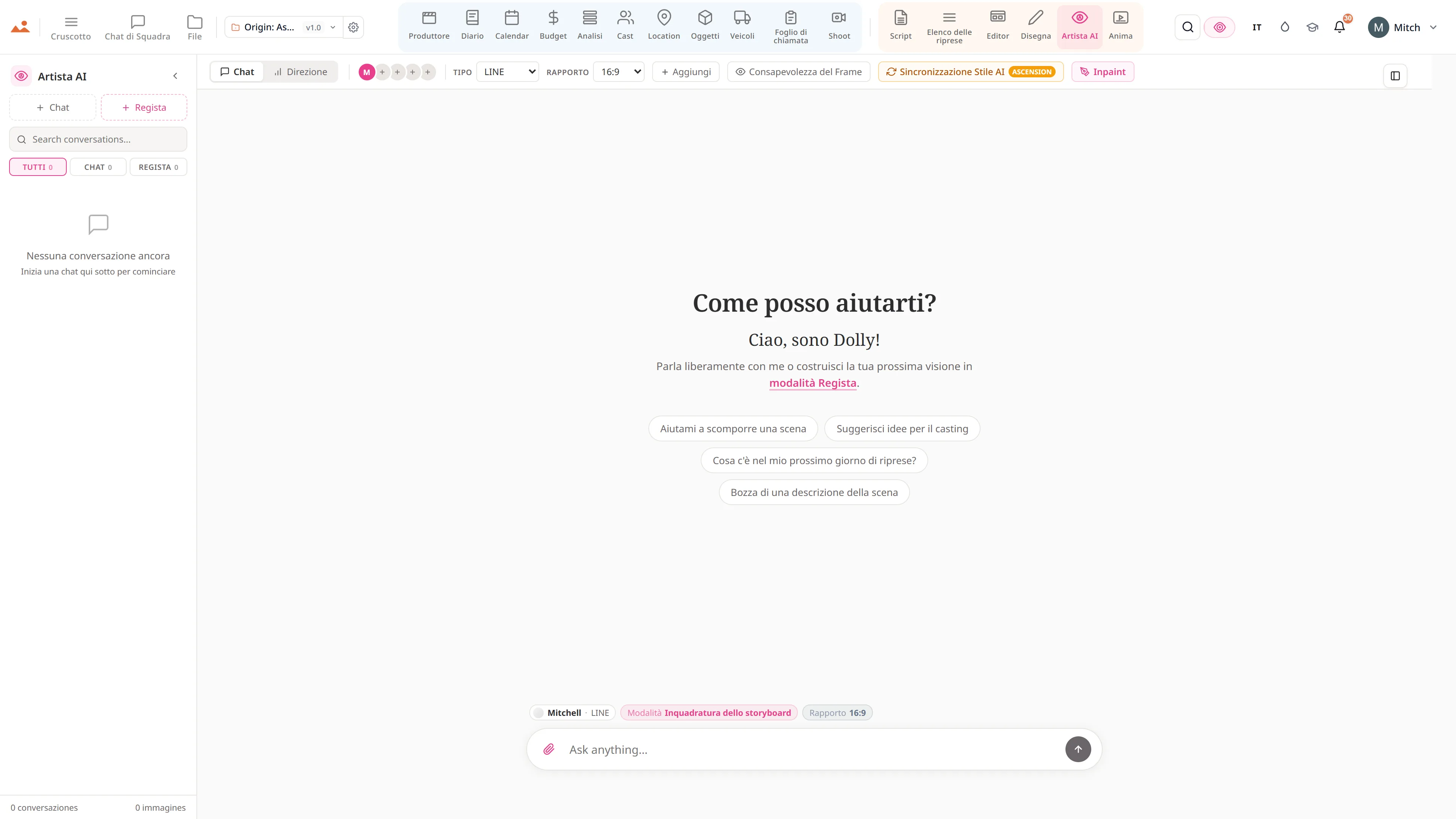
Alcuni dei 200+ DollyAI comandi disponibili nella suite, qui in Chat di squadra. Ognuno mostra il costo in crediti prima di impegnarti, e ogni risposta è ancorata al tuo progetto reale - non a un prompt generico.
Riepilogo di aggiornamento
2 crTornato da una pausa di 3 giorni? Dolly riassume ogni canale + thread che hai perso, organizzato per progetto, con @-te evidenziato in cima.
Aiuto per l'approvazione
1 crRedige la richiesta di approvazione giusta in base al documento + destinatario - formale per i finanziatori, informale per la troupe.
Comunica con ogni app
Chat di squadra legge + scrive su lo stesso file di progetto.
Nessun reinserimento, nessun copia-incolla, nessuna versione fuori sincronizzazione. Ogni connessione qui sotto è un percorso dati attivo nel prodotto in esecuzione.
Copione
Ancorare un commento a qualsiasi linea di script; le @-menzioni notificano; la risoluzione segna la linea come chiara.
Editor
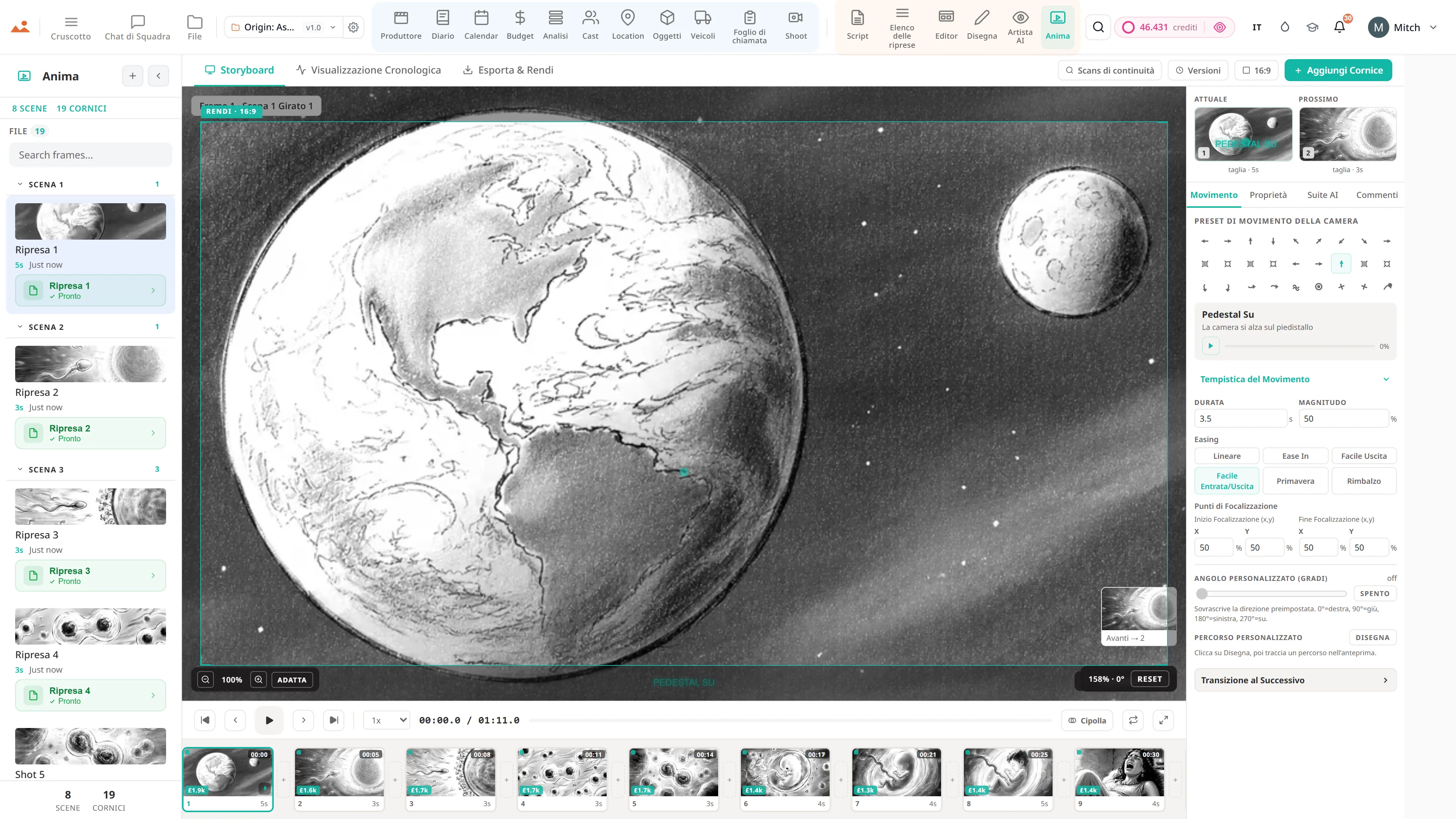
Thread di commenti per ogni fotogramma ancorati al fotogramma dello storyboard. Rispondi, risolvi, riapri.
Cast
Canale per ogni membro del cast per le revisioni delle riprese + comunicazioni con l'agente; l'approvazione del memorandum d'affari arriva qui.
Foglio di chiamata
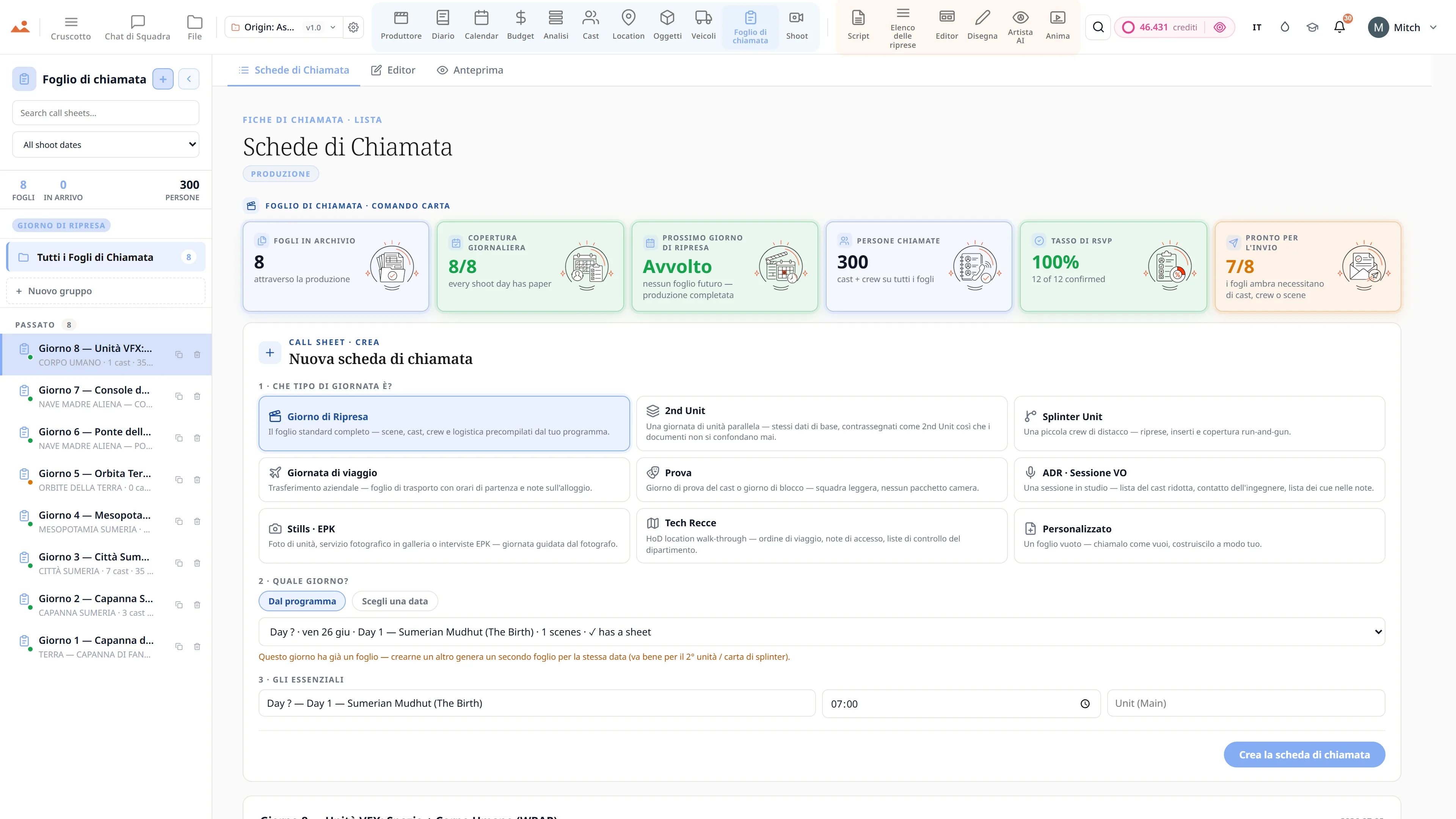
Thread di commenti per ogni call-sheet - ogni cambiamento, ogni approvazione, ogni lettera di revisione discussa in un unico posto.
Domande frequenti
Domande comuni su Chat di squadra.
Posso ancorare commenti a linee o fotogrammi specifici?
Sì. Ancorare un commento a una linea di script specifica, a un fotogramma specifico, a una scena specifica o a una riga di cast specifica - e ogni destinatario atterra esattamente su quella superficie quando clicca.
Ha una presenza in tempo reale?
Sì - cursori live + presenza in tutte le app. Il produttore sa che il regista sta rivedendo la stessa scena; il regista sa che il supervisore di script sta registrando il diario.
Posso tenere traccia delle approvazioni + delle firme per la compagnia di garanzia?
Sì. Ogni approvazione / firma / accesso è timbrata con data e ora + timbro dell'attore per il registro della catena di custodia della produzione. Il pacchetto di audit della compagnia di garanzia è a un clic di distanza.
Supporta risposte a thread + @menzioni come Slack?
Sì. Canali, DM, risposte a thread, @menzioni, ricevute di lettura - tutte le funzionalità di classe Slack + l'ancoraggio consapevole della produzione in aggiunta.
La Promessa
Chat di squadra è attiva in ogni livello.
Nessuna funzionalità bloccata, nessuna esportazione riservata ai Pro, nessun muro di pagamento a sorpresa. Ogni Chat di squadra strumento su questa pagina è disponibile in ogni piano - da Hobbyist a Enterprise.
Di più nella suite