Storyboard editor software - frame, draw and previs in one file.
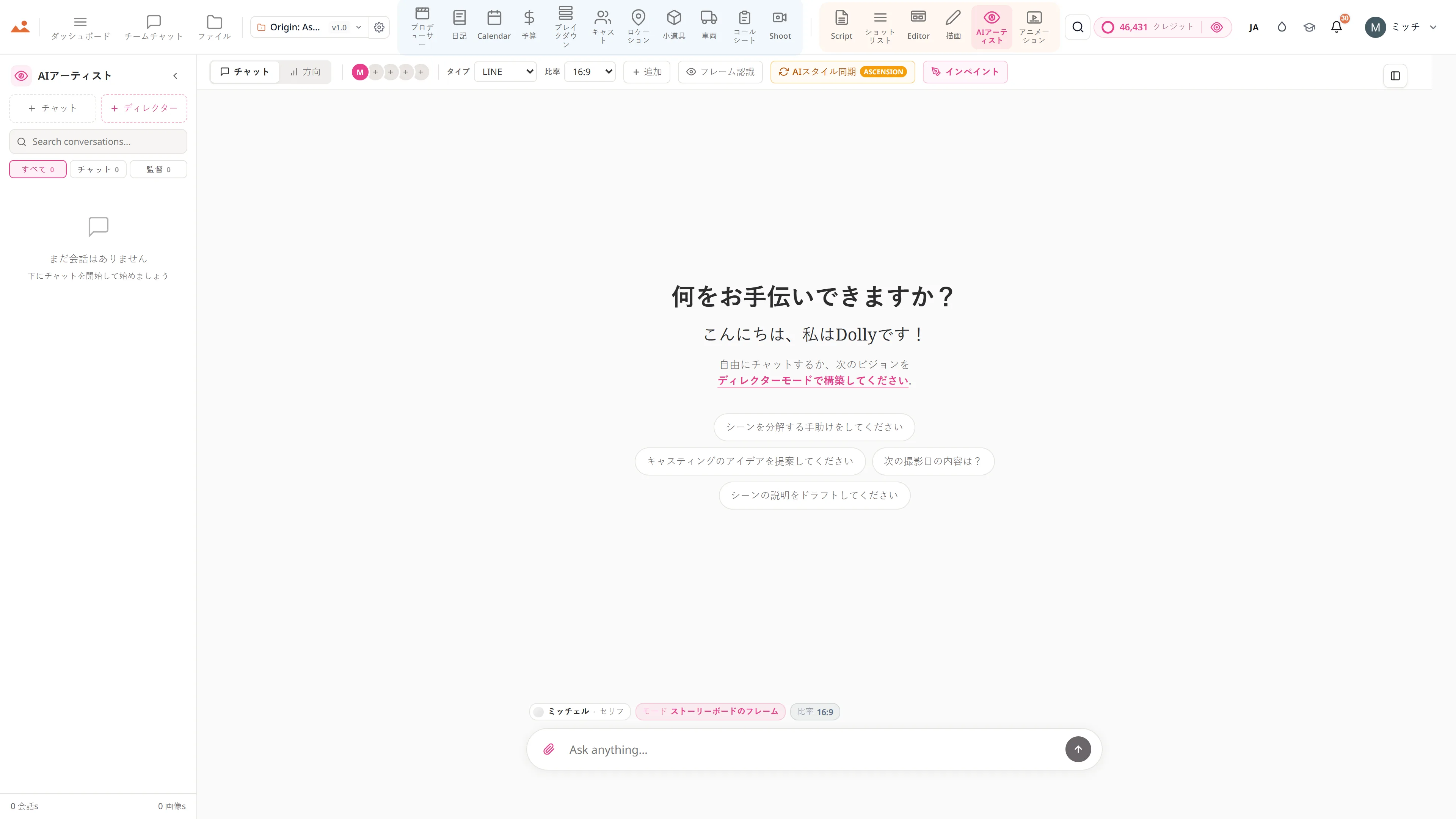
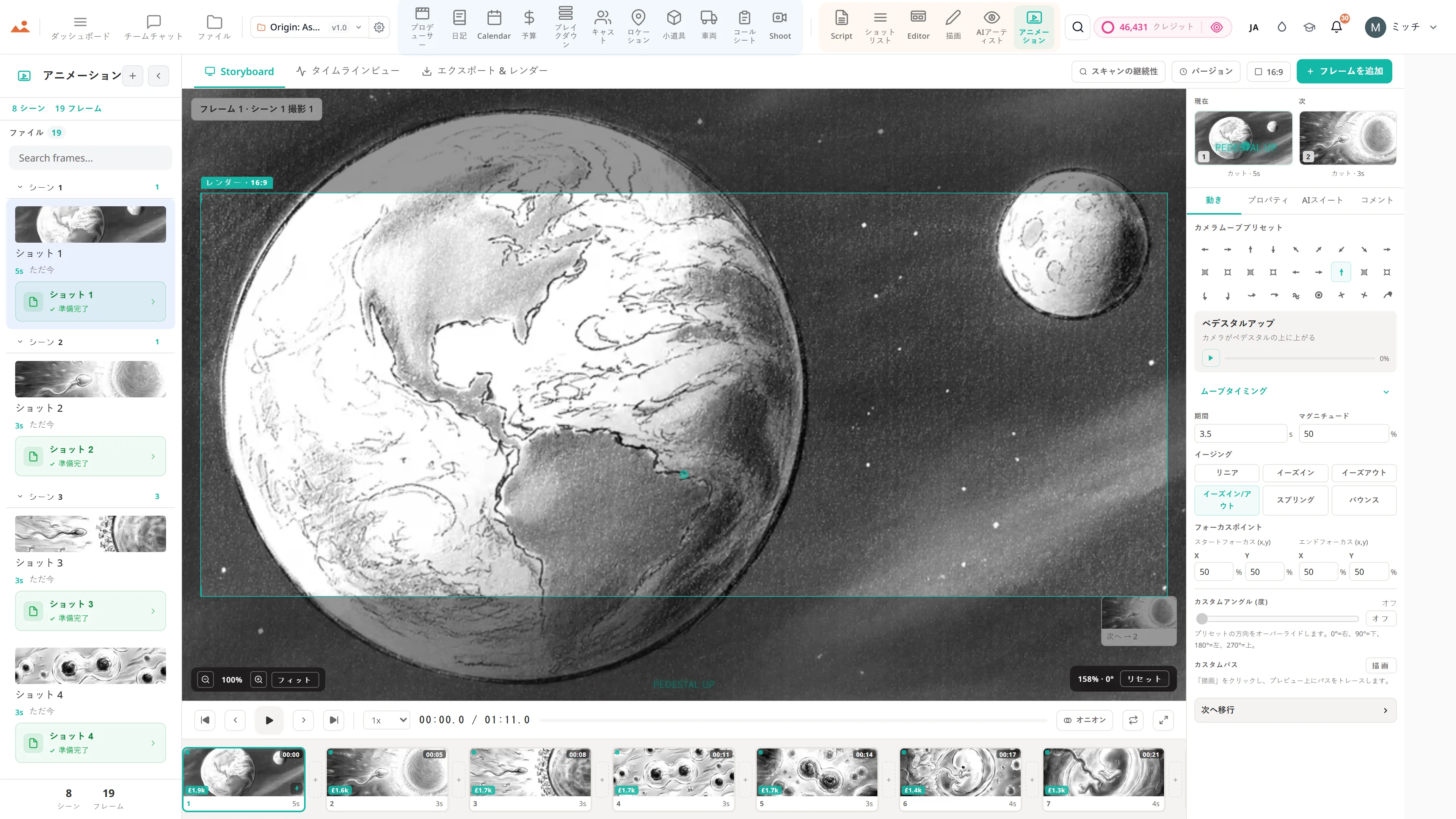
Shot list to storyboard to animatic, in one file. Frame the screenplay, draw over it with 450+ pro brushes, then play it back as a timed previs. No exporting between four apps.
See the Storyboard editor →


中身は何ですか エディター
ストーリーボードエディターとフレームキャンバス。
- Frames arrive from the shot list already carrying their scene, shot size and description
- Frame-anchored comments for review, with threaded replies and a share link that needs no login
- Drag, snap, group, and layer frames on a pixel canvas
- Smart alignment guides and auto-spacing
- Camera-movement overlays - push, pull, pan, tilt, dolly, crane, handheld, gimbal
- Frame → AI animatic clip → schedule loop - visual previs without leaving the project
- Scene and sequence templates for pitch decks
- Full-screen presenter mode for director pitches
- Per-frame comment threads with parent-child replies and approvals
- Stale-frame detection - when a scene heading is renamed or removed, affected frames surface for review
- 2×2, 3×3, and custom PDF grid export at 300 DPI

このアプリ内のDollyAI™
AIコマンド に組み込まれています エディター.
スイート全体で200以上のコマンドのいくつかを、ここに示します エディター。すべてのコマンドは、実際にコミットする前にクレジットコストを表示し、すべての応答はあなたの実際のプロジェクトに基づいています - 一般的なプロンプトではありません。
再順序を提案
2 クレジットデッキを読み取り、映画的な物語として読むフレーム順を提案します - 早期のブロッキングに役立ちます。
スタレーフレームチェック
1 クレジットフレームが生成されて以来、ソースシーンの見出しが変更されたり削除されたりした場合、すべてのフレームにフラグを付けます。
構成批評
3 クレジットフレーミング、三分割法、リーディングライン、アイラインに関するフレームごとの批評。一般的なものではなく、撮影の規範に基づいています。
すべてのアプリと連携
エディター 読み取り + 書き込み 同じプロジェクトファイルに.
再入場なし、コピー&ペーストなし、同期の取れていないバージョンなし。以下のすべての接続は、実行中の製品におけるライブデータパスです。
ショットリスト
ショットごとにエディターに送信 - 行はシーンリンクが保持されたストーリーボードパネルとして配置されます。
AI アーティスト
すべてのAI Artist生成にはSend to Editorチップがあります - フレームがシーンリンクと共にデッキにドロップされます。
描画
完成したDrawフレームをワンクリックでエディターに送信します。ストローク履歴は/filesに保存されます。
アニメーション
デッキ全体をAnimateにタイミング付きアニマティックとして送信します - 同じプロジェクトファイルで、再インポートは不要です。
ファイル
/files内のフレームごとのバージョン履歴。残りを失うことなく、任意のフレームを任意の以前の保存にロールバックできます。
約束
エディター は続きます すべてのティア.
ロックされた機能はなく、Pro専用のエクスポートもなく、驚きの支払い壁もありません。すべての エディター ツールはこのページに掲載されており、すべてのプラン - HobbyistからEnterpriseまで - で利用可能です。