Storyboard editor software - frame, draw and previs in one file.
Shot list to storyboard to animatic, in one file. Frame the screenplay, draw over it with 450+ pro brushes, then play it back as a timed previs. No exporting between four apps.
See the Storyboard editor →


내용물 편집자
스토리보드 편집기 및 프레임 캔버스.
- Frames arrive from the shot list already carrying their scene, shot size and description
- Frame-anchored comments for review, with threaded replies and a share link that needs no login
- Drag, snap, group, and layer frames on a pixel canvas
- Smart alignment guides and auto-spacing
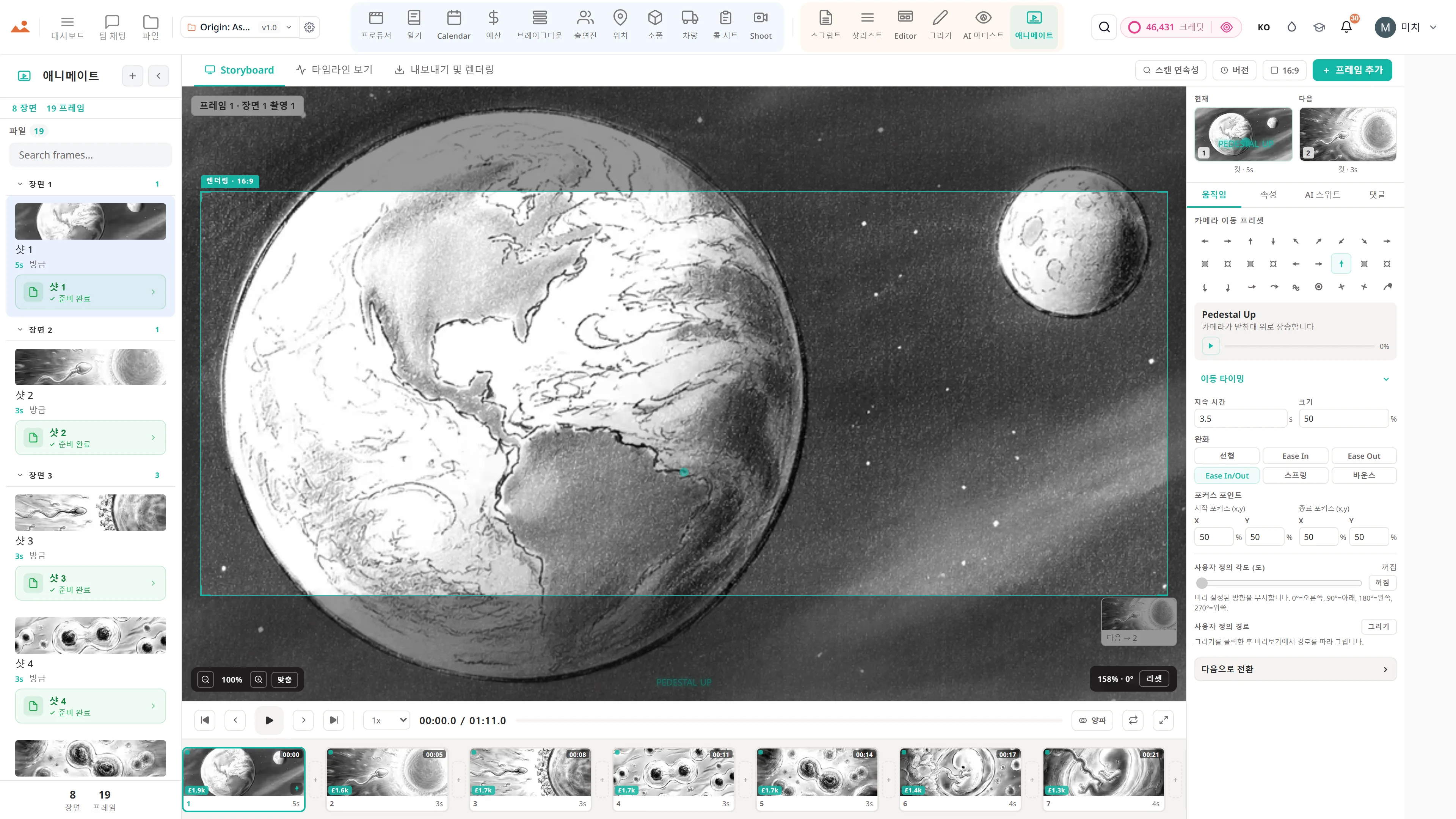
- Camera-movement overlays - push, pull, pan, tilt, dolly, crane, handheld, gimbal
- Frame → AI animatic clip → schedule loop - visual previs without leaving the project
- Scene and sequence templates for pitch decks
- Full-screen presenter mode for director pitches
- Per-frame comment threads with parent-child replies and approvals
- Stale-frame detection - when a scene heading is renamed or removed, affected frames surface for review
- 2×2, 3×3, and custom PDF grid export at 300 DPI

이 앱의 DollyAI™
AI 명령 연결된 편집자.
200개 이상의 DollyAI 명령어 중 일부가 이곳에 있습니다 편집자. 모든 명령어는 사용하기 전에 크레딧 비용을 보여주며, 모든 응답은 일반적인 프롬프트가 아닌 실제 프로젝트에 기반합니다.
재정렬 제안
2 크레딧덱을 읽고 영화적 내러티브로 읽히는 프레임 순서를 제안합니다 - 초기 블로킹에 유용합니다.
정체된 프레임 확인
1 크레딧프레임이 생성된 이후 소스 장면 제목이 변경되었거나 삭제된 모든 프레임에 플래그를 지정합니다.
구성 비평
3 크레딧프레임별 비평으로 프레이밍, 삼등분법, 이끄는 선, 시선에 대해 다룹니다. 일반적인 것이 아닌 촬영 기법에 기반합니다.
모든 앱과 대화
편집자 읽고 + 작성합니다 동일한 프로젝트 파일에.
재입장 불가, 복사-붙여넣기 금지, 비동기 버전 없음. 아래의 모든 연결은 실행 중인 제품의 실시간 데이터 경로입니다.
샷리스트
샷별 편집자에게 전송 - 행이 장면 연결이 유지된 스토리보드 패널로 나타납니다.
AI 아티스트
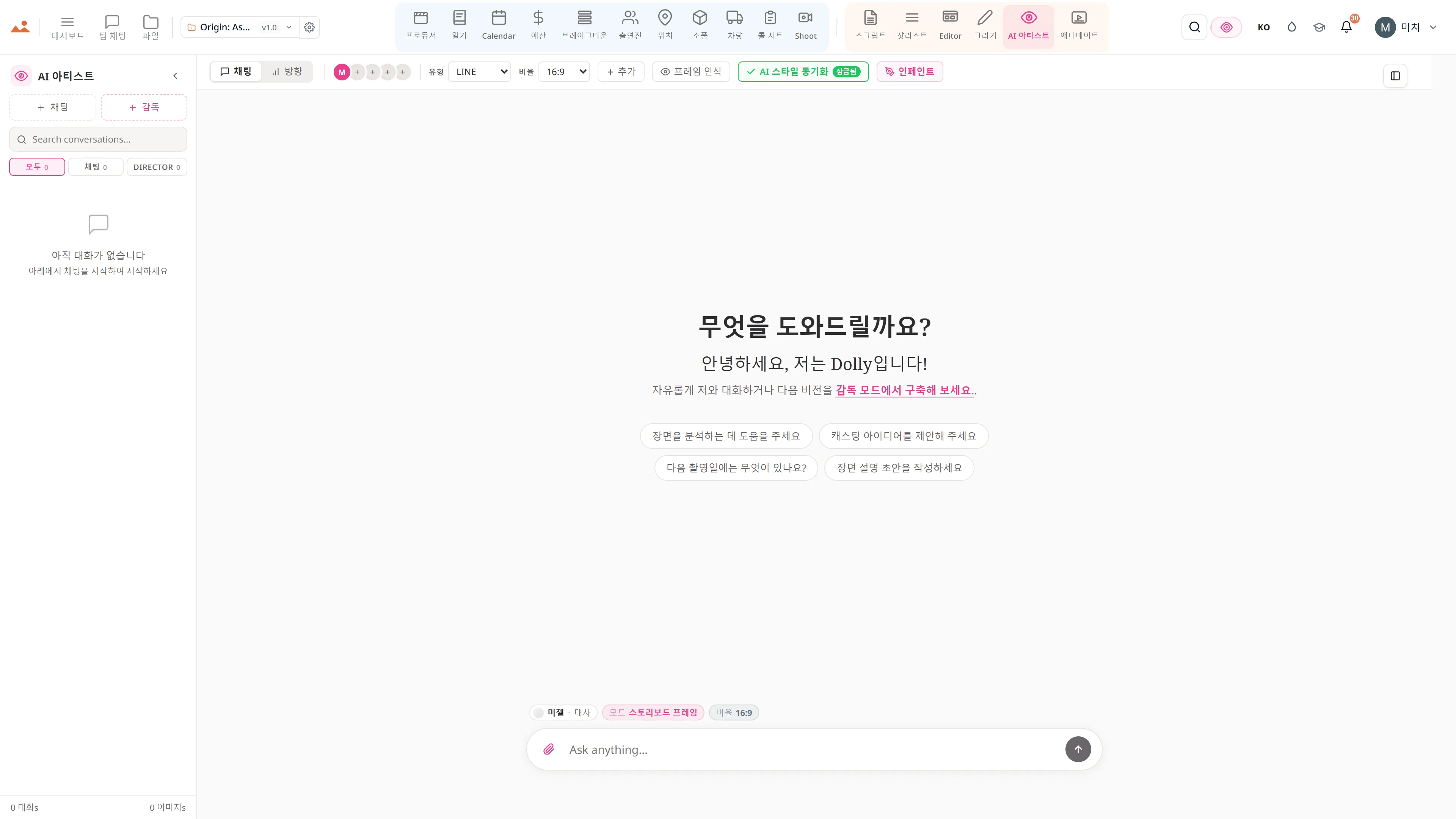
모든 AI 아티스트 생성에는 편집자에게 전송 칩이 있습니다 - 프레임이 덱에 장면 연결과 함께 떨어집니다.
그리기
완료된 Draw 프레임을 한 번의 클릭으로 편집기로 전송하세요. 스트로크 기록은 /files에 보존됩니다.
애니메이트
전체 덱을 애니메이트로 타이밍 애니매틱으로 전송합니다 - 동일한 프로젝트 파일, 재가져오기 없음.
파일
프레임별 버전 기록이 /files에 있습니다. 나머지를 잃지 않고도 이전 저장으로 어떤 프레임이든 롤백할 수 있습니다.
약속
편집자 is on 모든 티어.
잠금 기능 없음, Pro 전용 내보내기 없음, 놀라운 유료 벽 없음. 모든 편집자 도구가 이 페이지에서 모든 플랜 - Hobbyist부터 Enterprise까지 제공됩니다.