Storyboard editor software - frame, draw and previs in one file.
Shot list to storyboard to animatic, in one file. Frame the screenplay, draw over it with 450+ pro brushes, then play it back as a timed previs. No exporting between four apps.
See the Storyboard editor →


สิ่งที่อยู่ภายใน Editor
โปรแกรมแก้ไข Storyboard และผืนผ้าใบเฟรม
- Frames arrive from the shot list already carrying their scene, shot size and description
- Frame-anchored comments for review, with threaded replies and a share link that needs no login
- Drag, snap, group, and layer frames on a pixel canvas
- Smart alignment guides and auto-spacing
- Camera-movement overlays - push, pull, pan, tilt, dolly, crane, handheld, gimbal
- Frame → AI animatic clip → schedule loop - visual previs without leaving the project
- Scene and sequence templates for pitch decks
- Full-screen presenter mode for director pitches
- Per-frame comment threads with parent-child replies and approvals
- Stale-frame detection - when a scene heading is renamed or removed, affected frames surface for review
- 2×2, 3×3, and custom PDF grid export at 300 DPI
ท่อการผลิต
ที่ Editor อยู่ในกระบวนการผลิต
พื้นผิวการจัดองค์ประกอบ โปรแกรมแก้ไขจะนำช็อตจากรายการช็อต เฟรมจาก AI Artist และภาพวาดจาก Draw มาวางบนผืนผ้าใบพิกเซลพร้อมกับแนวช่วย + เลเยอร์ + เทมเพลต และส่งเด็คไปยัง Animate เป็น animatic ที่มีเวลา - หรือเป็นกริด PDF ให้กับนักลงทุน
ไหลลงไปยัง

DollyAI™ ในแอปนี้
คำสั่ง AI เชื่อมต่อกับ Editor.
คำสั่ง DollyAI กว่า 200+ รายการในชุดนี้ ที่นี่ใน Editor. ทุกคำสั่งจะแสดงค่าเครดิตก่อนที่คุณจะยืนยัน และทุกการตอบสนองจะเชื่อมโยงกับโครงการจริงของคุณ - ไม่ใช่คำสั่งทั่วไป
แนะนำการจัดลำดับใหม่
2 crอ่านเด็ค + แนะนำลำดับเฟรมที่อ่านเป็นเรื่องราวภาพยนตร์ - มีประโยชน์สำหรับการบล็อกในช่วงต้น
ตรวจสอบเฟรมที่ไม่สด
1 crทำเครื่องหมายทุกเฟรมที่หัวข้อฉากต้นทางเปลี่ยนแปลงหรือถูกลบตั้งแต่เฟรมนั้นถูกสร้างขึ้น
การวิจารณ์การจัดองค์ประกอบ
3 crการวิจารณ์แต่ละเฟรมเกี่ยวกับการจัดกรอบ, กฎของสามส่วน, เส้นนำ, เส้นตามอง. ยึดตามหลักการภาพยนตร์ ไม่ใช่ทั่วไป.
พูดคุยกับทุกแอป
Editor อ่าน + เขียนไปยัง ไฟล์โปรเจกต์เดียวกัน.
ไม่มีการเข้าใหม่, ไม่มีการคัดลอก-วาง, ไม่มีเวอร์ชันที่ไม่ตรงกัน ทุกการเชื่อมต่อด้านล่างคือเส้นทางข้อมูลสดในผลิตภัณฑ์ที่กำลังทำงาน
Shotlist
ส่งไปยัง Editor ต่อช็อต - แถวจะปรากฏเป็นแผงสตอรีบอร์ดโดยรักษาการเชื่อมโยงฉากไว้
AI Artist
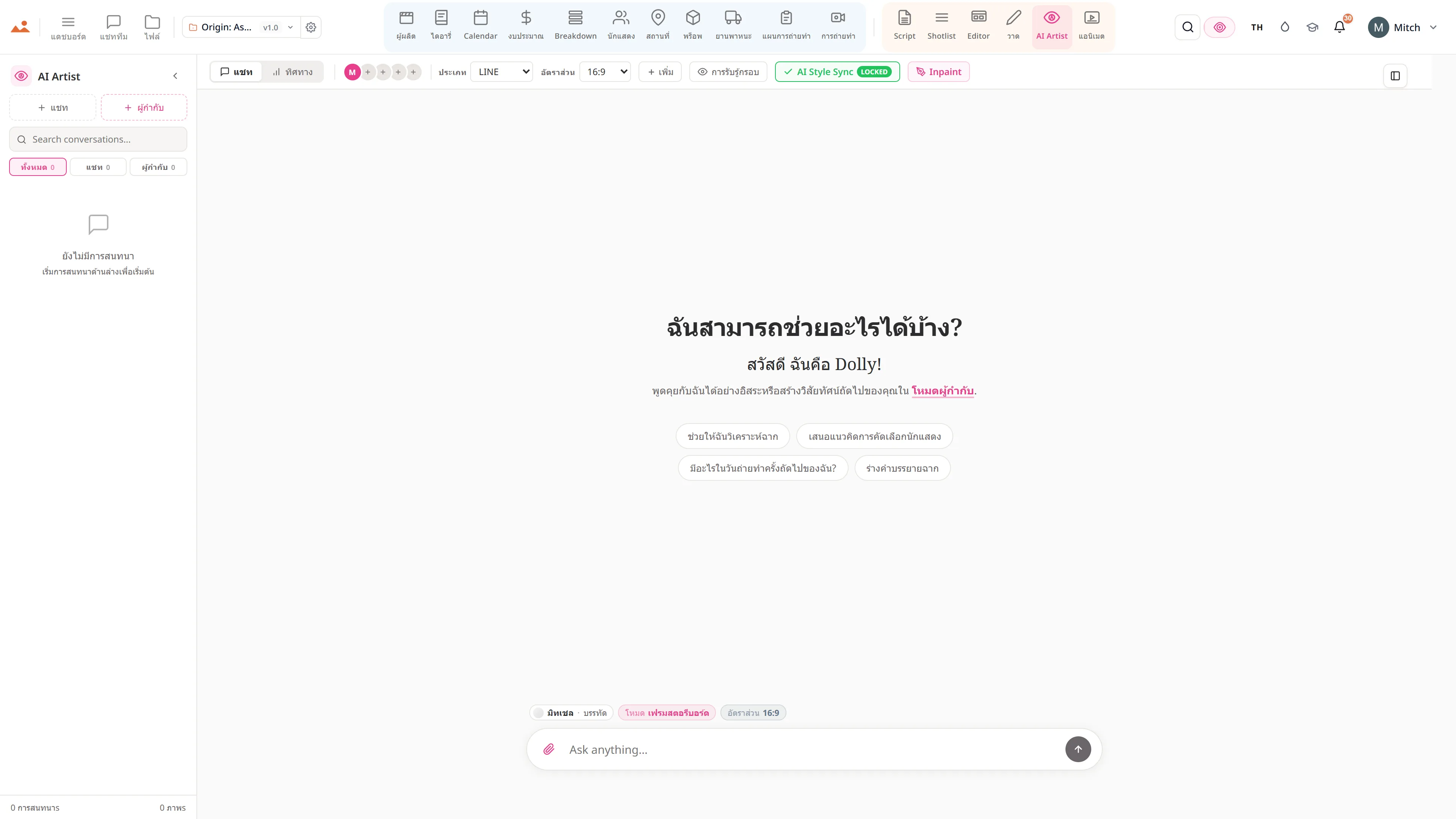
การสร้าง AI Artist ทุกครั้งมีชิป Send to Editor - เฟรมจะถูกส่งไปยังเด็คพร้อมการเชื่อมโยงฉาก.
วาด
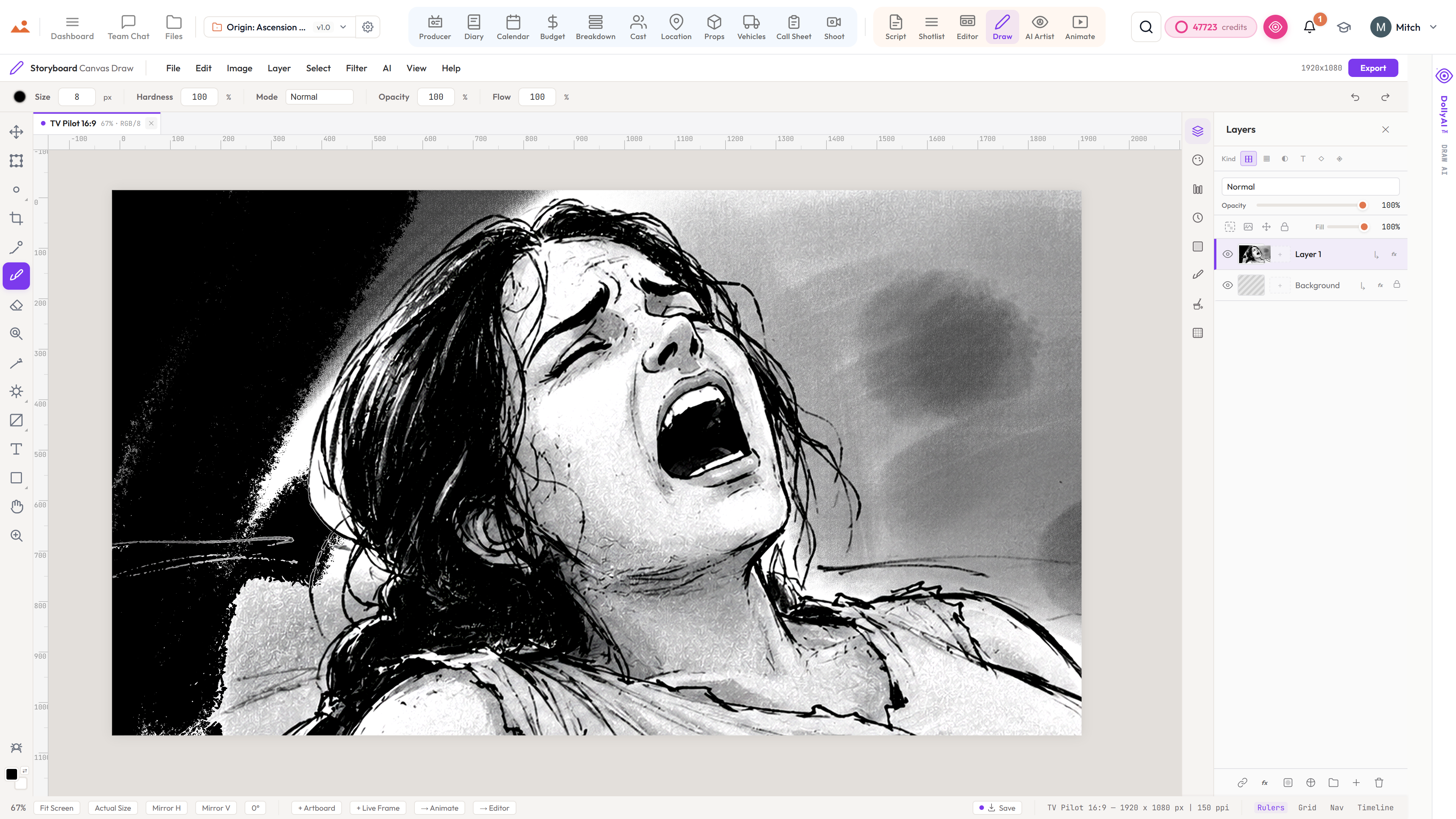
ส่งเฟรมวาดที่เสร็จแล้วไปยังบรรณาธิการด้วยการคลิกเพียงครั้งเดียว. ประวัติการวาดจะถูกเก็บรักษาใน /files.
เคลื่อนไหว
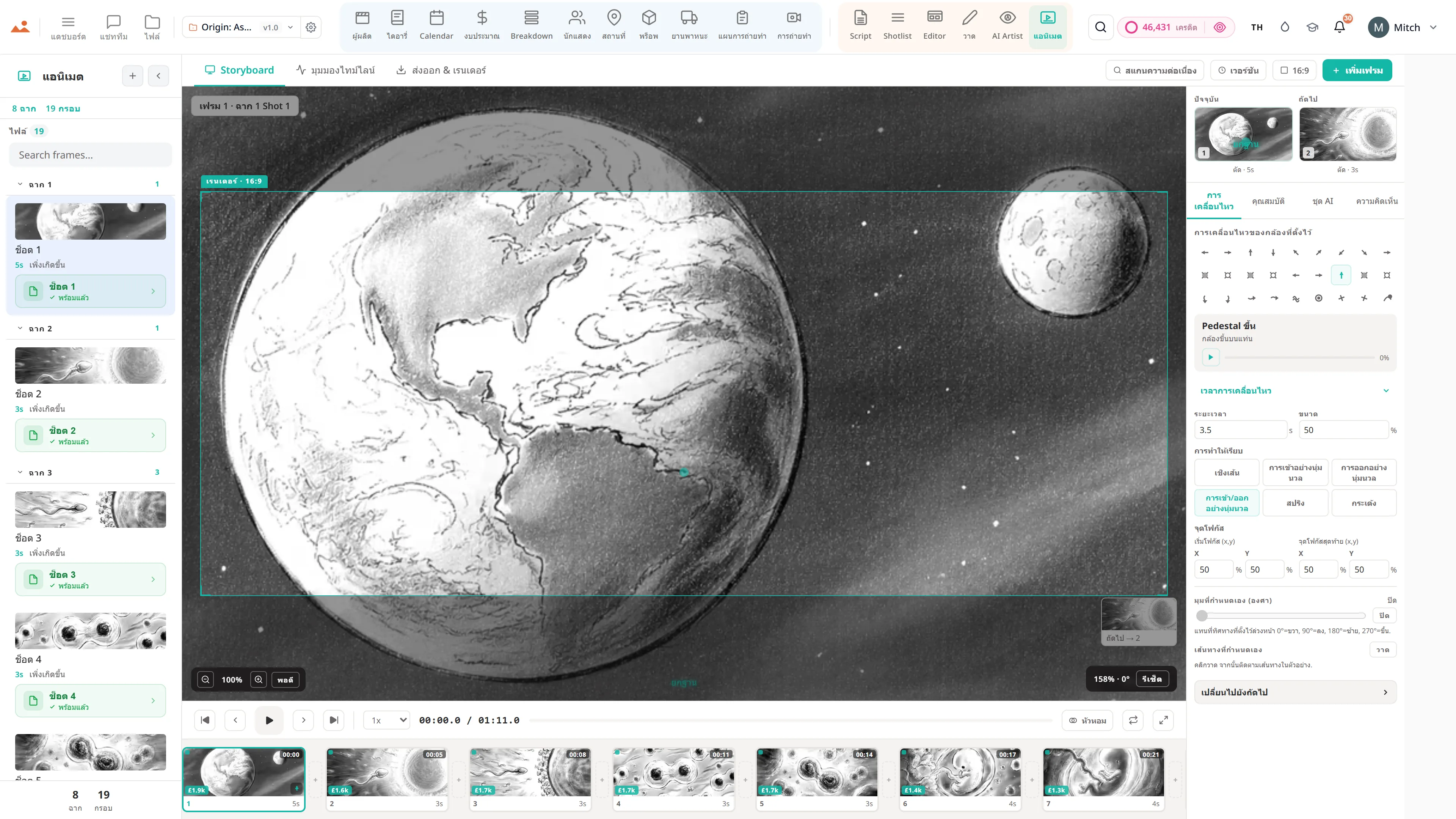
ส่งเด็คทั้งหมดไปยัง Animate เป็นอนิเมชันที่มีเวลา - ไฟล์โปรเจกต์เดียวกัน, ไม่ต้องนำเข้าใหม่.
ไฟล์
ประวัติรุ่นต่อเฟรมใน /files. ย้อนกลับเฟรมใด ๆ ไปยังการบันทึกก่อนหน้าโดยไม่สูญเสียที่เหลือ.
สัญญา
Editor เปิดใช้งาน ทุกระดับ.
ไม่มีฟีเจอร์ที่ถูกล็อค ไม่มีการส่งออกเฉพาะ Pro ไม่มีการเรียกเก็บเงินที่ไม่คาดคิด ทุก Editor เครื่องมือในหน้านี้จะมีในทุกแผน - จาก Hobbyist ถึง Enterprise.