Shot list software that plans every shot, lens and angle.
Build the shot list from the script, set lens, movement and framing per shot, then generate a board image for any row. It syncs straight to the storyboard, so coverage and visuals never drift apart.
See the Shot List →


สิ่งที่อยู่ภายใน Shotlist
รายการช็อต AI พร้อมการวางแผนเลนส์
- AI generates the first pass of coverage from the scene itself - shot size, angle and movement, with the beats it derived them from
- Every shot carries its scene id through to the storyboard editor and the animatic, so nothing loses its place in the film
- Bulk parse a whole screenplay into shots, scene by scene, streaming as it goes
- Full shot grammar: angle, size, lens, movement
- Cinematography parameters per row - aperture, shutter, ISO, ND, frame rate, focus mode
- Lens × Sensor × Shot Validator - catches coverage issues before shoot day
- Lighting and sound notes per shot
- Setup time estimates feed the schedule
- Drag-to-reorder within scenes and across days
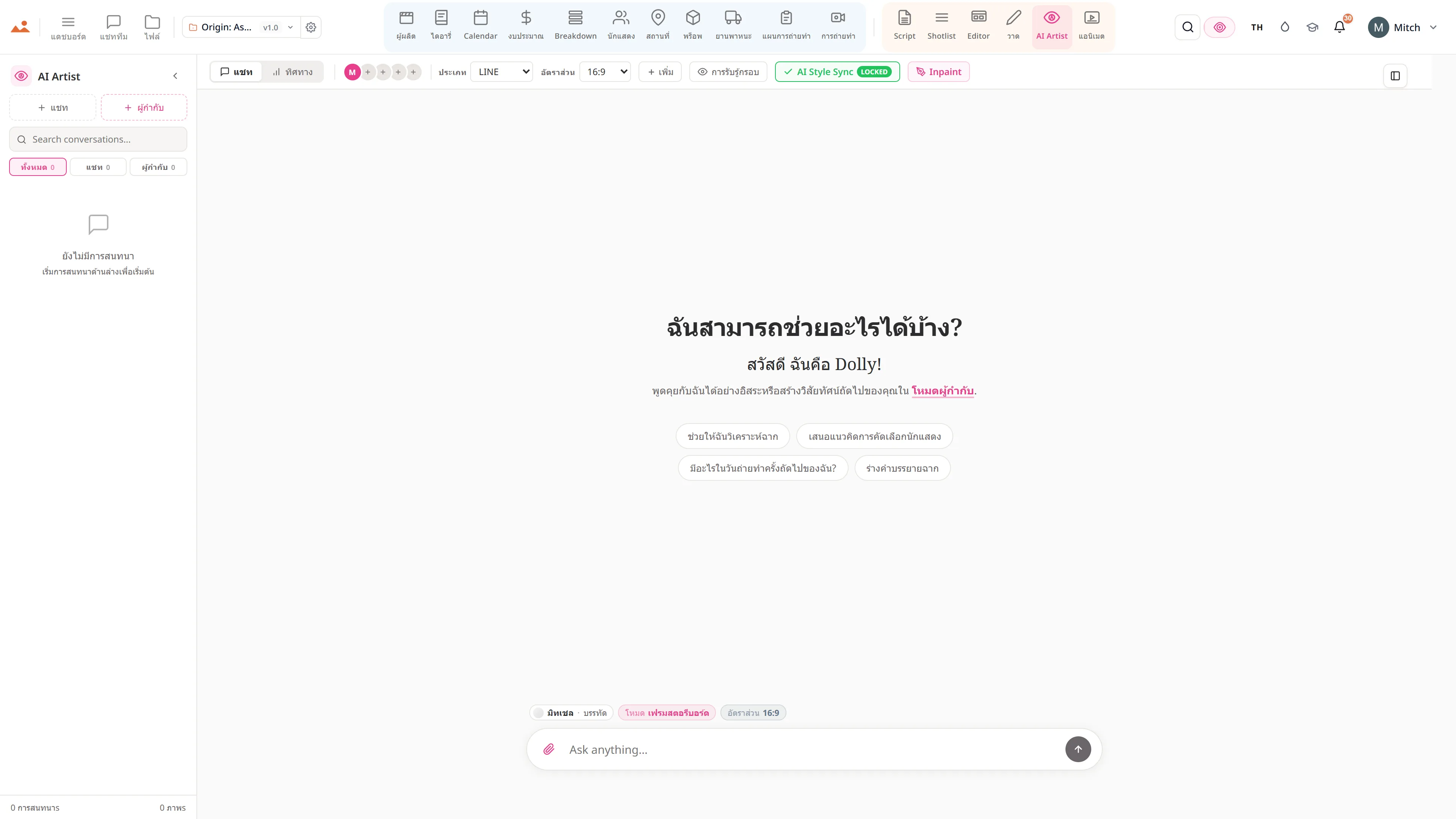
- Per-row Ask Dolly - suggest framing, generate frame, continuity check, alternates
- Bulk screenplay parse - full feature shotlist in one streaming run
- CSV + PDF export for the DP and the AC
ท่อการผลิต
ที่ Shotlist อยู่ในกระบวนการผลิต
สะพานเชื่อมระหว่างการเขียนและการถ่ายทำ Shotlist จะนำบทภาพยนตร์ที่เสร็จสมบูรณ์ + ฉากที่แยกออกมาและสร้างแผนการถ่ายทำต่อช็อตพร้อมพารามิเตอร์การถ่ายทำทั้งหมด ส่งแถวไปยัง AI Artist เพื่อให้ได้กรอบที่ตรงตามแบบ; ส่งช็อตไปยังบรรณาธิการในฐานะแผงสตอรีบอร์ด; ส่งคอลัมน์ไปยังตารางเวลาในฐานะจำนวนการตั้งค่าของวัน

DollyAI™ ในแอปนี้
คำสั่ง AI เชื่อมต่อกับ Shotlist.
คำสั่ง DollyAI กว่า 200+ รายการในชุดนี้ ที่นี่ใน Shotlist. ทุกคำสั่งจะแสดงค่าเครดิตก่อนที่คุณจะยืนยัน และทุกการตอบสนองจะเชื่อมโยงกับโครงการจริงของคุณ - ไม่ใช่คำสั่งทั่วไป
การประมวลผลบทภาพยนตร์แบบจำนวนมาก
1 crต้นทุนต่อฉาก NDJSON streaming parser สร้างรายการช็อตฟีเจอร์ทั้งหมดในครั้งเดียวพร้อมการบัญชีเครดิตต่อฉาก
แนะนำการครอบคลุม
2 crอ่านฉาก + แนะนำช็อต 3-7 ช็อตที่ครอบคลุมการกระทำด้วย master / OTS / coverage / insert.
แนะนำการจัดกรอบ
1 crต่อแถว: ให้การกระทำ + บทสนทนา, แนะนำประเภทช็อต + เลนส์ + มุม.
สร้างเฟรม
25 crส่งแถวไปยัง AI Artist - กรอบสไตล์ล็อคตามเลนส์ + มุม + อารมณ์ของช็อตนี้.
การตรวจสอบความต่อเนื่อง
3 crตรวจสอบข้ามฉากว่ามุมกล้อง + ตัวเลือกเลนส์ + การตั้งค่าแสงอ่านสอดคล้องกันทั่วการครอบคลุม.
ทางเลือก
2 crเสนอการจัดกรอบทางเลือก 3 แบบสำหรับช็อตนี้ - มีประโยชน์เมื่อผู้กำกับต้องการตัวเลือก.
พูดคุยกับทุกแอป
Shotlist อ่าน + เขียนไปยัง ไฟล์โปรเจกต์เดียวกัน.
ไม่มีการเข้าใหม่, ไม่มีการคัดลอก-วาง, ไม่มีเวอร์ชันที่ไม่ตรงกัน ทุกการเชื่อมต่อด้านล่างคือเส้นทางข้อมูลสดในผลิตภัณฑ์ที่กำลังทำงาน
Script
ทุกแถวช็อตมี ID ฉากต้นทางของมัน. เปลี่ยนชื่อหัวข้อใน /script - ช็อตที่เชื่อมโยงยังคงเชื่อมโยง.
Breakdown
จำนวนองค์ประกอบต่อช็อตจะไหลกลับไปยังการวิเคราะห์เพื่อการตรวจสอบใหม่ ("ช็อตนี้ต้องการดาบที่การวิเคราะห์ไม่จับ").
AI Artist
ส่งไปยัง AI Artist ต่อแถว - สร้างเฟรมตามเลนส์ + มุม + แสง + อารมณ์จริงของช็อตนี้
Editor
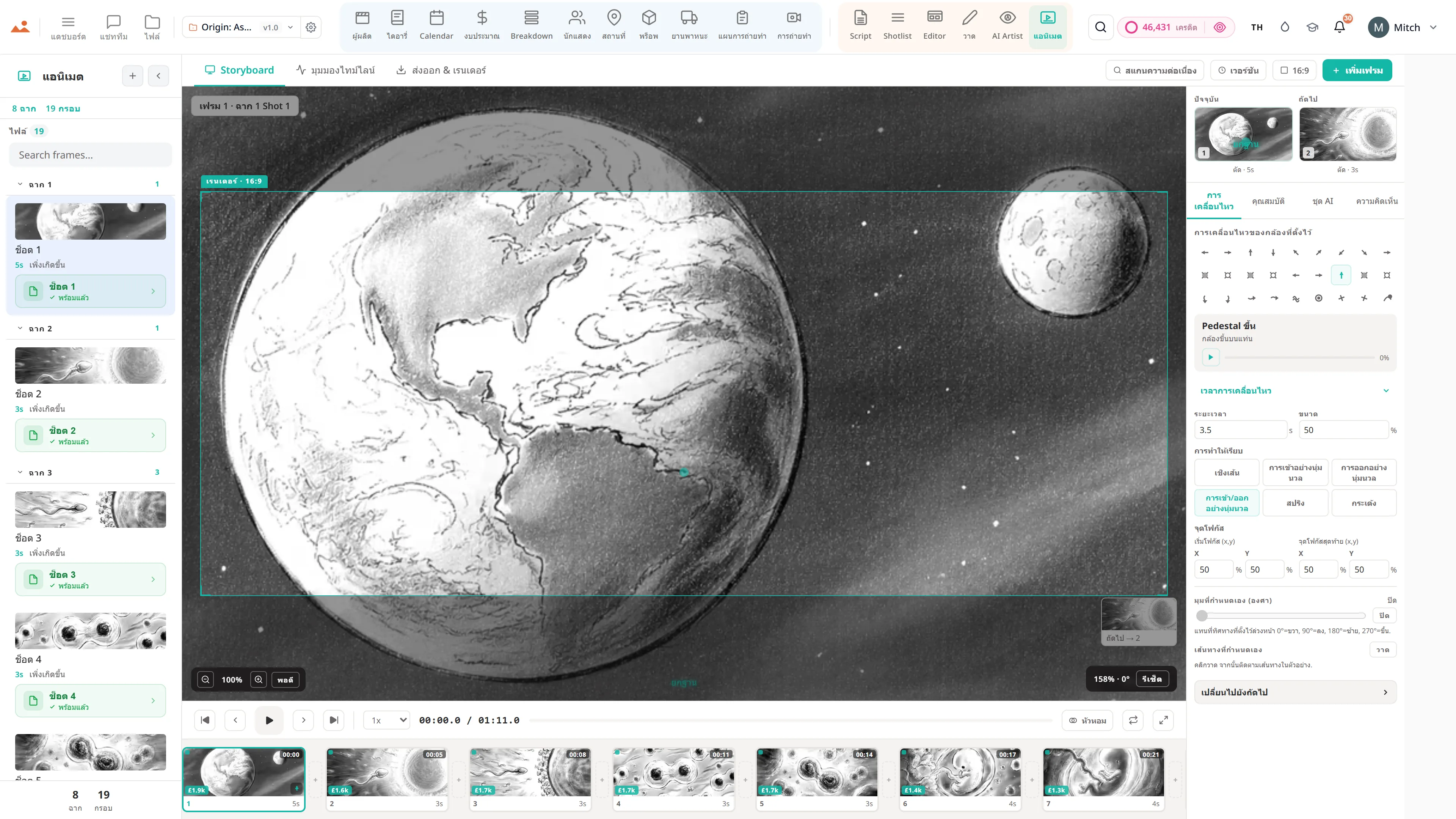
ส่งไปยัง Editor ต่อช็อต - แถวจะปรากฏเป็นแผงสตอรีบอร์ดโดยรักษาการเชื่อมโยงฉากไว้
ถ่ายทำ
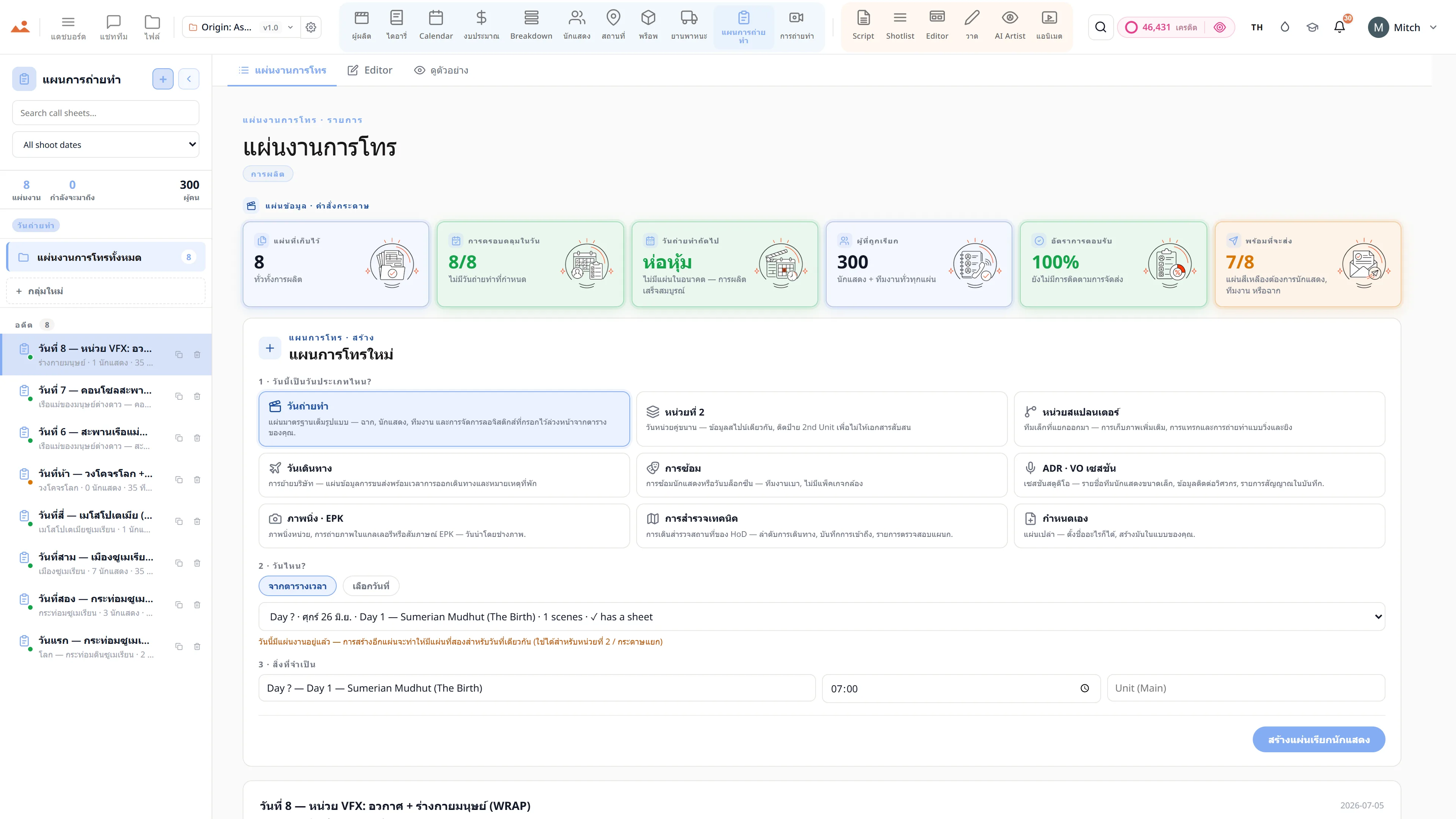
การส่งออกที่กรองรายการช็อตต่อวันจะช่วยให้ AC ได้พิมพ์วันถ่ายทำ การนับการตั้งค่าจะรวมเข้ากับตารางเวลา
สัญญา
Shotlist เปิดใช้งาน ทุกระดับ.
ไม่มีฟีเจอร์ที่ถูกล็อค ไม่มีการส่งออกเฉพาะ Pro ไม่มีการเรียกเก็บเงินที่ไม่คาดคิด ทุก Shotlist เครื่องมือในหน้านี้จะมีในทุกแผน - จาก Hobbyist ถึง Enterprise.