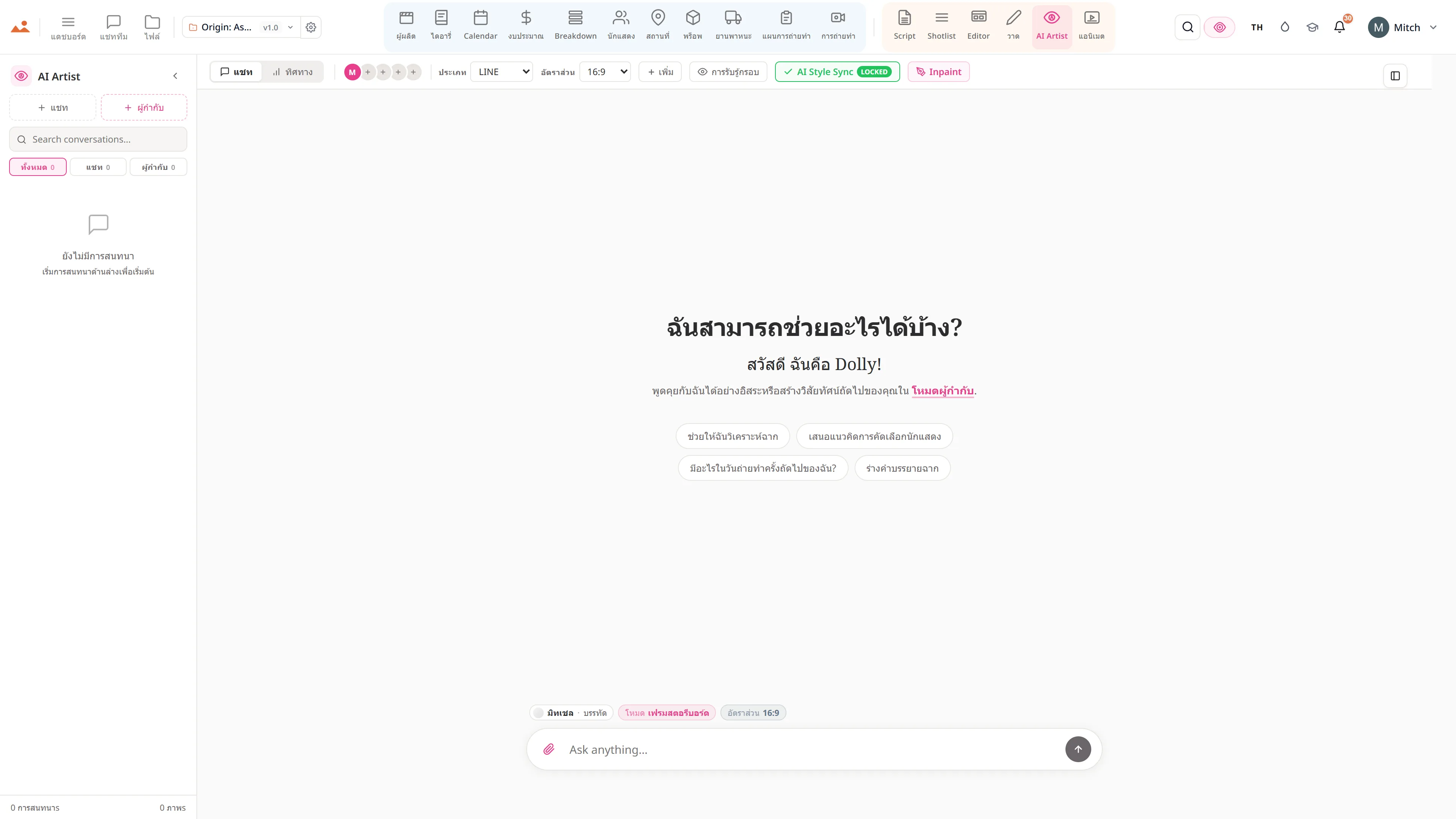
Production team chat anchored to the line, the frame and the day.
Real-time channels per department with threaded replies and frame-anchored comments, syncing live across every device on the crew. No more lost Slack threads or group texts that fall apart at wrap - every conversation pinned to the work it is about.
See Team Chat →
สิ่งที่อยู่ภายใน แชททีม
ทีมงานผลิตพูดคุยตามแผนก
- Channels that keep the record - the production office, camera and lighting, art and locations, VFX and post, wrap and delivery - sitting next to the schedule and budget they are about
- Channels, DMs, and threaded replies
- Comments anchored to script lines and frames
- @mentions, approvals, and audit trails
- Presence indicators and live cursors
- Read receipts on call sheets and sides
- Email and SMS bridges for non-app crew
ท่อการผลิต
ที่ แชททีม อยู่ในกระบวนการผลิต
เครื่องมือสนทนาที่เข้าใจงานจริงๆ Team Chat ช่วยให้คุณสามารถยึดความคิดเห็นไว้กับบรรทัดสคริปต์, เฟรมสตอรีบอร์ด, แถวของนักแสดง, รายการในแผนการถ่ายทำ - และการสนทนาจะอยู่บนพื้นผิวนี้สำหรับผู้รับทุกคน ไม่มีเธรด Slack ที่หายไปอีกต่อไป ไม่มีข้อความกลุ่มที่แตกสลายเมื่อเสร็จสิ้น
อัปสตรีม
แอปนี้
แชททีม
เป็นเจ้าของโดย: ทุกคน - ความคิดเห็นที่เกิดขึ้นในที่ทำงาน
ไหลลงไปยัง

DollyAI™ ในแอปนี้
คำสั่ง AI เชื่อมต่อกับ แชททีม.
คำสั่ง DollyAI กว่า 200+ รายการในชุดนี้ ที่นี่ใน แชททีม. ทุกคำสั่งจะแสดงค่าเครดิตก่อนที่คุณจะยืนยัน และทุกการตอบสนองจะเชื่อมโยงกับโครงการจริงของคุณ - ไม่ใช่คำสั่งทั่วไป
สรุปการติดตาม
2 crกลับมาจากการหยุดพัก 3 วัน? Dolly สรุปทุกช่อง + เธรดที่คุณพลาดไป จัดระเบียบตามโครงการ โดยมี @-คุณติดอยู่ที่ด้านบน
ผู้ช่วยการอนุมัติ
1 crร่างคำขออนุมัติที่ถูกต้องตามเอกสาร + ผู้รับ - เป็นทางการสำหรับนักลงทุน, ไม่เป็นทางการสำหรับทีมงาน
พูดคุยกับทุกแอป
แชททีม อ่าน + เขียนไปยัง ไฟล์โปรเจกต์เดียวกัน.
ไม่มีการเข้าใหม่, ไม่มีการคัดลอก-วาง, ไม่มีเวอร์ชันที่ไม่ตรงกัน ทุกการเชื่อมต่อด้านล่างคือเส้นทางข้อมูลสดในผลิตภัณฑ์ที่กำลังทำงาน
Script
ยึดความคิดเห็นกับบรรทัดสคริปต์ใด ๆ; @-mentions แจ้งเตือน; การแก้ไขทำให้บรรทัดนั้นชัดเจน.
Editor
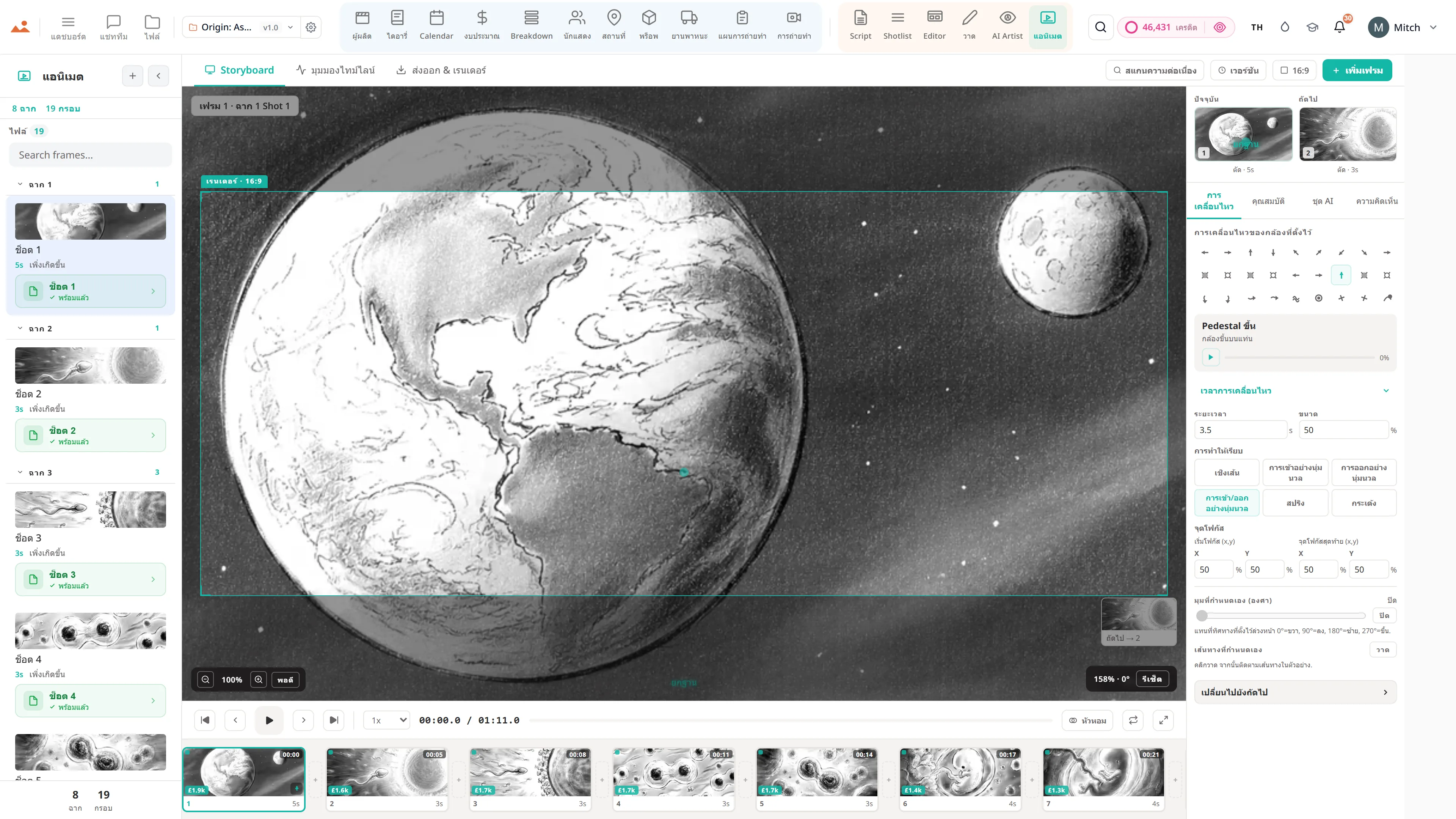
เธรดความคิดเห็นต่อเฟรมที่ยึดติดกับเฟรมสตอรีบอร์ด ตอบกลับ แก้ไข เปิดใหม่.
นักแสดง
ช่องทางสำหรับสมาชิกนักแสดงแต่ละคนสำหรับการตรวจสอบเทป + การสื่อสารกับตัวแทน; การลงนามในบันทึกข้อตกลงจะมาที่นี่.
Call Sheet
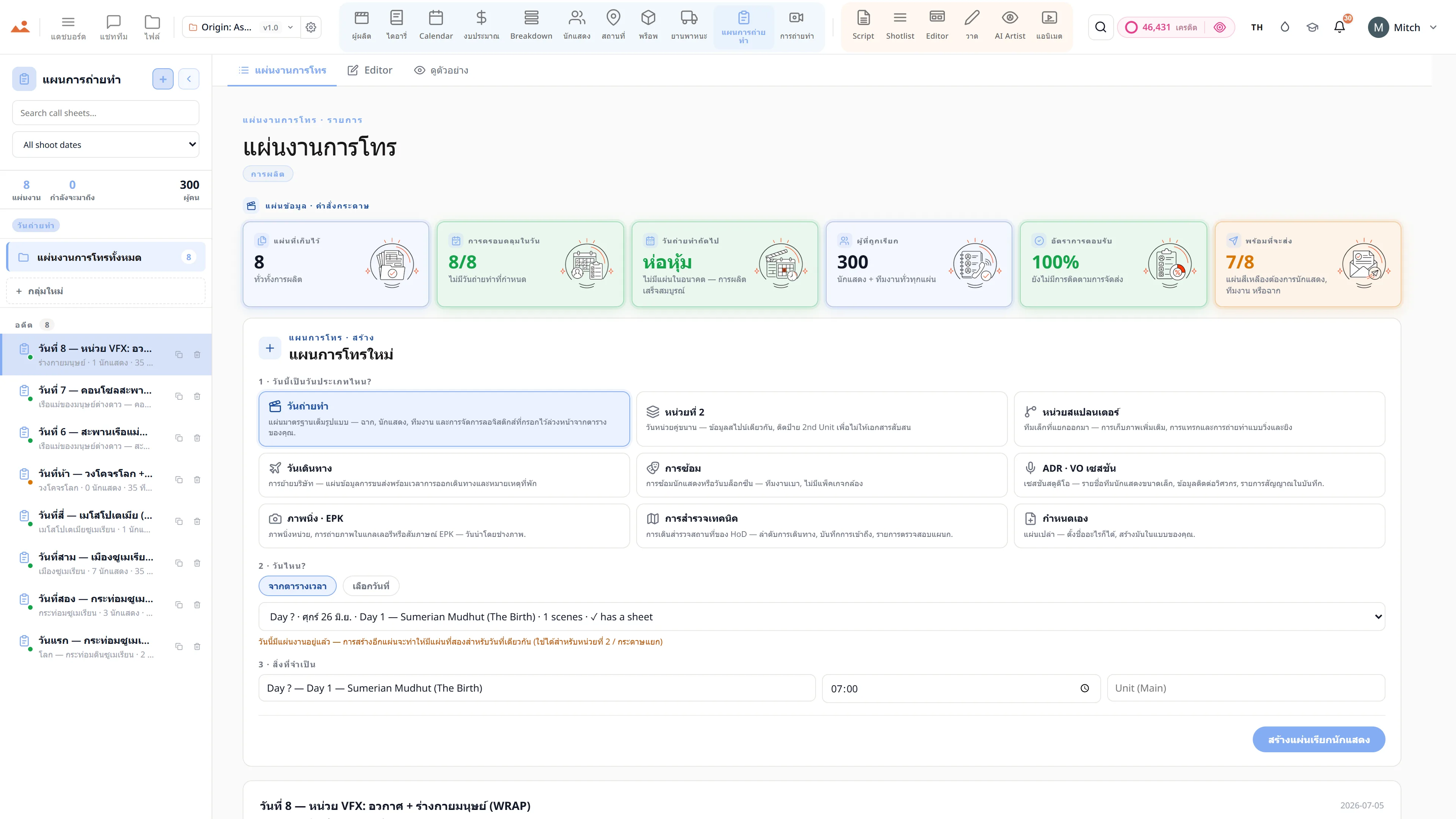
เธรดความคิดเห็นต่อแผ่นเรียก - การเปลี่ยนแปลงทุกครั้ง การอนุมัติทุกครั้ง และจดหมายแก้ไขทุกฉบับที่พูดคุยในที่เดียว.
คำถามที่พบบ่อย
คำถามทั่วไปเกี่ยวกับ แชททีม.
ฉันสามารถยึดความคิดเห็นกับบรรทัดหรือเฟรมเฉพาะได้หรือไม่?
ใช่ ยึดความคิดเห็นกับบรรทัดสคริปต์เฉพาะ เฟรมเฉพาะ ฉากเฉพาะ หรือแถวของนักแสดงเฉพาะ - และผู้รับทุกคนจะไปยังพื้นผิวที่แน่นอนเมื่อพวกเขาคลิกผ่าน.
มันมีการแสดงผลแบบเรียลไทม์หรือไม่?
ใช่ - ตัวชี้สด + การแสดงผลในทุกแอป ผู้ผลิตรู้ว่าผู้กำกับกำลังตรวจสอบฉากเดียวกัน; ผู้กำกับรู้ว่าผู้ดูแลสคริปต์กำลังบันทึกไดอารี่.
ฉันสามารถติดตามการอนุมัติ + การลงนามสำหรับบริษัทประกันได้หรือไม่?
ใช่ ทุกการอนุมัติ / การลงนาม / การเซ็นชื่อ จะมีการบันทึกเวลา + การประทับตราของผู้แสดง เพื่อบันทึกการดูแลของการผลิต แพ็คการตรวจสอบของบริษัทประกันอยู่แค่คลิกเดียว
มันรองรับการตอบกลับแบบเธรด + @mentions เหมือน Slack หรือไม่?
ใช่ ช่องทาง, DM, การตอบกลับแบบเธรด, @mentions, ใบเสร็จการอ่าน - ทุกฟีเจอร์ระดับ Slack + การยึดโยงที่ตระหนักถึงการผลิตอยู่ด้านบน
สัญญา
แชททีม เปิดใช้งาน ทุกระดับ.
ไม่มีฟีเจอร์ที่ถูกล็อค ไม่มีการส่งออกเฉพาะ Pro ไม่มีการเรียกเก็บเงินที่ไม่คาดคิด ทุก แชททีม เครื่องมือในหน้านี้จะมีในทุกแผน - จาก Hobbyist ถึง Enterprise.