Production diary software - DPRs, continuity and BTS in one log.
Daily production reports, a shoot-log stripboard, an issues board and a behind-the-scenes gallery - every shooting day captured, ready to hand to the bond company. Yesterday's DPR feeds today's hot-cost automatically.
See the Diary →


内容概览 日记
制作日记、DPRs 和连续性。
- The daily production report writes itself from the day you logged: a director's narrative, the Exhibit G cast-time table, a weekly progress digest and the end-of-day wrap, one button each
- DPR register shows which shoot days have their report on file and which do not, so the gap is visible before a financier finds it
- Issues log with severity and lifecycle - the compliance trail an insurer asks for when a stunt goes wrong
- BTS media filed against the shoot day it belongs to, feeding the EPK and the wrap binder automatically
- 11 view modes - daily log, DPR, BTS, scene completion, problem log, and more
- Live Continuity Tablet - script supervisor, 1st AC, and sound mixer share one record on set
- Costume + Makeup Continuity capture - auto-tagged photos for instant scene recall
- Shoot-day sidebar with one-click filter
- BTS photo and video uploads with scene linking + lightbox
- PDF and DPR export for production insurance and post
- Scene completion log ties back to Script and Schedule
- Dolly summarises each day into a shareable crew recap
- Per-day unit code - A unit, B unit, splinter, aerial, underwater, stunt - the DPR header tags every entry
- Per-day production phase - principal, second-unit, pickup, reshoot, post-VFX - tax-credit-ready paper trail
- Safety-incident routing - the moment one is logged, the producer + team admins get notified, the audit log captures it, the bond company's chain-of-custody record stays clean
- Scene-completion back-write - flip a scene wrapped in the diary and the shoot day's scenes JSON updates automatically
- Permit-expiry warnings - every linked location's permit status is read at GET time; expired or expiring permits surface on the entry
- IATSE turnaround check - prev-day wrap to next-day call computed automatically; anything under the 10-hour minimum flagged on the DPR

此应用中的 DollyAI™
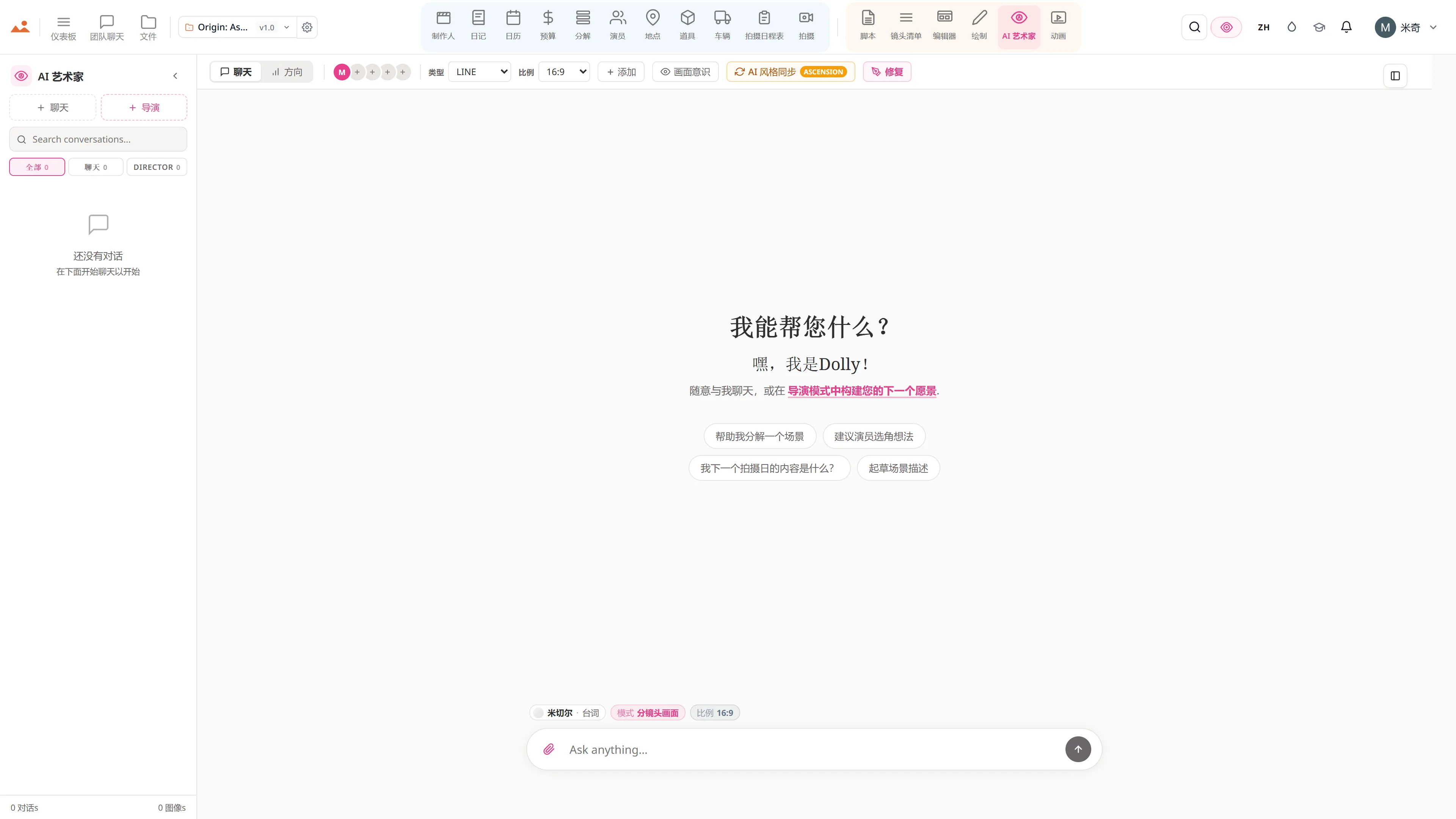
AI 命令 集成到 日记.
在这个套件中,有超过200个命令,这里是 日记。每个命令在您确认之前都会显示其信用成本,并且每个响应都与您的真实项目相关,而不是通用提示。
Crew recap
2 积分Dolly将每一天总结为200字的团队回顾——拍摄了什么,完成了什么,明天的计划是什么。可分享的WhatsApp / 电子邮件格式。
Problem log review
2 积分读取当天的问题日志并识别模式——“这是相机电池在夜间外景中第三次耗尽。”
DPR narrative
3 积分为DPR PDF撰写的封面段落,使用简单英语,格式适合债券公司的晨读。
与每个应用程序对接
日记 读取 + 写入 相同的项目文件.
不允许重新进入,不允许复制粘贴,不允许不同步版本。以下每个连接都是正在运行的产品中的实时数据路径。
常见问题
关于的常见问题 日记.
日记是否会自动生成每日制作报告?
是的。DPR PDF——拍摄的页面、完成的场景、播放时间、演员出勤、天气、问题——在一天结束时根据日记的结构化条目自动生成。格式符合每个保险公司 + 担保公司所期望的规范。
什么是实时连续性平板?
一个共享的实时记录,剧本监督、第一助理摄影师和声音混音师在现场同时写入同一日记条目。每个镜头、每个场景编号、每个音频备注实时记录——无需在一天结束时进行对账。
服装 + 化妆的连续性可以通过照片捕捉吗?
是的——在每个镜头开始时快速拍照,自动标记场景 + 演员。下次拍摄该场景时,系统会立即显示之前的连续性照片。连续性不再是一个夹板。
日记如何为制片人的晨间简报提供信息?
昨天的日记条目——拍摄的页面、播放时间、演员出勤、问题日志——为制作人的OT预测 + 热成本预测 + EFC汇总提供数据。执行制片人在早上6点查看早间简报,基于昨天的实际情况。