Skip to content

Production file manager - every asset versioned and searchable.

Every script revision, board, BTS still, audio file and call-sheet PDF in one versioned drive, previewable in place and searchable by scene or character. Roll back any asset to any save point - the production archive your editor will thank you for.

See Files
Files 应用的资产库,源过滤器显示所有 78 个,画面 20,角色 11,服装,地点 24,道具 19,车辆,日记 BTS 4 和上传;下方是来自电影的黑白故事板画框网格——从太空看地球的广角镜头,细胞分裂的宏观镜头,苏美尔泥屋中的出生,城市崩溃,肩上三联画,敌军士兵的大特写以及外星母舰桥的广角镜头——每个都标有镜头大小,并携带其所属的故事板和场景,下面有角色行。
Asset Library
Every image the production has made, in one library that fills itself: 20 storyboard frames, 11 characters, 24 locations, 19 props and the diary's behind-the-scenes stills - each one still carrying the storyboard and the scene it came from.

内容概览 文件

生产文件管理器和资产库。

  • The asset library fills itself from the apps - frames, characters, costumes, locations, props and the diary's BTS stills, each still knowing the scene it came from
  • Full version history on every asset
  • Never-lose-saves - autosave plus restore points
  • Linked previews across script, storyboard, and shot list
  • Drag-in imports and drag-out exports
  • Search by scene, character, prop, or date
  • Archive + restore for wrapped projects
Get started 替代: 通用云文件共享应用和创意审核工具

管道

在哪里 文件 在制作流程中。

您编辑器会感谢您的归档。文件位于每个其他应用程序之下——每个脚本保存、每个帧导出、每张日记照片、每个拍摄清单 PDF 都在这里,带有版本历史 + 关联预览 + 按任何内容搜索。每个部门最终都信任的资产库。

这个应用程序

文件

拥有者: 每个人 - 每个应用程序都在这里写入

The production drive

The archive that saves the edit.

Every version of everything is kept, so the board someone overwrote on Tuesday is one click back. When the edit asks for the asset from a scene three months ago, it is there, named and findable.
Files app for StoryboardCanvas film production software - Production file manager and asset library.

此应用中的 DollyAI™

AI 命令 集成到 文件.

在这个套件中,有超过200个命令,这里是 文件。每个命令在您确认之前都会显示其信用成本,并且每个响应都与您的真实项目相关,而不是通用提示。

自动分类

1 积分

读取文件的名称 + MIME类型 + 上下文 + 按场景/角色/日期/部门自动标记。

搜索任何内容

1 积分

自然语言搜索:“第二稿中的仓库建立镜头”返回正确的帧导出,来自正确的 /editor 版本。

常见问题

关于的常见问题 文件.

Files 是否对每个资产保留版本历史?

是的。每个脚本修订、故事板帧、拍摄清单 CSV、拍摄清单 PDF、BTS 照片 - 完整的版本历史。可以回滚到任何保存点,而不会丢失下游工作。

我可以通过场景或角色在所有资产中搜索吗?

是的 - 在整个库中进行自然语言搜索。找到每个角色的每张 BTS 照片、每个场景的每个故事板帧、每个脚本的每个修订 - 按名称、日期、场景、角色或道具。

文件可以在线预览我的剧本和故事板吗?

是的 - FDX、PDF、JPG、MP4、CSV、DOCX、ZIP 的关联预览。每个文件都可以在不下载的情况下就地渲染。

我可以归档一个已包装的制作并在以后恢复吗?

是的 - 一键归档已封装的项目;一键恢复。整个文件树保持完整冻结 + 在您再次需要它时立即恢复,用于续集、奖项推动或法律请求。
承诺

文件 is on 每个等级.

没有锁定功能,没有仅限专业版的导出,没有意外的付费墙。每个 文件 页面上的工具在所有计划中均可使用 - 从爱好者到企业版。

See it for yourself

Step inside a real production, completely free.

Open the actual software on Origin: Ascension, a finished short film, and explore every app exactly as the crew left it. Read the script, walk the boards, open the budget, print the call sheet. Fully read-only, with no sign-up. Nothing you touch is saved.

Try the free demo20 apps · one project file · 0 seconds of setup
No sign-upNo cardNo downloadFully read-onlyNothing you touch is saved
Live demo · Origin: Ascension
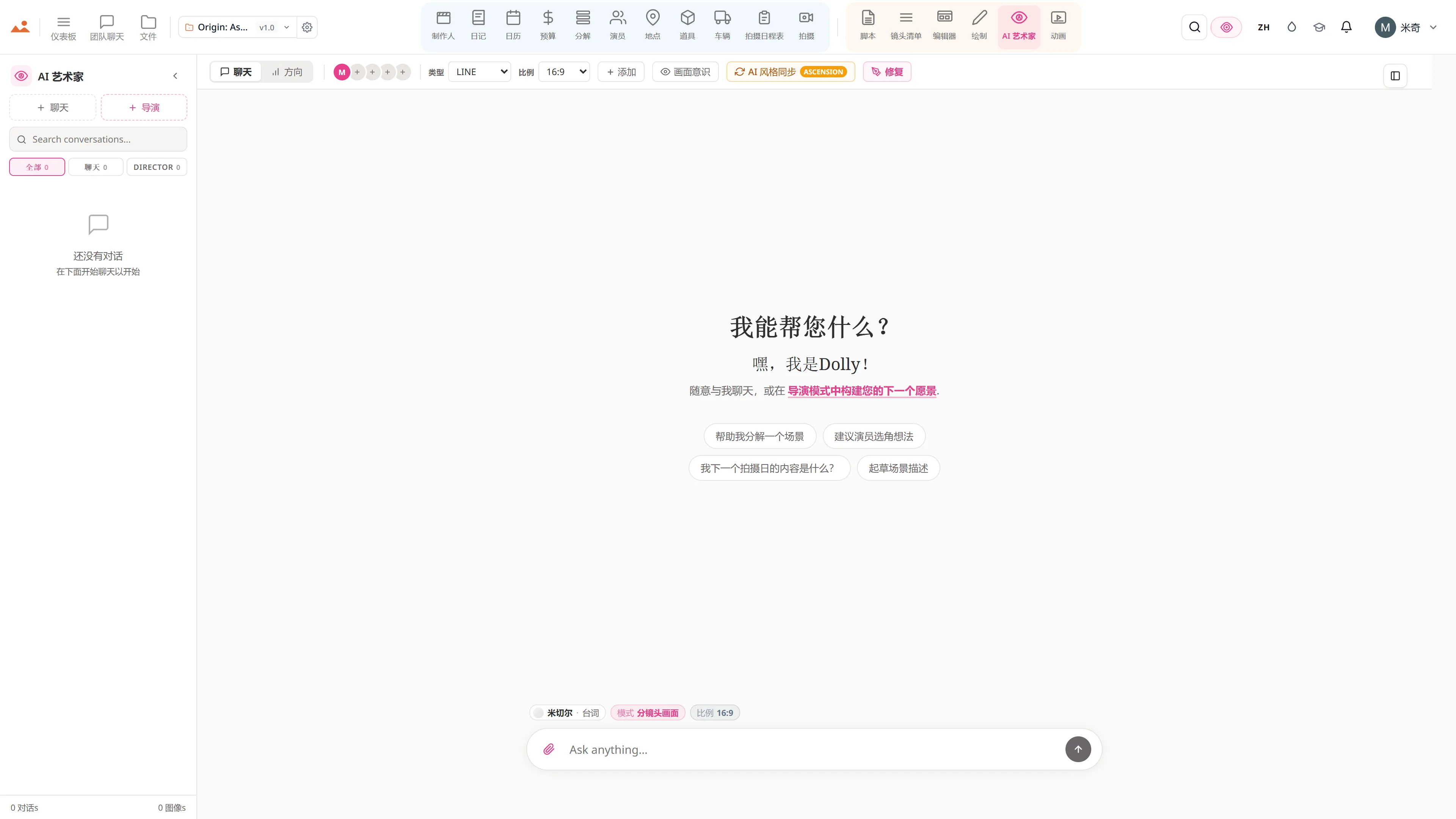
在免费演示中的 AI Artist 应用,生成项目锁定房屋风格的故事板帧。
The Draw studio in the free demo, painting over an Origin: Ascension storyboard frame on the GPU canvas.
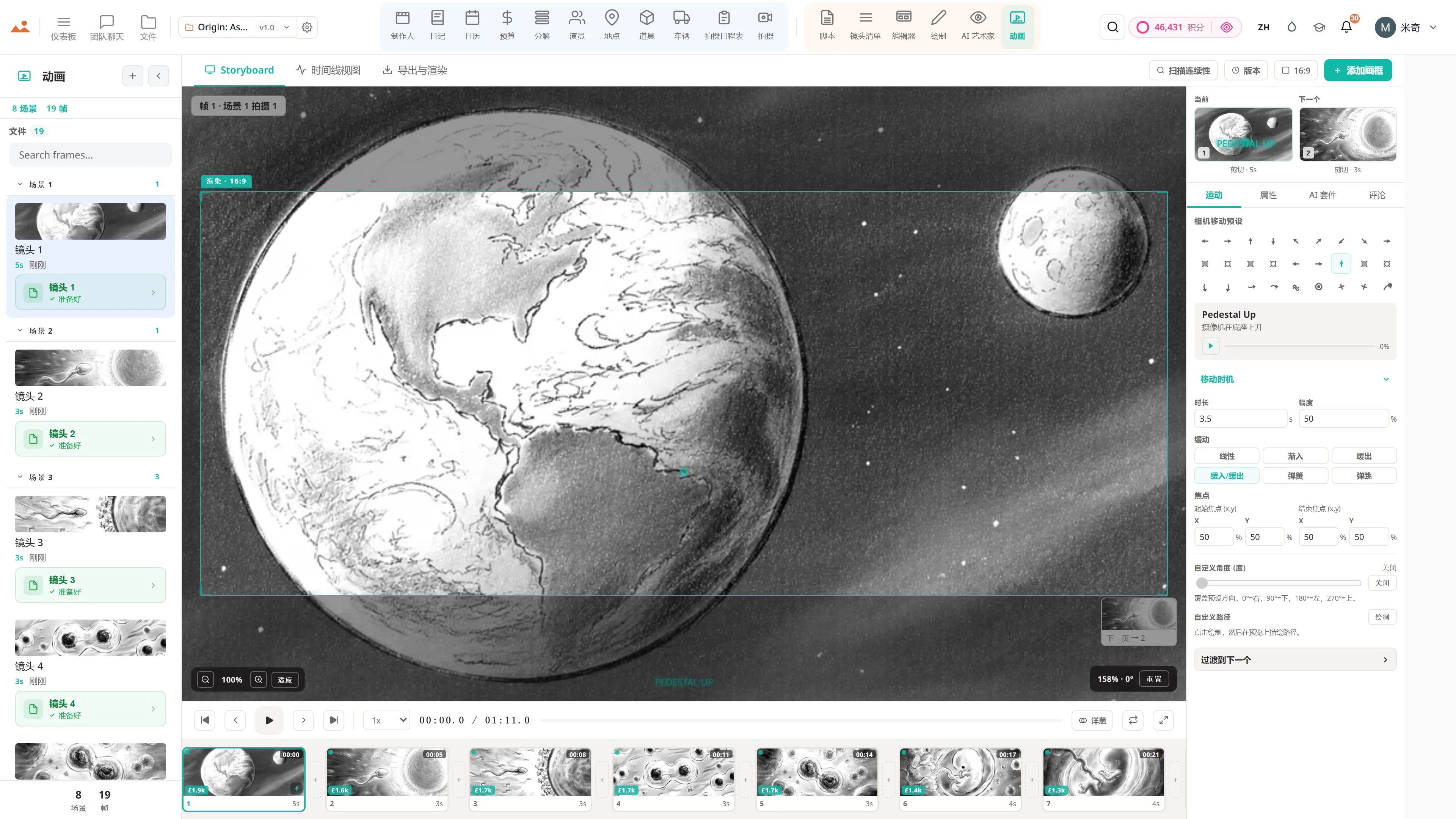
在免费演示中的 Animate 应用,播放定时的动画分镜。
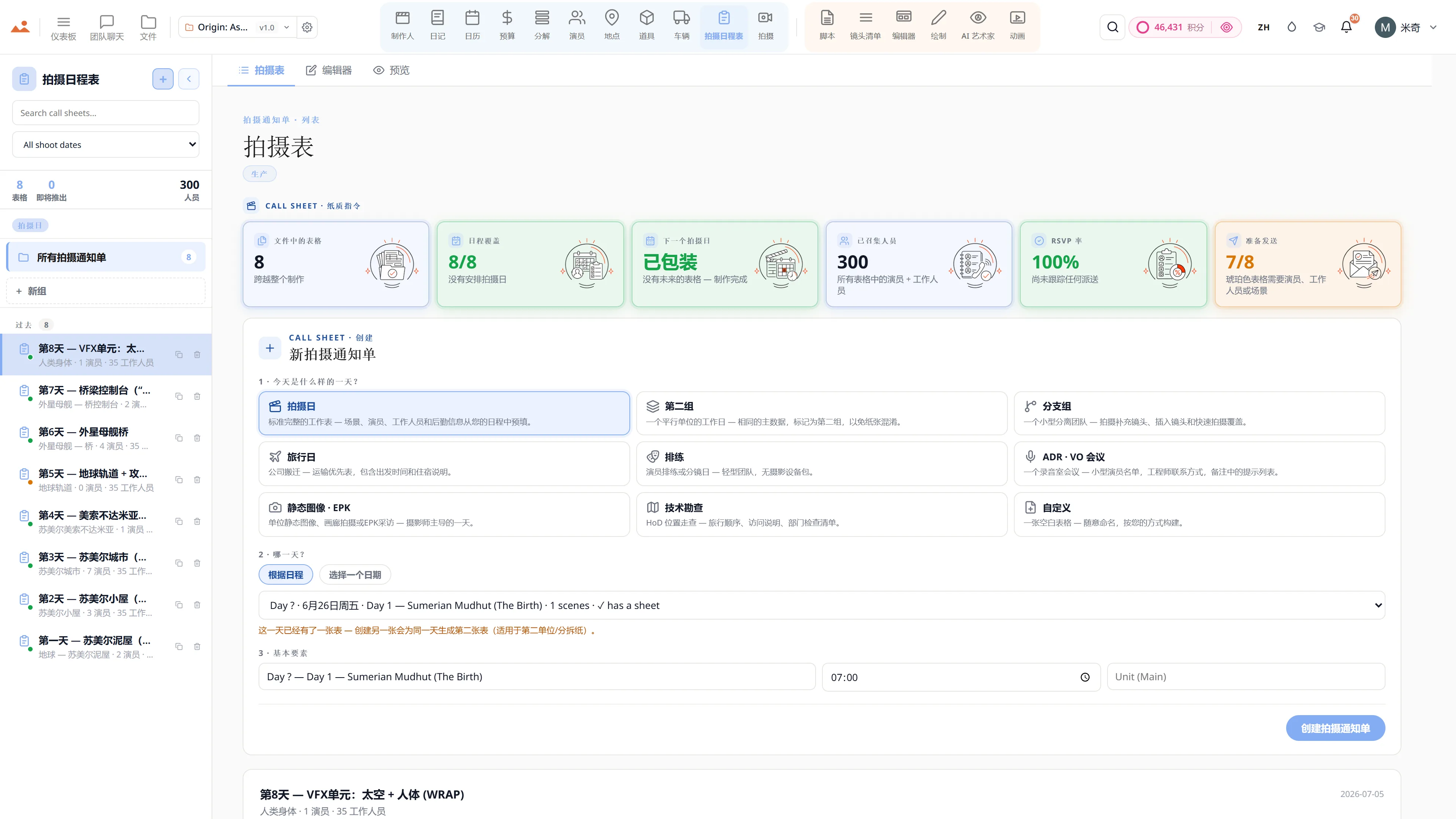
在免费演示中的 Call Sheet 应用,显示完成的拍摄日通告单。

Script · breakdown · boards · animatic · call sheets · budget

The demo is a view-only copy shared for exploration. Some features need a paid subscription to run.

Storyboard Canvas · the complete production suite

The complete script-to-screen suite - start free

Twenty synchronised apps, one project file. Every app on every plan - pick a tier by team size, not features.

Get started